Designing Trust: UX for Privacy and Security in 2026
8 May 2026
Let's be honest for a second. When was the last time you actually read a privacy policy? I mean, really read it, not just scrolled to the bottom and mashed "Accept" like you're trying to beat a high score? If you're like most of us, the answer is probably "never." And that's exactly the problem.
We're heading into 2026, and the digital world is a strange place. Our toasters are on the internet, our cars are running on software updates, and our health data is being ping-ponged between apps we forgot we installed. Trust, that fragile little thing, is hanging by a thread. But here's the twist: it's not just about building better firewalls or stronger encryption anymore. It's about how that security feels. It's about User Experience (UX) design.
Think of it this way: security used to be a bouncer at a club. You show your ID, he grunts, you go in. It was a gate. Now, security needs to be a butler. A very paranoid butler who brings you a drink while quietly checking your background. In 2026, designing for privacy and security isn't a feature list you bolt on at the end. It's the front door, the welcome mat, and the handshake all rolled into one.
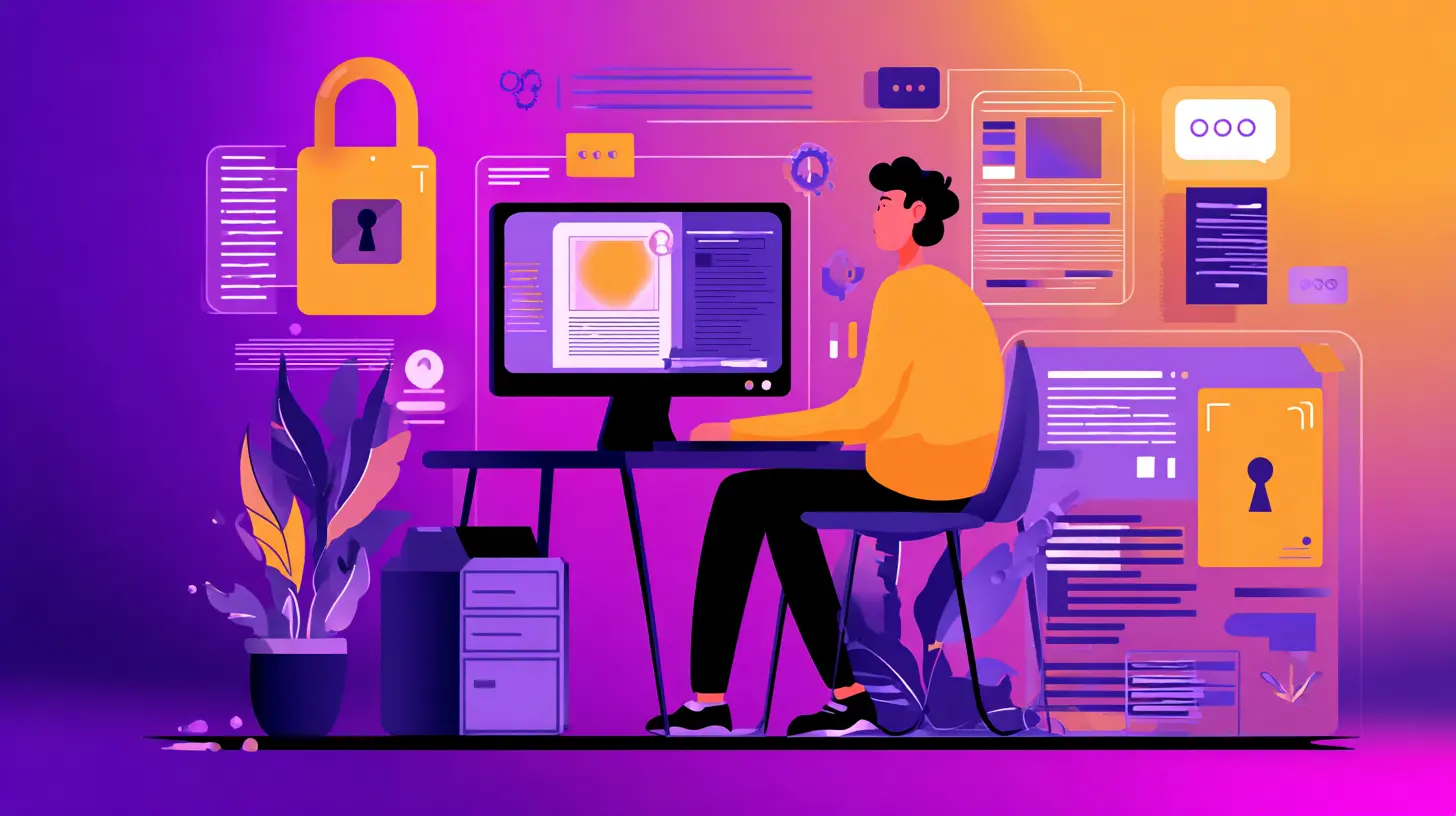
The "Creepy" Factor: Why Your App Feels Like a Stalker
We've all felt it. You're talking to a friend about, say, vintage lawn flamingos. Two seconds later, your phone shows you an ad for a pink flamingo garden ornament. You didn't search for it. You didn't email about it. You just talked. Suddenly, your phone feels less like a tool and more like a nosy neighbor peeking through your curtains.That's the "creepy" factor, and it's the number one killer of digital trust in 2026. Users aren't stupid. They might not know the technical jargon like "data harvesting" or "behavioral profiling," but they know when something feels off. They feel watched.
So, how do you fix that? You don't just hide the tracking. You make the invisible visible. You design for transparency.
Imagine an app that, instead of a tiny "Privacy Policy" link in the footer, has a small, unobtrusive icon in the corner of the screen. You tap it, and a simple, plain-English pop-up says, "Hey, we just used your location to find a coffee shop nearby. We don't save this data. Want to see what else we're doing?" That's not creepy. That's polite. It's like a friend saying, "I'm going to use your bathroom, okay?" instead of just disappearing.
In 2026, the best UX for privacy is the one that stops users from feeling like they're being stalked by a very efficient, very silent robot.
The Password is Dead (Long Live the Passkey)
Let's talk about passwords. They are the security equivalent of a paper lock. You know, the kind you find on a cheap diary from the drugstore. You break it with a flick. We've been told for years to use "P@ssw0rd!" but we all know the truth: most people use "123456" or "password" itself. It's a charade.In 2026, the password is officially on life support. The future is the passkey. If you haven't used one, it's magic. You log in with your face, your fingerprint, or a PIN on your phone. There's nothing to remember. There's nothing to type. It's just... you.
But here's the UX catch. For a lot of people, especially those who aren't tech wizards, this feels scary. "You want to scan my face? Are you building a police database?" It's a valid question. The UX challenge is to explain that your face isn't being stored as a JPEG. It's being turned into a mathematical hash, a digital ghost. It's like giving a bouncer your fingerprint, but the bouncer forgets your face the second you walk in.
Designing this well means using clear animations, simple icons, and reassuring language. "Use your face to unlock. It's faster and safer than a password. We can't see your face, only your phone can." It turns a scary biometric scan into a convenient, trustworthy handshake.
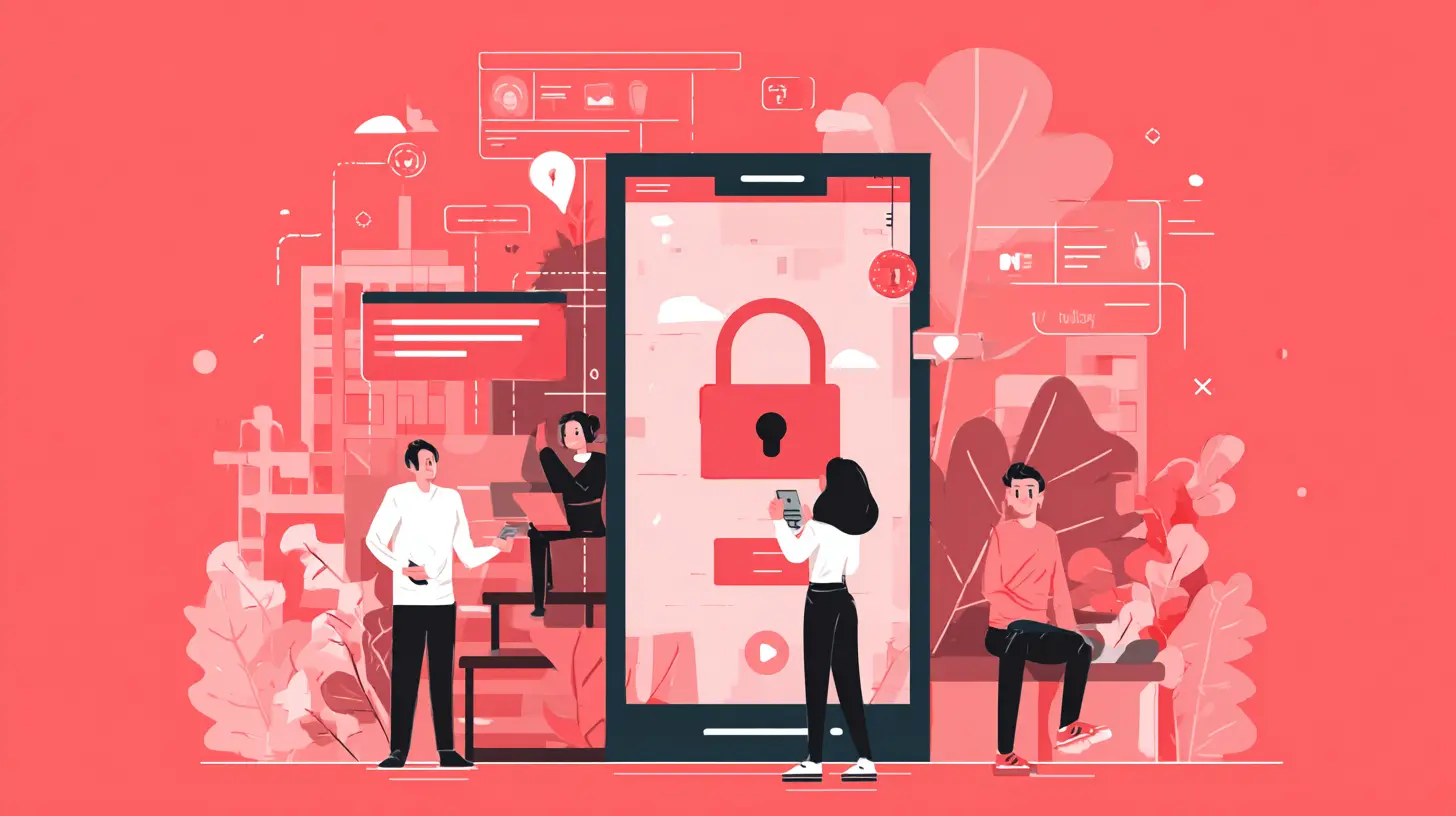
Designing for the Paranoid User
Let's face it: by 2026, we're all a little paranoid. And that's healthy. A good UX designer doesn't just design for the trusting user. They design for the skeptical one. The one who clicks "Decline All Cookies" before even reading the breakfast menu.This means building a "privacy-first" flow. Instead of asking for all permissions upfront like a pushy salesman ("Give me your contacts, your camera, your microphone, and your firstborn child!"), you ask for them contextually.
You want to use the camera to take a photo? Great, the app asks for camera access right then and there. Not during setup. Not when you're trying to log in. At the moment of need. This is called "Just-In-Time" permissions, and it's the gold standard for trust.
It's like a handyman. You don't give him the keys to your entire house when he arrives. You give him the key to the bathroom he's fixing, and when he's done, you take the key back. The app should do the same. "I need your location to show you the nearest pizza place. I'll forget it after you close the map." That's respectful. That's trustworthy.
The Dark Pattern Trap (Don't Be a Villain)
This is where I get to wag my finger a little. Dark patterns are those sneaky, manipulative design tricks that trick you into doing something you don't want to do. You know the ones. A big, shiny green button that says "Subscribe to our newsletter!" and a tiny, gray, almost invisible link that says "No thanks, I hate puppies."In 2026, users are wise to this. They smell a dark pattern from a mile away. Using them is like putting a "Kick Me" sign on your own back. It's a short-term win for a long-term disaster.
The new trend is "light patterns" or "ethical nudges." This means designing choices that are clear, easy to understand, and equally easy to decline. The "Decline" button should be just as big and pretty as the "Accept" button. The wording should be neutral, not guilt-tripping.
For example, instead of "Allow us to use your data for a better experience?" (which implies you'll get a worse experience if you say no), try "We use some data to improve the app. You can turn this off anytime in settings. It won't affect your basic features." Honest, direct, and not manipulative. It's the difference between a used car salesman and a trusted advisor.
The "Security Theater" of the Modern App
You know what drives me nuts? The fake "security" loading screen. The one that says "Encrypting your data..." with a spinning wheel, but you know it's just a three-second animation to make you feel safe. That's security theater. It's like having a guard dog that only barks at squirrels.In 2026, users are too smart for that. We need real, tangible feedback. When a user sends a message, show them a little lock icon that fills up and says "End-to-end encrypted. Sent." When they make a payment, show a visual chain of the transaction. "Your payment went from your bank, through our secure vault, to the merchant. No one else touched it."
Make the security process a narrative. A story. "Your data just took a secret tunnel through the internet. It's safe now." Use metaphors. Use little animations. Make the user feel like they're in a spy movie, not a spreadsheet.
The Consent Paradox: "I Agree" is a Lie
Let's get real about consent. The current model is broken. We click "I Agree" to a 60-page legal document written by lawyers for lawyers. That's not consent. That's coercion. It's like asking someone to sign a contract in a language they don't speak.The UX of consent in 2026 needs to be layered. Think of it like a video game tutorial. You don't get all the instructions at once. You get them as you need them.
First layer: A one-sentence summary. "We use your data to show ads and improve the app. Tap to learn more."
Second layer: A simple toggles page. "Share data for ads? Yes/No. Share data for analytics? Yes/No. Share data with third parties? Yes/No."
Third layer: The full legal text, for the truly dedicated.
This is called "progressive disclosure." You start with the headline, and you let the user dig deeper if they want. It's respectful of their time and their intelligence. It turns "I Agree" from a lie into a real, informed choice.
The Future is Frictionless (But Not Careless)
Here's the big secret for 2026. The best security UX is the security you don't notice. It's invisible. It's like a good movie score. You only notice it when it's bad.We're moving towards a world of "Zero Trust" architecture, but with a friendly face. Zero Trust means the system never trusts anyone, even if they're already inside the network. Every request is verified. Every click is authenticated. But for the user, this should feel like... nothing.
Imagine logging into your bank. Instead of a password, you just tap your phone. Instead of a two-factor code texted to you (which is annoying and hackable), the app just checks "Is this person in their usual location? On their usual device? At their usual time?" If yes, you're in. If something is off, it asks for a bit more proof.
This is "adaptive authentication." It's a security guard who knows you by name and just waves you in, but who stops a stranger at the door. It's frictionless, but not careless. It's trust, automated.
Building a Brand on Trust (Not Just Features)
Let's zoom out for a second. In 2026, privacy and security aren't just features. They are brand pillars. They are the reason someone chooses your app over a competitor's.Think about Apple's marketing. They don't sell you a phone with a bigger screen. They sell you a phone that "doesn't look at your photos." That's a powerful message. It's a promise. "We will not treat your data like a product."
For a tech blog, this is the golden nugget. You can't just be secure. You have to look secure and feel secure. Your onboarding flow, your error messages, your permission requests, your settings page -- every single pixel is a chance to say, "We respect you. We care about your privacy."
A well-designed settings page, for example, is a work of art. It shouldn't look like a technical manual. It should look like a control room. "Your Privacy Dashboard." "Your Security Checkup." Use plain English. Use progress bars. "Your privacy score is 8/10. Want to make it 10/10? Turn off location tracking for photos."
You're gamifying trust. And that's okay, because the end goal is a safer, more comfortable web for everyone.
The Human Element: Empathy in Code
Finally, let's not forget the human. All this talk about UX and design and passkeys can make us forget the person on the other side of the screen. They're scared. They've been burned before. They've had their email hacked. They've seen their credit card used in a different country.The best UX for privacy and security in 2026 is built on empathy. It's understanding that fear and designing to soothe it.
When a user tries to do something risky, like downloading a file from an unknown source, don't just show a scary red warning. Show a calm, helpful message. "This file might be unsafe. Want to scan it first? It'll take 2 seconds." Offer a solution, not just a problem.
When a user's data is breached (and it will happen, because nothing is 100% safe), be honest. Don't hide it. Send a clear, simple email. "We had a problem. Here's what happened. Here's what we're doing. Here's what you need to do. We're sorry." That's trust, rebuilt.
Wrapping It Up: The Handshake of 2026
So, what's the takeaway? Designing trust in 2026 isn't about building a fortress. It's about building a home. A home where the doors lock automatically, the windows are secure, but the welcome mat is always out. It's about making security feel like a service, not a sentence.It's the difference between a security guard who scowls at you and a security guard who smiles and says, "Good evening, sir. I've checked the perimeter. You're safe. Go ahead."
That's the UX we need. That's the trust we deserve. And as we move deeper into this weird, connected future, the apps and services that get this right won't just be the most secure. They'll be the most loved.
Because at the end of the day, trust isn't built with code. It's built with care. And in 2026, care is the best feature you can ship.
all images in this post were generated using AI tools
Category:
User ExperienceAuthor:

Vincent Hubbard
Discussion
rate this article
2 comments
Fay Wilson
As we move into 2026, prioritizing user trust through robust UX design is essential. Simplified privacy controls and transparent security measures will redefine user relationships with technology.
June 4, 2026 at 4:53 AM
Vincent Hubbard
Absolutely agree. User trust will be the cornerstone of successful design in 2026. Simplifying privacy and enhancing transparency are key to building strong relationships with users.
Nathan Mitchell
Great article! It's so important to prioritize user trust in our designs, especially as privacy concerns grow. Emphasizing security in UX will not only protect users but also enhance their experience. I'm excited to see how designers tackle these challenges in 2026 and beyond. Keep up the good work!
May 12, 2026 at 4:05 AM
Vincent Hubbard
Thank you for your thoughts! User trust is definitely crucial, and I share your excitement about the future of design in addressing these challenges. Let's keep the conversation going!