How to Create a Home Theater with the Right Streaming Device
7 March 2026
So, you’re thinking about leveling up your entertainment game? Maybe you’re tired of squinting at your laptop screen or fighting for the remote in the living room. Well, you're in the right place! Setting up a home theater is honestly one of the coolest home improvements you can make. And surprise, surprise—it’s not just about the big screen or surround sound anymore. The right streaming device can make or break your entire setup.
Ready to turn movie night into an immersive, binge-worthy experience? Let’s break it all down.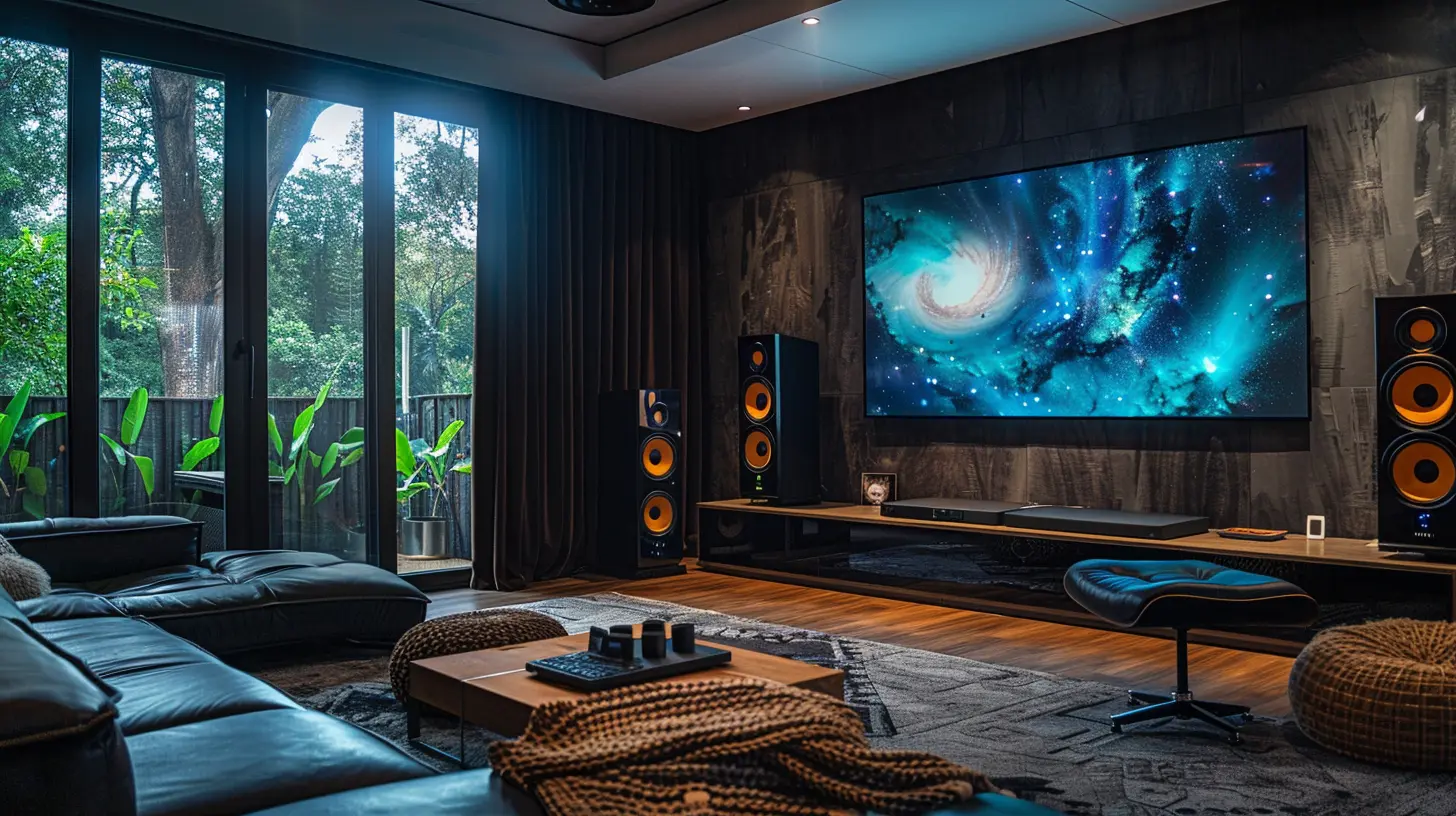
🎬 What Makes a Home Theater... Well, a Theater?
Before we get into the nitty-gritty of streaming devices, let’s first talk about what truly defines a home theater.At its core, a home theater is all about replicating that cinema experience—but without the sticky floors, overpriced popcorn, or someone checking their phone during the climax. You’ll need three key components:
1. A killer display (TV or projector)
2. Great audio (soundbar or surround sound system)
3. Content (movies, TV shows, live events—brought to you by streaming devices)
Now, people often go all-in on the screen and audio, but overlook the very thing that delivers their entertainment—the streaming device. And that’s like building a sports car and forgetting the engine.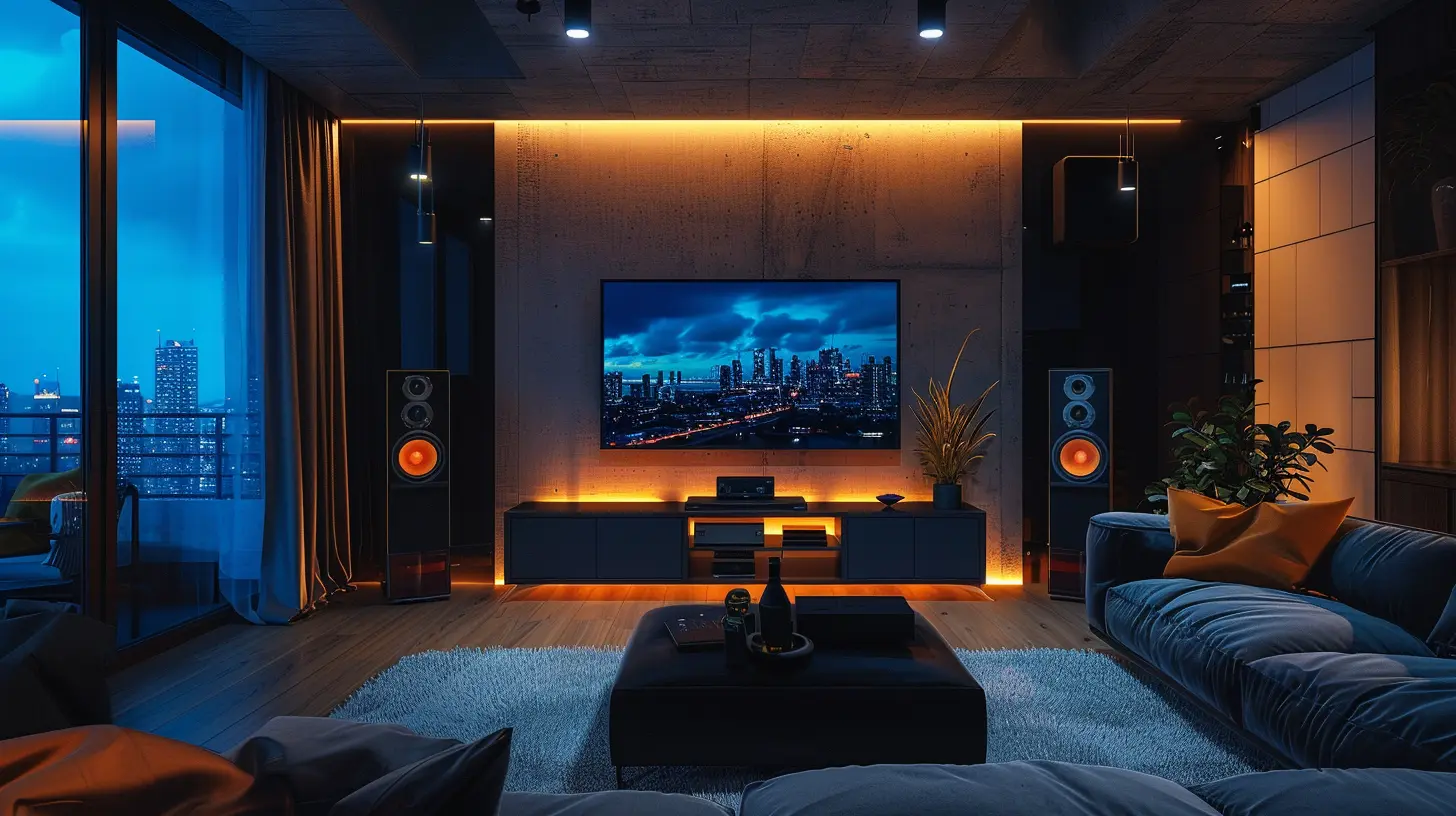
📺 Why the Streaming Device Matters
Think of your streaming device as the brains of the operation. It's your direct link to platforms like Netflix, Disney+, Hulu, or Prime Video. But it also affects:- The resolution you can stream in
- The speed of your navigation
- App availability
- Voice control and smart home integrations
- User interface and overall smoothness
So if your device lags, doesn’t support 4K, or just feels clunky—you’re going to feel it every time you press play.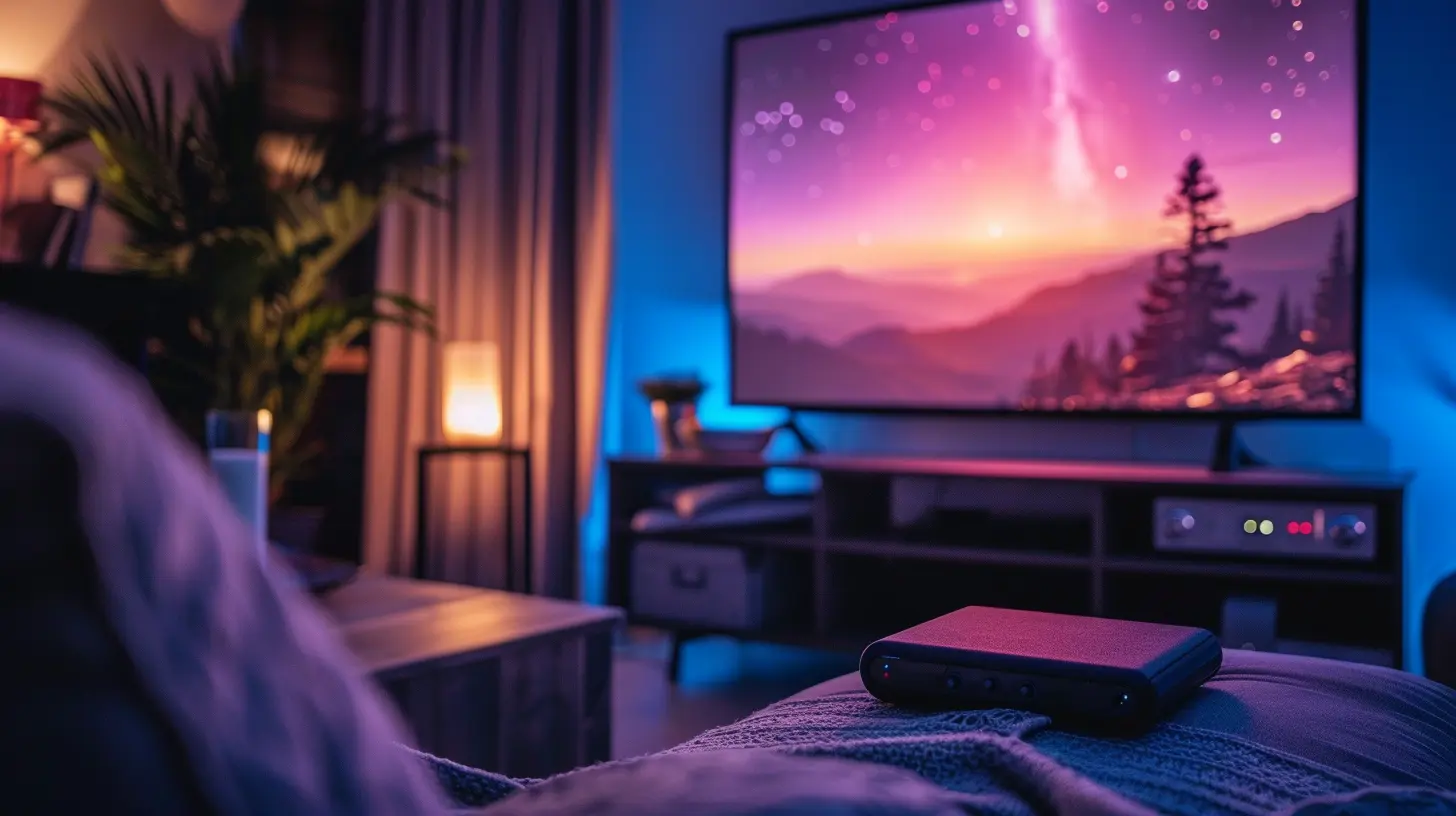
🧩 Choosing the Right Streaming Device for Your Setup
Here’s where things get spicy. There are several options out there, and each has its own pros and cons. Let’s go through the top contenders and help you figure out which one’s your match made in home-theater heaven.1. Roku Streaming Devices
Pros:
- Super easy to use- Affordable
- Neutral platform (no preference for any one service)
- Tons of free content
Cons:
- Interface feels a bit basic- Less powerful processors (compared to others)
- Limited support for Dolby Vision on some models
Best For: People who just want to stream without getting too nerdy about specs.
2. Apple TV 4K
Pros:
- Super smooth interface- Excellent 4K HDR and Dolby Vision support
- Integrates perfectly with Apple ecosystem (iPhone, iPad, HomeKit)
- Great remote (finally!)
Cons:
- Expensive- Works best if you’re already in the Apple world
Best For: Apple lovers and those who want top-tier performance (and are willing to pay for it).
3. Amazon Fire TV Stick / Cube
Pros:
- Budget-friendly- Supports Alexa voice control
- Integrates well with smart home devices
- Newer models support 4K, Dolby Atmos, and Dolby Vision
Cons:
- The interface pushes Amazon Prime content- Can feel ad-heavy
Best For: Alexa users and deal hunters that want solid performance without breaking the bank.
4. Google Chromecast with Google TV
Pros:
- Clean, minimalist design- Intuitive Google TV interface
- Great for Android/Google Home users
- Excellent content aggregation
Cons:
- Not as many customization options- Remote can feel undersized for some
Best For: Android users and Google Home enthusiasts who want a sleek, modern setup.
5. NVIDIA Shield TV
Pros:
- Beastly performance- AI upscaling for better image quality
- Geared toward gamers and power users
- Access to Google Assistant and smart home integration
Cons:
- Pricey- Might be overkill if you're just watching The Office reruns
Best For: Gamers, tech nerds, and anyone who wants to future-proof their setup.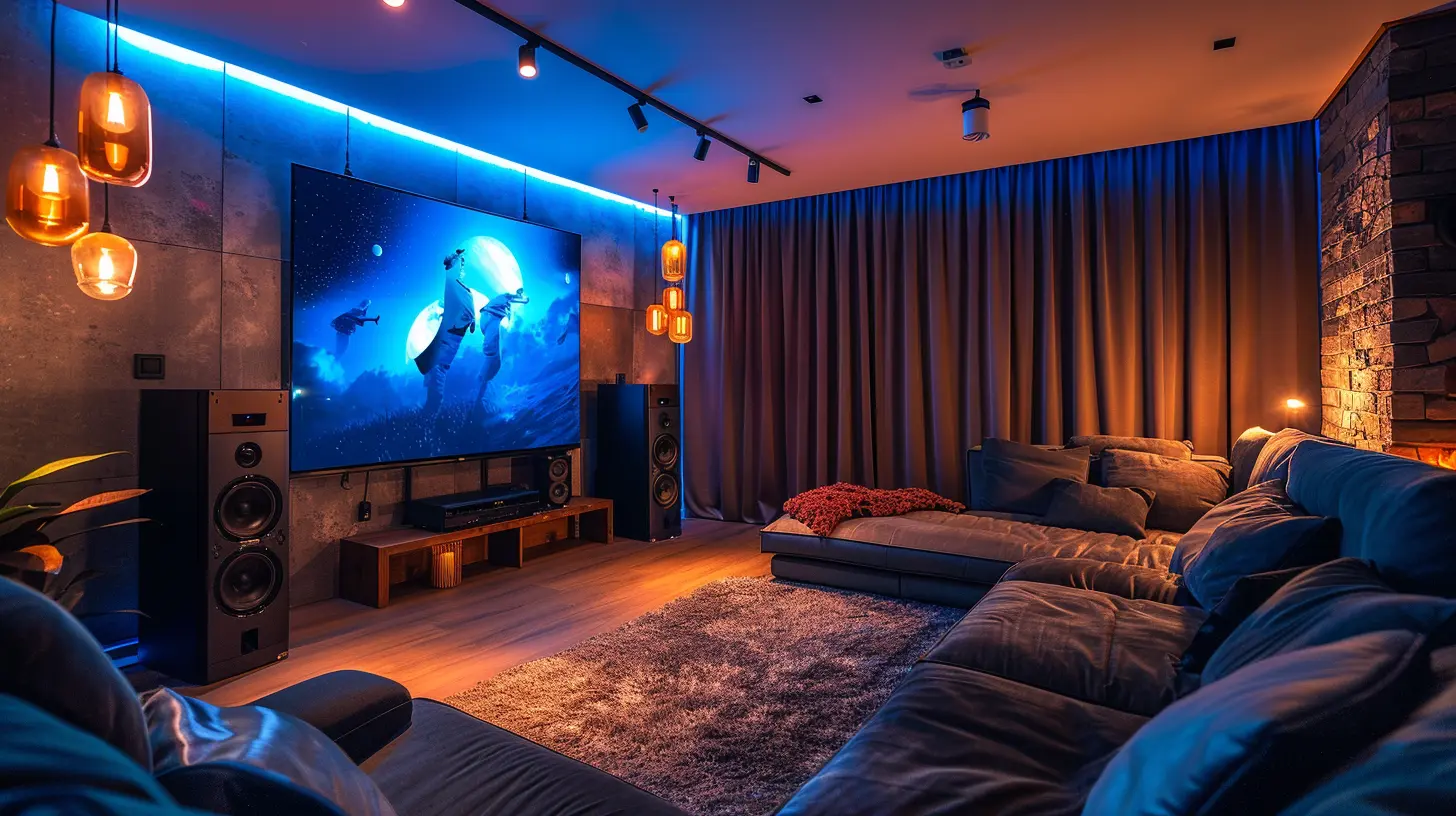
🛠 How to Set Up Your Streaming Device Like a Pro
Now that you’ve picked your streaming soulmate, let’s make sure you install it just right. Here’s a quick, no-fuss guide:1. Mount or Place Your Screen Properly
Whether you’ve got a flat-screen TV or a projector, make sure it’s mounted at eye level (or adjusted so your neck isn't constantly craning). Also, dimmable lighting helps set the mood—get those LED strip lights for bonus points.2. Connect Streaming Device to HDMI Port
Plug your device into an HDMI port, preferably an HDMI 2.0 or 2.1 port if you're aiming for 4K or better.3. Power It Up
Connect the device to a power source and turn it on. Simple enough, right?4. Connect to Wi-Fi
A word of advice here: if possible, use an Ethernet cable. Wi-Fi is fine, but Ethernet is king when it comes to stable, buffer-free streaming.5. Login and Install Your Favorite Apps
Whether it’s Netflix, Peacock, or an obscure anime streaming service—get your accounts in and ready to go.🔊 Don’t Sleep on the Sound System
A visual feast deserves an audio companion. If you're still using your TV speakers, you’re only experiencing half the story.Soundbar vs. Surround Sound
- Soundbar: Simple, sleek, and usually easy to install. Great if you're in a smaller space.- Surround Sound (5.1 or 7.1): Multiple speakers placed around the room. You're not just watching—you’re in the movie.
Make sure your streaming device supports Dolby Atmos or DTS:X if you're going high-end with sound.
🧠 Smart Home Integrations for Bonus Points
Did you know your streaming device can also be part of your smart home setup?- Apple TV with HomeKit lets you control lights, locks, and scenes with Siri.
- Fire TV and Alexa go hand-in-hand with smart plugs and bulbs.
- Google Chromecast can command your Nest devices and more.
Imagine this: You walk into your living room, say “Movie Night,” and the lights dim, the projector fires up, and your favorite app opens to a new release. That’s some futuristic, Tony Stark-level stuff.
🏁 Final Touches to Make It Yours
Okay, your screen’s glowing, the audio’s booming, and the popcorn’s popping. But don’t forget the vibes.Here’s how to turn a room into a theater:
- Add blackout curtains to kill outside light
- Use comfy recliners or bean bags
- Hook up an inexpensive mini-fridge for drinks
- Put up movie posters or LED signs for personality
This isn’t Netflix-and-chill. This is Netflix-and-never-want-to-leave.
🧾 Budget Breakdown: What You Might Spend
| Item | Budget-Friendly ($) | Mid-Range ($$) | High-End ($$$) ||-------------------------------|----------------------|----------------|----------------|
| Streaming Device | 30–50 | 80–120 | 150–200+ |
| TV/Projector | 300–500 | 600–1,000 | 1,500–3,000+ |
| Audio System | 100–250 | 300–700 | 1,000+ |
| Extra Accessories (Mounts, Lights, Cables) | 50–100 | 150–300 | 500+ |
You don’t have to go all-out, either. You can build as you go—start with a solid streaming device, then add pieces over time.
🎉 Wrapping It All Up
Creating a home theater isn’t just a tech project—it’s an experience. You’re building your personal escape, your chill zone, your binge bunker. Getting the right streaming device is one of the most important pieces of that puzzle. It controls what you watch, how you watch it, and how much you enjoy the entire setup.So whether you’re team Roku, riding with Apple, siding with Shield, or going full Google—make sure it fits your lifestyle and entertainment needs. A great home theater doesn't need to cost a fortune, but it should feel like one when you're sitting back, remote in hand, and the opening credits start to roll.
Now, which movie are you watching first?
all images in this post were generated using AI tools
Category:
Streaming DevicesAuthor:

Vincent Hubbard
Discussion
rate this article
2 comments
Thistle Sheppard
Transform your living room into a cinematic wonderland! Just remember, the popcorn machine is as crucial as the streaming device. Who needs Hollywood when you have a blanket fort? Just grab your remote, sit back, and let the binge-watching adventures begin!" 🍿🎬
March 16, 2026 at 3:40 AM
Vincent Hubbard
Absolutely! A cozy blanket fort and popcorn are essential for the ultimate home theater experience—creating the perfect atmosphere for binge-watching! 🍿✨
Colin McNair
As you embark on the journey to craft the ultimate home theater, remember that choice is both a blessing and a curse. Will the right streaming device unlock cinematic magic, or is it merely a portal to endless choices? Dive in, but tread carefully—some secrets are best left undiscovered.
March 9, 2026 at 5:57 AM
Vincent Hubbard
Great insight! Choosing the right streaming device can indeed shape your home theater experience—embrace the options, but be mindful of analysis paralysis. Happy viewing!