How to Maximize Your Streaming Device for Gaming
20 December 2025
Streaming devices aren't just for binge-watching your favorite series; they can also be powerful gaming machines. Whether you're using a Fire Stick, Apple TV, Roku, or Nvidia Shield, optimizing your device for gaming can take your experience to the next level.
In this guide, I'll break down everything you need to know to get the most out of your streaming device for gaming—from improving performance to enhancing visuals and reducing lag. Let's dive in!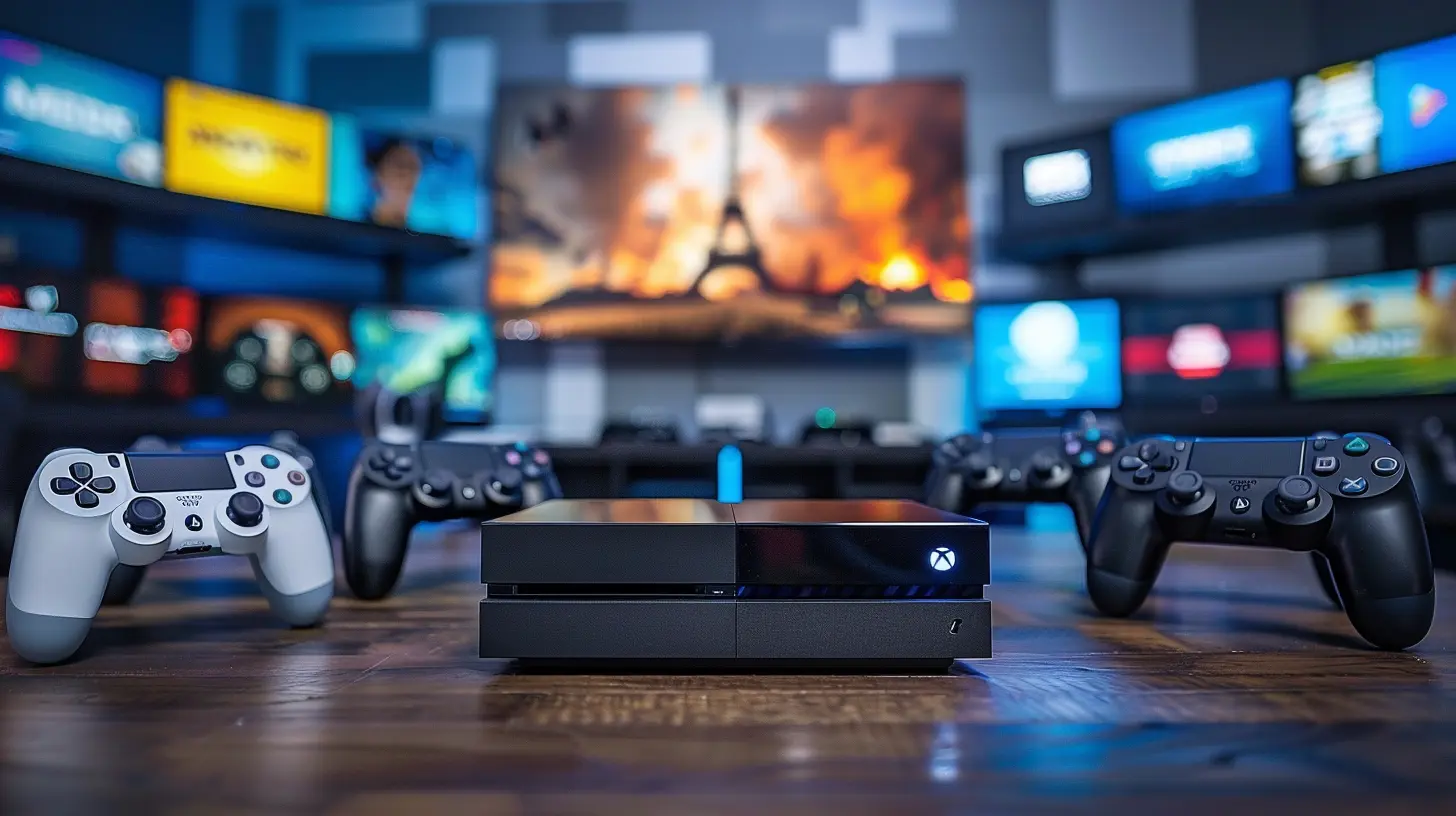
1. Choose the Right Streaming Device for Gaming
Not all streaming devices are created equal when it comes to gaming. Some are better suited for casual gaming, while others can run cloud-based or even local games more efficiently.Best Streaming Devices for Gaming
If you're serious about gaming on a streaming device, consider these options:- Nvidia Shield TV – One of the best for gaming, thanks to its powerful Tegra X1+ processor and support for GeForce NOW cloud gaming.
- Amazon Fire TV Stick 4K Max – A solid choice for cloud gaming with services like Amazon Luna and Xbox Cloud Gaming.
- Apple TV 4K – Great for Apple Arcade and controller compatibility.
- Google Chromecast with Google TV – Works well with Stadia (or third-party Android apps for emulation gaming).
- Roku Ultra – Better suited for casual gaming, but still a decent pick if you enjoy lightweight titles.
If your current device isn't up to par, consider an upgrade. A sluggish device with poor processing power can ruin your gaming experience.
2. Use a Strong and Stable Internet Connection
No one likes lag while gaming. A weak internet connection can cause buffering, stuttering, and in the worst cases—disconnections.Tips to Improve Your Internet for Gaming
- Use Ethernet Instead of Wi-Fi – If your device supports it, a wired connection is your best bet for stability.- Upgrade Your Router – A good gaming router with QoS (Quality of Service) settings can prioritize gaming traffic.
- Position Your Router Correctly – Keep your router as close as possible to avoid interference.
- Optimize Wi-Fi Channels – Use a channel scanner to avoid crowded frequencies.
- Check Your Bandwidth – If multiple devices are streaming or downloading, your gaming performance will degrade.
A minimum speed of 15-25 Mbps for cloud gaming is ideal, but the higher, the better.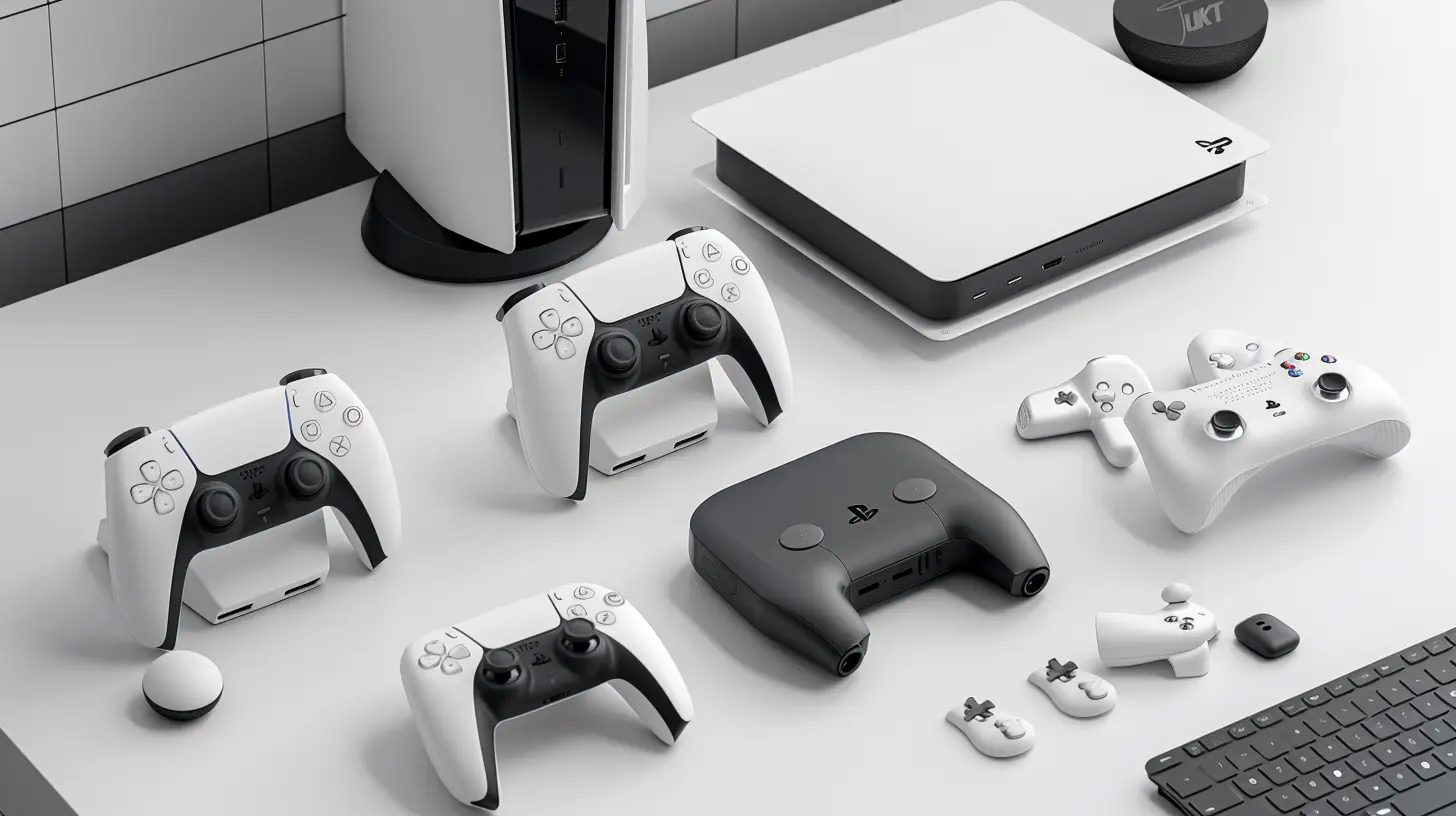
3. Optimize Graphics Settings for Better Performance
While streaming devices don’t have the power of gaming PCs or consoles, tweaking some settings can improve smoothness.Steps to Optimize Graphics and Performance
- Reduce Resolution – Some cloud gaming services allow you to reduce resolution to enhance performance.- Disable Background Apps – Close unnecessary apps to free up memory.
- Use Game Mode (If Available) – Some devices include a built-in mode to prioritize gaming performance.
- Lower Stream Quality if Necessary – If you're experiencing stutter, reducing the stream quality can help reduce lag.
For cloud gaming, a resolution of 1080p at 60 FPS is generally the sweet spot.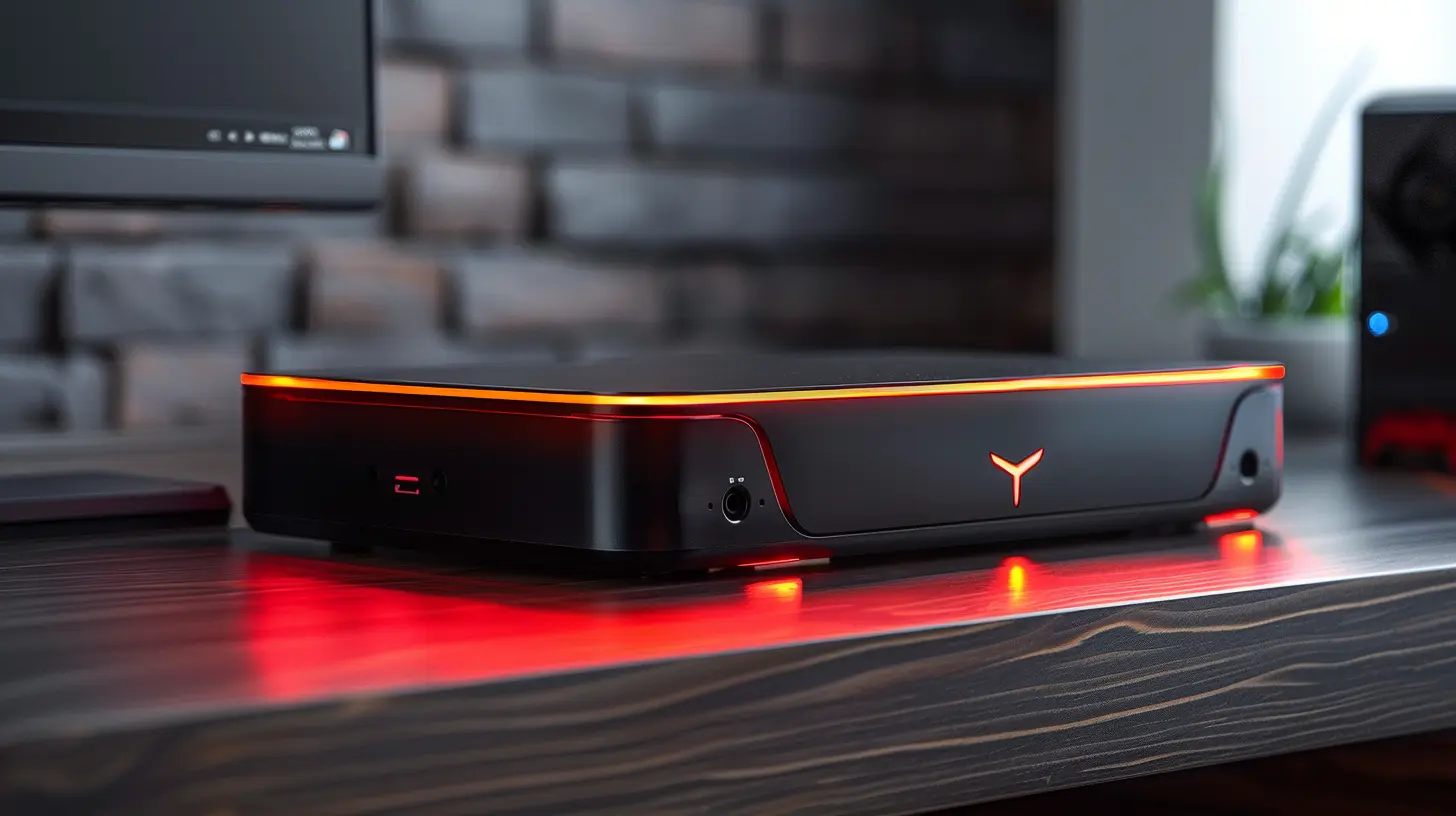
4. Invest in a Good Gaming Controller
While most streaming devices support gaming, navigating with a remote is a nightmare. A proper game controller can make all the difference.Best Controllers for Streaming Devices
- Xbox Wireless Controller – Great for Fire Stick, Nvidia Shield, and cloud gaming.- PlayStation DualSense or DualShock 4 – Works well with Apple TV and other streaming devices.
- SteelSeries Stratus Duo – A solid wireless controller for PC and Android-based devices.
- Amazon Luna Controller – Optimized for cloud gaming on Fire TV devices.
- Razer Kishi – Perfect for turning your phone-based stream into a mini-console.
Most modern devices support Bluetooth controllers, so connecting them is a breeze.
5. Take Advantage of Cloud Gaming Services
Cloud gaming is changing the way we play. You no longer need a powerful console or PC to enjoy top-tier titles.Best Cloud Gaming Platforms for Streaming Devices
- Xbox Cloud Gaming – Works on Fire TV Stick, Nvidia Shield, and some Android-based sticks.- GeForce NOW – Ideal for Nvidia Shield users.
- Amazon Luna – Optimized for Fire TV devices.
- PlayStation Remote Play – Stream your PlayStation games to a compatible device.
- Google Stadia (Where Available) – A simple way to game on Chromecast and other devices.
Cloud gaming lets you enjoy high-quality games without needing expensive hardware—just make sure your internet connection is up to the task.
6. Manage Overheating and Performance Bottlenecks
Streaming devices are compact, which means they can overheat if pushed too hard.Ways to Prevent Overheating
- Ensure Proper Ventilation – Avoid placing your device inside enclosed spaces.- Use a Cooling Pad or Fan – Some external cooling solutions help lower the temperature.
- Turn Off When Not in Use – Give your device breaks to avoid overheating.
If performance starts degrading, a quick restart can help refresh the system.
7. Expand Your Storage for More Games and Apps
Many streaming devices come with limited storage, which can be frustrating when installing games or emulators.Ways to Expand Storage
- Use an External USB Drive – Some devices support external storage via USB.- Expand with a microSD Card – If your device has a slot, this is an easy way to boost storage.
- Cloud Storage Solutions – Some cloud gaming platforms let you store game progress online.
More storage means you won’t have to constantly delete games and apps.
8. Try Game Emulation for Retro Gaming
Want to play classic games from PlayStation 1, SNES, or even GameCube? Emulation can turn your streaming device into a retro gaming hub.Best Emulation Apps for Streaming Devices
- RetroArch – One of the best multi-system emulators.- PPSSPP – For playing PSP games.
- Dolphin Emulator – Runs GameCube and Wii games.
- DraStic – Nintendo DS emulator.
Emulation performance varies depending on your device's hardware, but if done right, it can feel like reliving the golden gaming days!
9. Keep Software and Apps Updated
Keeping your device and apps updated ensures you get the best performance and security.How to Keep Everything Up to Date
- Enable Auto-Updates – This ensures your apps remain up to date without manual intervention.- Check for Firmware Updates Regularly – Some updates improve gaming performance.
- Clear Cache and Unused Apps – Helps retain storage and speed up performance.
A well-maintained device ensures smoother gameplay and fewer crashes.
10. Use a VPN for a Better Gaming Experience
A VPN (Virtual Private Network) can reduce lag, bypass geo-restrictions, and improve security.Best VPNs for Gaming on Streaming Devices
- ExpressVPN – Great for speed and security.- NordVPN – Reliable with low ping times.
- Surfshark – Budget-friendly with unlimited connections.
Using a VPN can help access cloud gaming services that may not be available in your region.
Final Thoughts
Gaming on a streaming device is no longer just a gimmick—it’s a real and enjoyable experience if optimized correctly. Whether it's improving your internet speed, using the right controller, or taking advantage of cloud gaming, every tweak helps in making gaming smooth and fun.With the right setup, your streaming device can be a compact, budget-friendly, and powerful gaming hub. Ready to level up your gaming experience?
all images in this post were generated using AI tools
Category:
Streaming DevicesAuthor:

Vincent Hubbard
Discussion
rate this article
2 comments
Tempest McGhee
Stream and scream, gaming dream!
December 26, 2025 at 5:53 AM
Vincent Hubbard
Thanks for the enthusiasm! Optimize your settings and enjoy the gaming experience!
Madalyn McFarlin
Excited to explore these tips for gaming on streaming devices!
December 20, 2025 at 11:20 AM
Vincent Hubbard
Thanks for your enthusiasm! I hope you find the tips helpful for enhancing your gaming experience!