How to Protect Your Smartphone from Physical Damage
9 February 2026
Let’s face it — we’re all basically glued to our smartphones. Whether it’s texting, scrolling through social media, binge-watching videos, or navigating through life (literally, with GPS), our phones are like digital lifelines. But here’s the kicker: these precious little gadgets are incredibly vulnerable. One careless drop or accidental bump, and boom — cracked screens, busted cameras, or worse, a dead phone.
If your stomach churns at the thought of watching your phone tumble to the ground in slow-mo, you’re in the right place. In this guide, I’ll walk you through how to protect your smartphone from physical damage. Nothing complicated. Just practical tips, a bit of tech-savviness, and a sprinkle of common sense. Ready? Let’s armor up that phone!
Why Physical Damage Matters
Before diving into the how, let’s talk about the why.You might think, "Eh, a few scratches on the screen isn’t the end of the world." True, but here’s the thing — physical damage doesn’t just make your phone look like it’s been through a war zone. It can seriously impact performance, resale value, and your overall experience. Think slower touch response, shattered camera lenses, or internal damage that creeps up days after a drop.
And let's not even get into the cost of repairs. A screen replacement these days can easily burn a hole in your wallet. So, why not prevent it in the first place?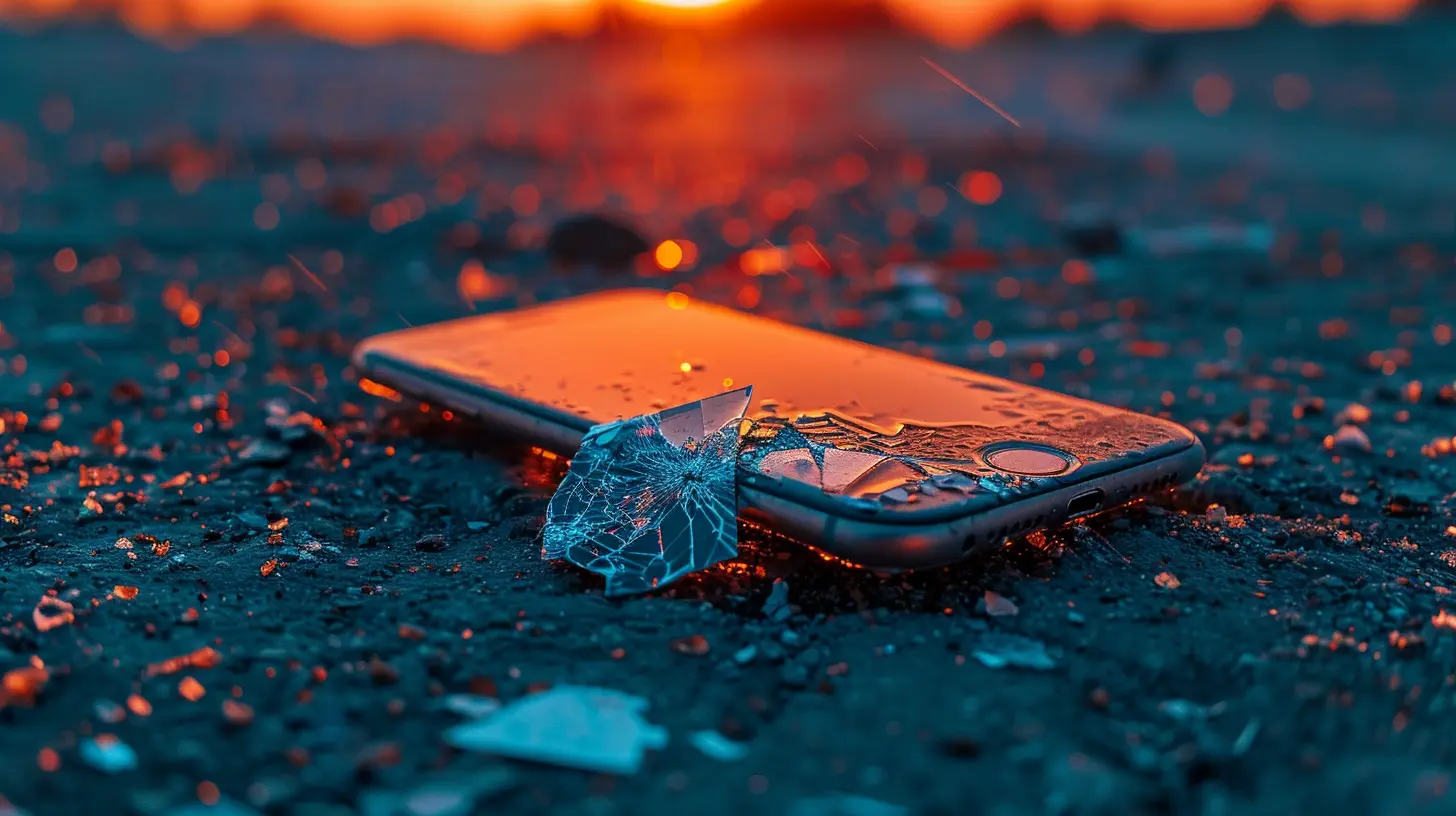
1. Get a Solid Protective Case — Yes, It Matters
Let’s start with the obvious yet often underestimated shield — the phone case.Don’t Just Settle for the Cheapest Option
A flimsy case from the corner store might look cute, but is it really going to protect your $1,000 smartphone? Probably not. You need a case that’s shockproof, durable, and well-fitted to your phone model. Look for features like:- Military-grade drop protection
- Raised edges around the screen and camera
- Non-slip grip
- Air cushion technology (yes, it’s a thing)
Think of it like a helmet for your phone. Would you go biking without one?
Types of Cases to Consider
- Rugged cases – Built like a tank, great for clumsy folks- Slim cases – Sleek, but some offer good protection too (just choose wisely)
- Wallet cases – Kill two birds with one stone — protection + storage
If you're someone who drops their phone just by looking at it, invest in a heavy-duty protective case. Trust me, your future self will thank you.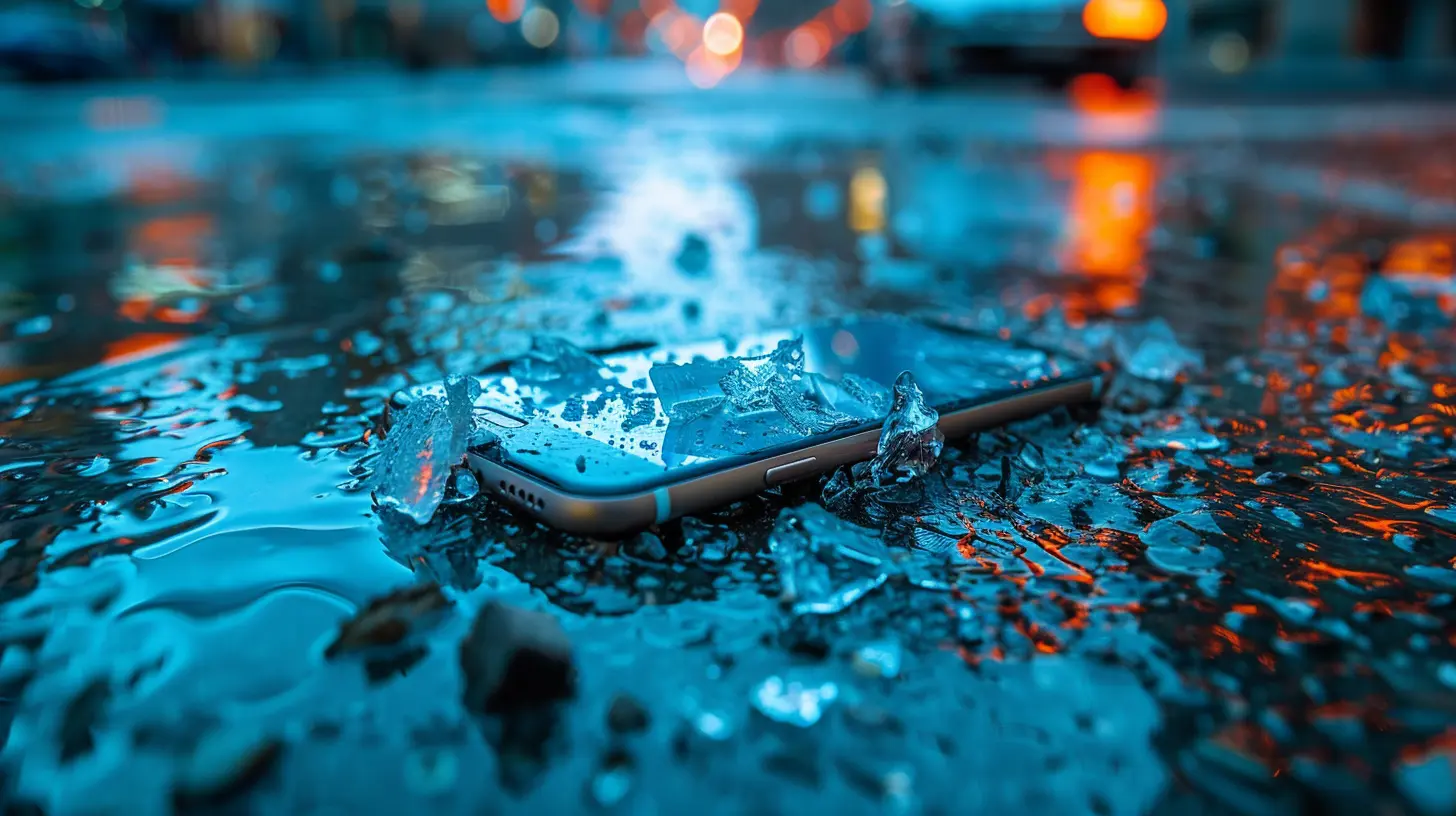
2. Screen Protectors Are Life-Savers (For Your Phone Anyway)
Screens are the most vulnerable part of your phone. And repairing them often costs nearly as much as the device. So, a screen protector? Non-negotiable.Types of Screen Protectors
- Tempered Glass: Most popular, offers the best protection- Plastic Film: Cheaper, but less durable
- Liquid Screen Protectors: Easy to apply but limited in defense
Tempered glass is the way to go. It absorbs the impact, often cracking itself while saving your actual screen underneath. It’s like a bodyguard that takes the hit so you don’t have to.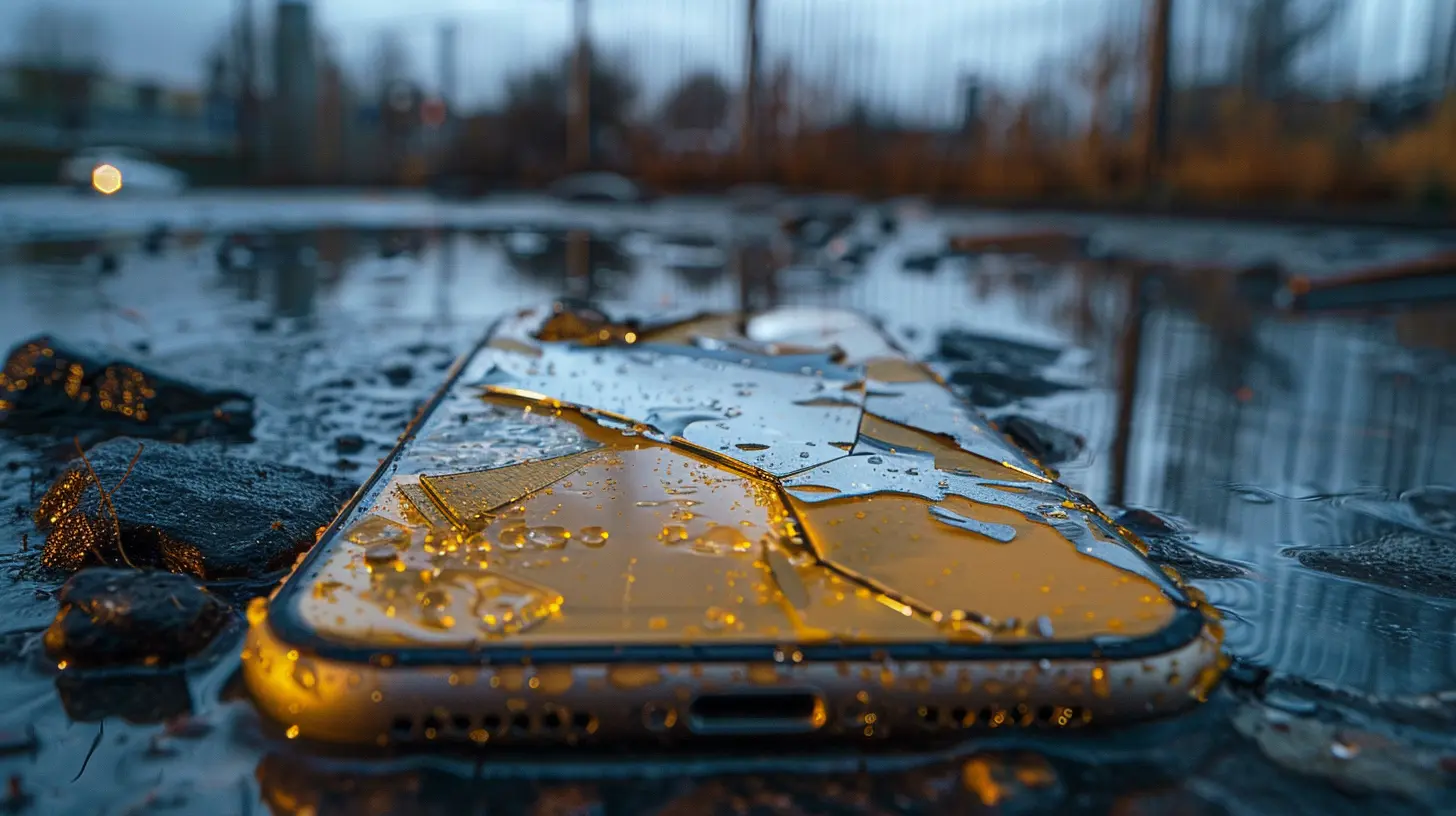
3. Be Mindful of Where You Place Your Phone
You know that habit of tossing your phone on the bed (or worse — the couch)? One bounce in the wrong direction and it’s game over.Better Habits to Adopt
- Place your phone on flat, clean surfaces- Avoid keeping it near edges or in your lap while sitting
- Don't put your phone under heavy items in a bag or backpack
Treat your phone like a fragile treasure. Because honestly, it is.
4. Don’t Mix Phones with Sharp or Metal Objects
Tossing your phone into the same pocket or bag with keys, coins, or other metal monsters is just asking for scratches.The Easy Fix?
Use a separate pouch or compartment for your phone — one that’s soft and scratch-free. Or go the extra mile and get a case with built-in screen protection or a flip cover. You’ll seriously reduce those micro-scratches that sneak up over time.5. Water Damage Is Real — Keep It Dry!
You drop it in the sink. Your friend spills a drink. It starts raining out of nowhere. Water damage has many evil forms.Even if your phone claims to be water-resistant, that doesn’t mean it’s invincible. Water resistance declines over time and doesn’t cover saltwater, soap, or pressurized water — stuff you’ll find in pools, showers, and the ocean.
Quick Tips to Keep It Dry
- Avoid using your phone in bathrooms, kitchens, or rain (unless necessary)- Invest in a waterproof pouch if you're heading to the beach or pool
- Don’t charge your phone when it’s wet (not even a little damp)
Remember: just because it survived one spill doesn’t mean it’ll survive the next.
6. Don’t Leave Your Phone in Extreme Temperatures
Phones are like Goldilocks — they don’t like it too hot or too cold. Leaving your phone on the dashboard during summer or by the fireplace in winter is a fast track to physical and internal damage.Heat Can Cause:
- Battery swelling- Screen discoloration
- Performance issues
Cold Can Cause:
- Faster battery drain- Screen lag
- Unexpected shutdowns
The sweet spot? Keep your phone between 32°F and 95°F (0°C - 35°C) for optimal performance and protection.
7. Be Careful While Taking Photos
We’ve all leaned off the edge of something risky to snap the perfect selfie or landscape shot. But one slip, and your phone’s flying off like a trapeze artist.Play It Safe:
- Use phone straps or grips for extra security- Consider using a tripod or selfie stick
- Stay aware of your surroundings (No photo is worth breaking your phone — or yourself!)
8. Avoid DIY Repairs Unless You Really Know What You’re Doing
It’s tempting to watch a YouTube video and try to replace your screen at home. But do you know what you're doing? Modern smartphones are insanely complex, and one wrong move can mess up the circuitry beyond repair.Stick to professional repair services. It might be pricey, but it's way cheaper than accidentally bricking your phone altogether.
9. Use a Popsocket or Phone Grip
These little accessories aren’t just trendy — they’re functional. A good phone grip gives you better control, reducing the chances of letting your phone slip.Plus, they're brilliant for texting one-handed or propping up your phone for a quick Netflix binge. Double win.
10. Keep It Away from Pets and Kids
This one’s for the pet parents and actual parents out there.If you’ve ever handed your phone over to a toddler or had a curious cat knock it off the table, you know exactly what I mean. Phones are not toys — no matter how much they flash and beep.
Pro Tips:
- Keep your phone out of reach of little hands and paws- Use “Guided Access” or “Kid Mode” if you must hand it over
- Never leave your phone on low tables or armrests unsupervised
11. Car Mounts = Safe and Sound on the Road
Using your phone as a GPS? Keep it secure with a reliable car mount. It’ll protect your phone from flying off during sudden stops or turns, and it keeps you safer too — two birds, one mount.Avoid cheap suction cups that lose their grip halfway through a road trip. Go for magnetic or clip-on mounts with good reviews.
12. Insurance or Protection Plans — Just in Case
Despite all precautions, accidents happen. That's life.If you’ve invested in a high-end smartphone, consider getting a protection plan or insurance. It might not prevent damage, but it'll soften the blow (financially) when disaster strikes.
Look for plans that cover drops, spills, and screen replacements. Many manufacturers and carriers offer their own, or you can check out third-party services like AppleCare+, Samsung Care+, or SquareTrade.
Final Thoughts
Your smartphone isn’t just a gadget — it’s practically your digital sidekick. But like any superhero, it needs protection from the harsh realities of the world. With a little effort and some smart habits, you can keep your phone looking and functioning like new for years.So go on, suit up your device! It deserves the body armor. And honestly? You deserve the peace of mind.
all images in this post were generated using AI tools
Category:
SmartphonesAuthor:

Vincent Hubbard
Discussion
rate this article
2 comments
Colton McCarty
Amidst our digital lives, a silent menace lurks—every drop, every scratch whispers secrets. Uncover the hidden strategies to shield your smartphone and preserve its enigmatic allure.
February 27, 2026 at 4:29 AM
Vincent Hubbard
Absolutely! Protecting your smartphone is essential. Simple strategies like using a sturdy case, applying a screen protector, and avoiding placing it in harmful environments can help maintain its allure and functionality.
Renata Barnes
This article effectively highlights essential strategies to safeguard smartphones from physical damage. Emphasizing the importance of protective cases and screen protectors, it encourages proactive measures. However, incorporating insights on emerging technologies in smartphone design could further enhance user awareness and prevention tactics.
February 13, 2026 at 5:00 AM
Vincent Hubbard
Thank you for your feedback! I appreciate your suggestion to include insights on emerging technologies in smartphone design to further enrich the discussion.