How to Set Up a Streaming Device for the Best Audio Experience
3 March 2026
So, you’ve got yourself a shiny new streaming device, and you're ready to dive into the world of endless movies, music, and games. But let’s be real – none of it is going to hit quite right without killer audio. Watching your favorite show with poor sound is like watching a movie on mute. You might see all the action, but you're missing out on half the experience. This guide is going to walk you through how to set up your streaming device for the best possible audio experience.
Whether you're tuning in for an intense movie night, a casual music session, or some high-energy gaming, having the right audio setup can make all the difference. And don't worry — you don’t need to be an audio engineer to pull this off. Just follow these steps and you’ll be cranking out crisp, immersive sounds in no time.
1. Choose the Right Streaming Device
Before we get into the audio setup, it's worth mentioning that not all streaming devices are created equal when it comes to sound quality. Some devices are designed with advanced audio capabilities, while others are more basic. If you’re serious about sound, pick a device that supports high-definition audio formats like Dolby Atmos or DTS:X.Streaming devices like Apple TV 4K, Nvidia Shield TV, and Amazon Fire TV Stick 4K Max are known for supporting better audio codecs. These will give you a more immersive sound experience.
But hey, if you already have a streaming device, don't sweat it. You can still optimize your audio setup with what you have.
2. Connect to the Right Audio Output
Once you’ve got your streaming device, the first step in setting up your audio is making sure it’s connected to the right audio output. Sounds simple, but trust me, this is where a lot of people go wrong. You don’t want to be relying on your TV’s built-in speakers — they just don’t cut it when it comes to quality sound.A. Use External Speakers or a Soundbar
If you’re still using your TV's built-in speakers, it’s time to upgrade. Think of your TV speakers as fast food – they get the job done, but they’re not gourmet. For a richer audio experience, invest in a good soundbar or external speaker system.- Soundbars: These are a great middle-ground between convenience and quality. They’re easy to set up, don’t require much space, and can seriously boost your audio. Many soundbars now support advanced sound formats like Dolby Atmos, which can give you that 3D sound effect.
- Home Theater System: If you’re someone who wants the full cinema experience, a home theater system with surround sound is the way to go. These systems provide multiple speakers that create a fully immersive audio environment.
B. Use an AV Receiver
For those of you who are serious about audio, an AV receiver is the ultimate way to get the best sound quality. An AV receiver allows you to connect multiple speakers and manage sound from different sources, giving you total control over your audio setup. It’s like the conductor of your audio orchestra.Plus, AV receivers support high-definition audio formats like Dolby TrueHD and DTS-HD Master Audio. These formats can deliver sound quality that's on par with Blu-ray audio, which is about as good as it gets.

3. Choose the Right Audio Settings
Now that you’ve got your external speakers or soundbar set up, it’s time to dive into the audio settings of your streaming device. Most devices come with a variety of audio options, but if they’re not set up correctly, you won’t be getting the best sound possible.A. Enable Surround Sound
If you're using a soundbar or surround sound system, make sure your streaming device is outputting audio in the correct format. Go into the settings menu of your device and look for options like "Audio Output" or "Sound Settings." Most devices will have an option to enable Dolby Atmos or DTS:X if your sound system supports it.If your streaming device has an "Auto" option for audio output, that’s usually your best bet. It will automatically detect the best audio format for your soundbar or speakers.
B. Adjust Audio Sync
Have you ever noticed that sometimes the sound doesn’t line up with what’s happening on the screen? This is called audio lag, and it can be seriously annoying. Luckily, most streaming devices have a setting that lets you adjust the audio sync.Look for a setting called “Audio Delay” or “Lip Sync” in your device’s audio settings. You can manually adjust this to make sure the sound and video are perfectly in sync.
4. Optimize Your Streaming Service Settings
Most streaming platforms like Netflix, Amazon Prime, and Disney+ offer content in high-quality audio formats such as Dolby Atmos and 5.1 surround sound. But here’s the catch – you’ll need to make sure your streaming service is set up to deliver that audio.A. Enable High-Quality Audio on Streaming Platforms
Some streaming services default to lower audio quality to save bandwidth. To get the best sound, go into the settings of your streaming apps and make sure you’re streaming in the highest possible quality. On Netflix, for example, you can go into your account settings and select “High” under the streaming quality options.Also, if you’re using a service that offers Dolby Atmos or 5.1 surround sound, make sure the content you’re watching supports it. Not all shows and movies are available in these formats, so check for audio labels in the description.
5. Position Your Speakers Correctly
You’ve got your device and speakers all set up, but there’s one more thing that can make or break your audio experience – speaker placement. You could have the best audio equipment in the world, but if your speakers aren’t positioned correctly, you won’t be getting the full effect.A. Soundbar Placement
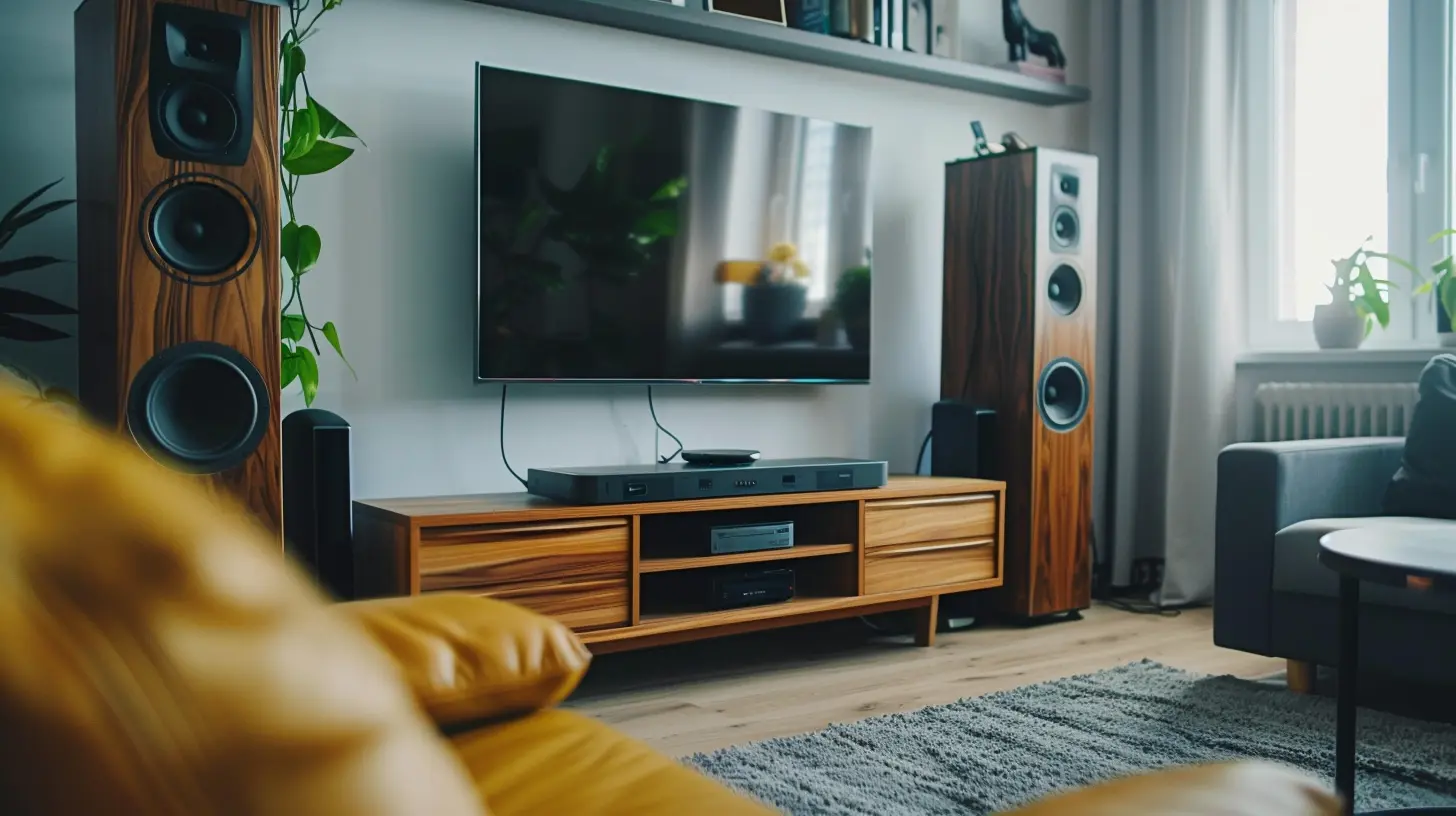
For soundbars, the general rule is to place them directly under or above your TV, centered, and at ear level. This ensures the sound will reach you evenly. If your soundbar supports Dolby Atmos, make sure it's not blocked by anything, as many Atmos soundbars rely on upward-firing speakers to bounce sound off the ceiling.B. Surround Sound Speaker Placement
If you’re using a 5.1 or 7.1 surround sound system, proper speaker placement is key. The center speaker should be placed directly under or above your TV, the front left and right speakers should be at ear level and angled towards your seating area, and the rear speakers should be placed behind your seating area.For subwoofers, experiment a bit. Bass frequencies are non-directional, so you have some flexibility in where you place your subwoofer. However, corners tend to amplify bass, so placing the subwoofer in the corner of the room can give you deeper, more powerful low-end sound.
6. Fine-Tune the Sound
You’ve done all the heavy lifting, but there’s still one final step that can take your audio setup from good to great – fine-tuning. Most sound systems and streaming devices come with options to adjust the sound to your liking.A. Adjust the Equalizer (EQ)
Many soundbars and home theater systems come with built-in equalizers that let you adjust the bass, midrange, and treble frequencies. If you prefer a bass-heavy sound, crank up the low frequencies. If you want clearer dialogue, boost the midrange.For those of you using an AV receiver, you’ll likely have even more control over your sound settings. Many AV receivers come with automatic room calibration features, which use a microphone to adjust the audio output based on the acoustics of your room. It’s like having a personal sound engineer fine-tune everything for you.
B. Night Mode
If you like to watch movies late at night but don’t want to wake up the whole house, many soundbars and AV receivers come with a “Night Mode” setting. This setting compresses the audio so that the loudest sounds (like explosions) are quieter, while quieter sounds (like dialogue) are louder. It’s perfect for late-night binge-watching.7. Keep Your Setup Updated
Last but not least, make sure your streaming device and audio equipment are running the latest firmware. Manufacturers often release software updates that can improve performance or fix bugs, so keeping everything up to date is essential for the best audio experience.Check your streaming device’s settings menu for updates, and if you’re using a soundbar or AV receiver, check the manufacturer’s website for the latest firmware releases.
Conclusion
Setting up your streaming device for the best audio experience doesn’t have to be complicated. With the right equipment, a few adjustments to your settings, and proper speaker placement, you can turn your living room into a mini-theater with immersive, high-quality sound. Whether you’re catching up on the latest blockbuster or listening to your favorite playlist, these steps will ensure you’re getting the most out of your setup.Now go ahead, grab the popcorn, dim the lights, and let that rich sound take your movie nights to the next level!
all images in this post were generated using AI tools
Category:
Streaming DevicesAuthor:

Vincent Hubbard
Discussion
rate this article
2 comments
Mary Cook
Great article! It’s so helpful to see practical tips for optimizing audio with streaming devices. A well-set audio system can truly transform the viewing experience. Thanks for sharing!
March 14, 2026 at 2:03 PM
Vincent Hubbard
Thank you for the kind words! I'm glad you found the tips helpful. Enjoy your enhanced audio experience!
Carly Barron
Great tips for audiophiles!
March 4, 2026 at 1:33 PM
Vincent Hubbard
Thank you! I'm glad you found the tips helpful. Enjoy the music!