How to Set Up RAID for Data Redundancy and Speed
22 July 2026
If you’ve ever lost a bunch of important files because of a hard drive crash, you’re not alone—and yes, it hurts. Now imagine this: you’ve got a safety net in place, and not only are your files protected, but your system runs faster too. Sounds good, right? That’s exactly what RAID is all about.
Setting up RAID (Redundant Array of Independent Disks) can feel like a tech geek's side mission, but it's actually something any power user, creative, small business owner—or anyone who values both speed and data safety—should seriously consider. In this guide, I’ll walk you through everything you need to know about RAID, how to set it up, and what the best configuration is for your goals.
Let’s dive in.
What is RAID, Anyway?
Okay, so RAID sounds a bit intimidating at first, but it’s actually a simple concept. RAID is a method of storing the same data in different places on multiple hard drives or SSDs to either improve performance or provide fault tolerance (or both!).Think of it like having multiple backup singers echoing your words. If one loses their voice (aka the drive fails), the others fill in without skipping a beat.
Depending on the configuration, RAID can:
- Speed up read and write operations
- Provide data redundancy (so you don't lose files if one drive fails)
- Or both!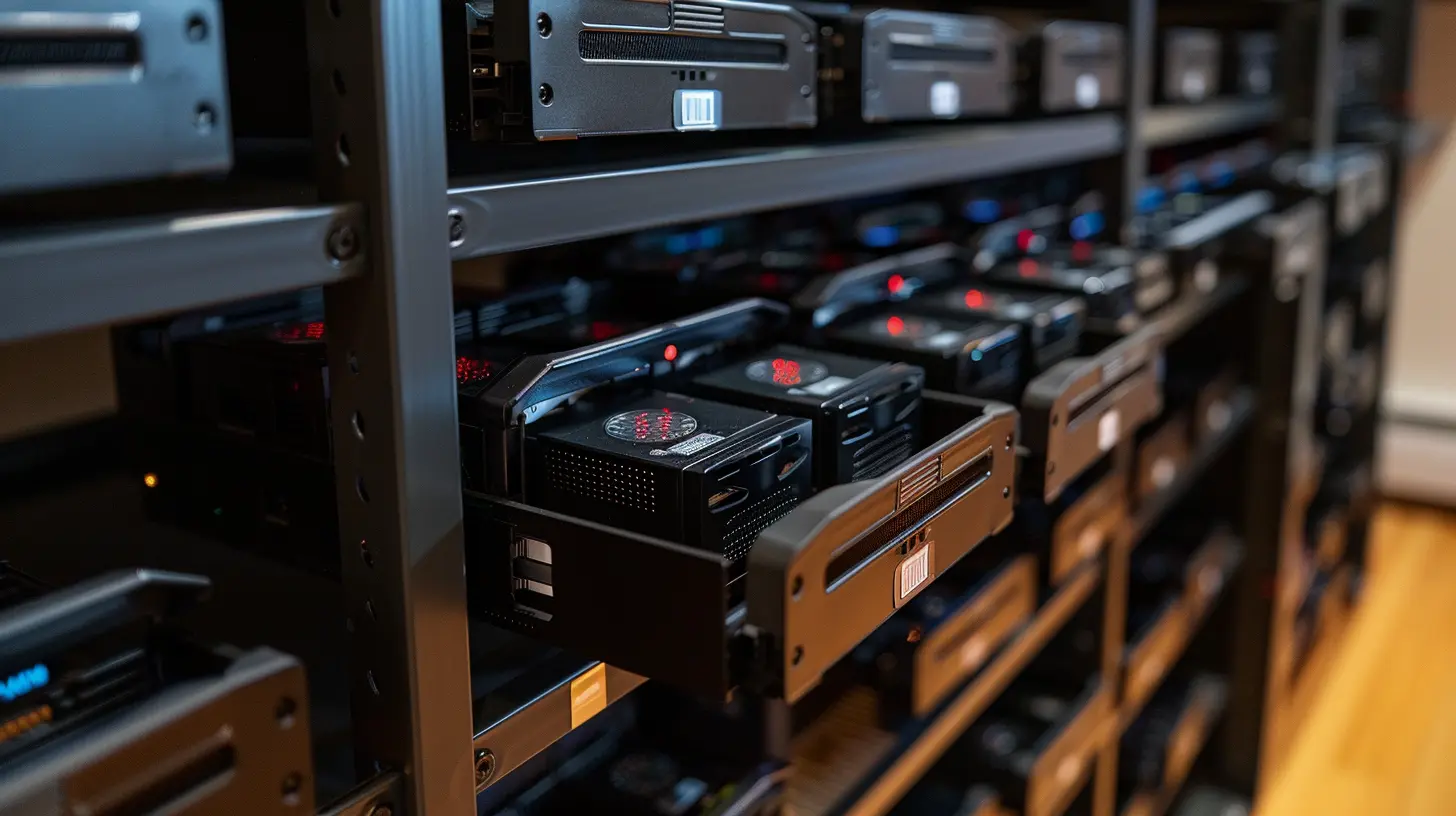
Why Would You Want to Set Up RAID?
Here’s the thing: hard drives will fail. It’s not an "if", it’s a "when". By setting up RAID, you're basically building a safety plan that includes:- Data Redundancy: Think of it as an insurance policy for your files.
- Performance Boost: With the right setup, you can read and write data faster.
- Uptime: In business environments, downtime is money lost, and RAID can minimize that risk.
Whether you're a content creator editing 4K videos, a photographer managing massive RAW files, or a home server enthusiast, RAID can seriously elevate your setup.
Common RAID Levels You Should Know
Before jumping into the setup, you need to pick the right RAID level. There are several, but let’s stick to the most popular ones:RAID 0 – Speed Demon (But No Safety Net)
- Drives Needed: Minimum 2- Pros: Lightning-fast read/write speed
- Cons: No redundancy. If one drive fails, you lose everything.
It's like a high-speed train that crashes if one wheel falls off.
RAID 1 – The Mirror Image
- Drives Needed: Minimum 2- Pros: Data is mirrored. If one drive dies, the other keeps your data safe.
- Cons: Cuts storage capacity in half.
Great for folks who want to sleep easy knowing their files are safe.
RAID 5 – Balanced Performer
- Drives Needed: Minimum 3- Pros: Offers both redundancy and decent speed.
- Cons: Slower write speeds than RAID 0, and rebuilds after a failure can be time-consuming.
Perfect for small businesses and home NAS users.
RAID 10 – Best of Both Worlds
- Drives Needed: Minimum 4- Pros: Speed + redundancy. Combines RAID 0 and RAID 1.
- Cons: Cuts storage capacity in half due to mirroring.
If you can afford the drives, this one’s golden.
Hardware RAID vs Software RAID: Which One’s Better?
Hardware RAID
This uses a dedicated RAID controller. Think of it as a mini-computer just managing your drives.- Pros: Faster, doesn't tax your system's CPU
- Cons: More expensive, can be complex to configure
Software RAID
Your operating system handles the RAID setup and management. This is like teaching your computer to juggle.- Pros: Cheaper, more flexible
- Cons: Slight performance hit, dependent on the OS
If you’re just starting out or working with limited resources, software RAID is plenty good.
What You’ll Need Before You Start
Let’s get our tools in order. Here’s what you need:- Two or more hard drives (depending on RAID level)
- A computer or NAS with RAID support
- Backups of your existing data (RAID setup often wipes drives)
- Time and patience (trust me, it’s worth it)
Pro-tip: Make sure all drives are the same size and speed for best results. Mixing and matching can cause performance issues.
Step-by-Step: How to Set Up RAID (Software-Based)
Let’s focus on a software RAID setup using Windows and Linux, since it’s more accessible.Setting Up RAID on Windows 10/11
1. Back up your data (seriously, don’t skip this!)2. Open Disk Management:
- Type `diskmgmt.msc` in the Run box (Win + R).
3. Initialize the Disks if they’re new:
- Right-click each unallocated disk → Initialize Disk.
4. Create a RAID Volume:
- Right-click one initialized disk → New Striped (RAID 0) or Mirrored (RAID 1) Volume.
- Follow the wizard and choose your other disks when prompted.
5. Assign a Drive Letter and format the volume.
Boom! Windows will now treat your RAID volume like a single disk.
Setting Up RAID on Linux (Using mdadm)
Linux users, you’re in for more control. Let’s roll:1. Install mdadm:
bash
   sudo apt install mdadm
2. Create the RAID Array:
For RAID 1 (mirroring):
bash
   sudo mdadm --create --verbose /dev/md0 --level=1 --raid-devices=2 /dev/sdb /dev/sdc
3. Watch it Sync:
bash
   cat /proc/mdstat
4. Format the RAID Array:
bash
   sudo mkfs.ext4 /dev/md0
5. Mount the Drive and make sure it auto-mounts on boot.
Now you’ve got a RAID array humming beautifully on Linux!
How to Monitor and Maintain Your RAID Array
Setting it up is just the start. You’ve got to babysit it a little—just like a high-performance sports car, it needs maintenance.Here’s what you should keep an eye on:
- Use tools like CrystalDiskInfo or `smartctl` to monitor drive health.
- Schedule regular checks (especially for RAID 5 or 10).
- Keep firmware and drivers updated.
- Get alerts if a drive fails (many NAS units and OS tools can do this).
Avoid the "set it and forget it" mentality. RAID is great, but it’s not invincible.
A Few Things RAID Is Not
Let’s clear up a common myth: RAID is not a backup. It reduces downtime and protects against drive failure, but it won’t help if:- You delete a file by accident
- Your system gets hacked
- A virus wipes your data
You still need proper, external backups—preferably offline or in the cloud.
Should You Use RAID on SSDs?
This question pops up a lot. And the answer? It depends.RAID 0 on SSDs can give blazing speeds, but you lose TRIM support unless your RAID controller supports it. That could reduce your SSD lifespan.
RAID 1 on SSDs is solid for redundancy and can improve read speeds.
If you’re going for RAID with SSDs, make sure your setup supports garbage collection and TRIM.
When RAID Might Not Be for You
Let’s be honest—RAID isn't for everyone. If you:- Only use your PC for browsing and Netflix
- Don’t have the budget for multiple drives
- Already back up religiously
You might not need RAID. But for power users, creatives, or anyone storing valuable data? It’s a no-brainer.
Wrapping It Up: Is RAID Worth It?
Absolutely—if you value your data and time, RAID can be one of the smartest moves in your playbook. Not only does it guard against drive failures, it can juice up your system’s performance like giving it a shot of digital espresso.The exact setup you choose depends on what you want: Speed? Go RAID 0. Safety? RAID 1. A bit of both? RAID 5 or 10.
And remember, even superheroes need backup. RAID is amazing, but don’t skip regular backups—ever.
Got an old PC lying around? Maybe it’s time for RAID to shine.
FAQs About RAID
Q: Can I add more drives to an existing RAID array later?A: Depends on the RAID level and your controller. Some support expansion, others don't.
Q: What happens if I remove a drive from a RAID 1 array?
A: The remaining drive still has your data, but you'd lose redundancy.
Q: Is RAID good for gaming?
A: RAID 0 can help load times, but modern SSDs are already super-fast.
all images in this post were generated using AI tools
Category:
Tech TutorialsAuthor:

Vincent Hubbard