How to Stream International Channels with a Streaming Device
2 August 2026
In today's digital world, entertainment has no borders. Whether you're an expat missing home, a language learner expanding your horizons, or just someone who loves foreign TV, streaming international channels is easier than ever. But how do you actually get access to foreign content without all the hassle?
Good news—your streaming device can unlock a world of international entertainment! Whether you own a Roku, Fire Stick, Apple TV, or Android TV, you can easily stream channels from all over the world. This guide will walk you through everything you need to know to enjoy global content from the comfort of your living room. 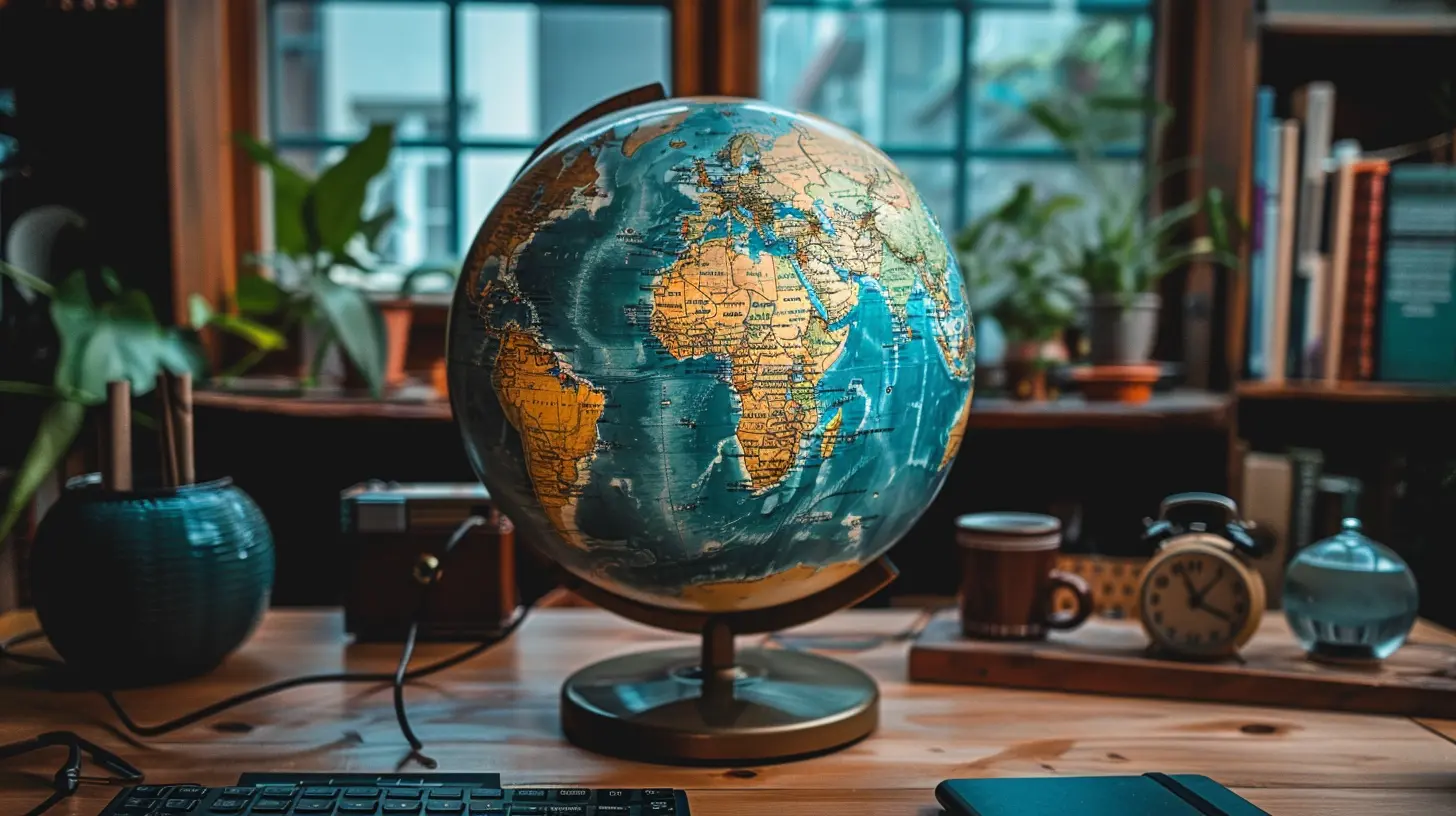
Why Stream International Channels?
Before we jump into the "how," let’s talk about the "why." Streaming international channels isn't just about watching foreign shows—it's about broadening your perspective.- Stay Connected to Your Roots – If you’ve moved to another country, international streaming keeps you in touch with your culture.
- Enjoy Exclusive Content – Some of the best TV shows and live sports are not available in your region.
- Learn a New Language – Watching international media is one of the best ways to improve your language skills.
- Cut the Cord – Why pay for expensive satellite or cable when you can stream for a fraction of the cost?
Now that we've got the "why" covered, let's move on to the "how." 
Choosing the Right Streaming Device
First things first—you need the right equipment. Fortunately, most popular streaming devices support international apps and services. Here are the top options:1. Amazon Fire Stick
- Affordable and widely available- Supports VPN services (which we’ll discuss later)
- Works with apps like Sling TV, BBC iPlayer, and more
2. Roku
- User-friendly and offers several international channels- Some apps may have geo-restrictions, so a workaround may be needed
- Lacks direct VPN support but can work with a router-based VPN
3. Apple TV
- Excellent streaming quality- Great for users already in the Apple ecosystem
- Works with AirPlay, allowing you to stream content from compatible devices
4. Android TV & Google Chromecast
- Supports a wide range of global apps- Works natively with VPN apps
- Easily sideload apps from other regions
Each of these devices has its advantages, but the key is making sure they support the apps and services you need. 
Unlocking International Channels – The Essentials
So you've got your streaming device—now, how do you actually watch international channels? Here are a few methods:1. Subscribe to International Streaming Services
Many streaming platforms cater to global audiences. Some of the best options include:- BBC iPlayer (UK) – Great for British TV shows and live news
- Hulu Japan – Offers exclusive Japanese movies and series
- Hotstar (India) – Features Bollywood movies, cricket, and more
- Sling TV (US & International) – Great for international live TV channels
- DAZN (Global) – Popular for sports streaming
Check if these services are available in your country. If not, don’t worry—there’s a way around it!
2. Use a VPN to Bypass Geo-Restrictions
Here’s where things get interesting. Many international streaming services block access based on location. A VPN (Virtual Private Network) helps you bypass these restrictions by masking your real location.How a VPN Helps:
- Lets you appear as if you're browsing from another country- Unblocks region-locked streaming services
- Protects your online privacy
- Prevents ISP throttling
Best VPNs for Streaming International Content:
- ExpressVPN – Fast speeds and works with most streaming services- NordVPN – Reliable for unblocking geo-restricted content
- Surfshark – Affordable and supports unlimited devices
How to Use a VPN with Your Streaming Device:
1. Install the VPN app on your device (or configure it on your router).
2. Connect to a server in the country of the channel you want to watch.
3. Open your streaming app and enjoy!
3. Side-Loading International Apps
Some regional apps may not be available in your country's app store. An easy way around this is side-loading the apps onto your device.How to Side-Load Apps:
1. Enable "Install Unknown Apps" in your device settings.2. Download the APK file from a reputable source.
3. Install the app manually and sign in.
This method is particularly useful for devices like Fire Stick and Android TV.
4. Use IPTV Services
IPTV (Internet Protocol Television) allows you to stream international channels via the internet. Some services offer thousands of channels from all over the world.Popular IPTV Services:
- IPTV Smarters- GSE Smart IPTV
- XCIPTV Player
Most IPTV services require a subscription, so make sure you choose a legal and reputable provider. 
Optimizing Your Streaming Experience
Now that you know how to access international channels, let’s make sure your streaming experience runs smoothly.1. Check Internet Speed
Streaming in HD or 4K requires a solid internet connection. Here’s what you need:- Minimum 5 Mbps for SD streaming
- At least 15 Mbps for HD streaming
- 25 Mbps or higher for 4K ultra-HD
2. Use a Wired Connection (If Possible)
Wi-Fi is great, but an Ethernet cable ensures smoother streaming with no buffering.3. Avoid Bandwidth Throttling
Some ISPs slow down streaming speeds. A VPN can help prevent this by hiding your online activity.4. Clear Cache & Update Apps
Regularly clearing your device’s cache and updating apps ensures you get the best performance without lag.Legal Considerations
While streaming international content is great, it’s important to do so legally. Always:- Subscribe to official services when possible
- Avoid illegal IPTV sources that distribute pirated content
- Check regional laws regarding VPN use
Remember, supporting legal streaming platforms helps creators and ensures you get high-quality, uninterrupted content.
Final Thoughts
And there you have it! Streaming international channels with a streaming device isn’t as complicated as it sounds. With the right device, a good VPN, and proper app setup, you can access almost any global content from your couch.So, why limit yourself to local TV? Open the doors to new cultures, languages, and entertainment—all with just a few clicks. Now, grab some popcorn and start your global streaming adventure!
all images in this post were generated using AI tools
Category:
Streaming DevicesAuthor:

Vincent Hubbard