How to Stream Live TV Without Cable Using Streaming Devices
5 July 2026
So, you're tired of paying a ridiculous monthly cable bill for a bunch of channels you never even watch? Yeah, we've all been there. Welcome to the club. Cutting the cord has become more than just a trend—it’s practically a movement. People are ditching traditional cable TV in droves and turning to cheaper, more flexible streaming options.
In this post, we’re diving deep into how to stream live TV without cable using streaming devices. We'll talk gear, services, how it works, and what you need to get started. It's time to stick it to the cable companies and take control of your entertainment.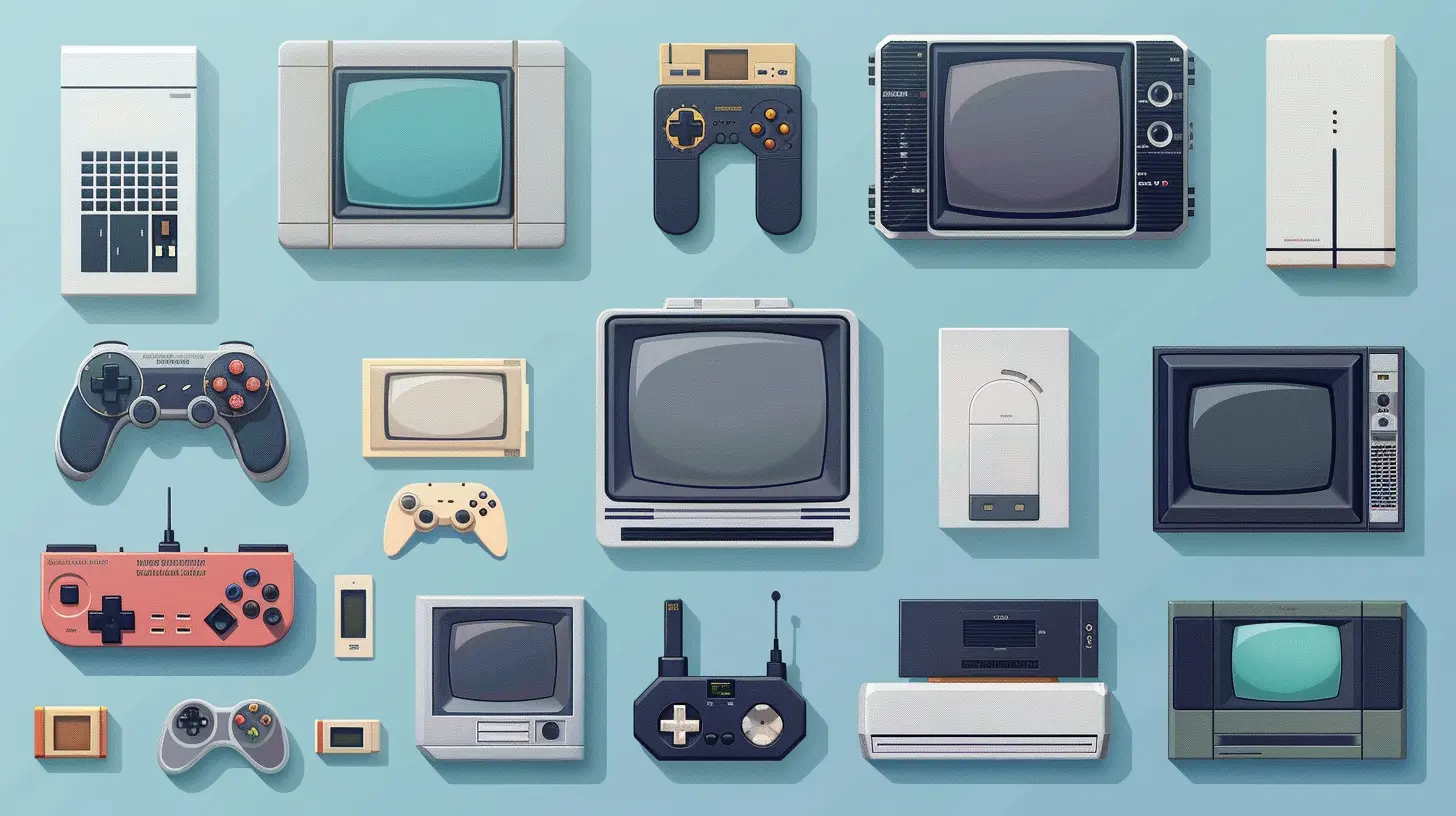
Why Ditch Cable in the First Place?
Let’s be real. Cable is expensive, outdated, and packed with junk channels. You're usually stuck in a contract, dealing with equipment rental fees, and paying for stuff like home shopping networks. Not to mention those random “broadcast fees” that sneak up on you every month.Streaming live TV without cable? It’s like switching from a clunky flip phone to a sleek smartphone. Total upgrade.
Here’s what you get:
- Lower costs
- No contracts
- A la carte channel selections
- Stream wherever, whenever
- No installation visits or rented boxes
Now let's break down exactly how to make the switch.
What You Need to Get Started
1. A Solid Internet Connection
First things first: if you’re gonna stream live TV, you need decent internet. We’re talking at least 25 Mbps for smooth streaming on one device. Got family members who binge in different rooms? You might want 100 Mbps or more.Pro tip: Use a wired Ethernet connection on your main TV if you can. Nothing ruins live sports like buffering.
2. A Streaming Device
You’ve got options here—lots of them. Your choice depends on your budget, the user interface you like, and what platforms you prefer. Here are the heavy hitters:✅ Roku
Probably the most beginner-friendly. Simple interface, lots of channel options, and affordable. You can't go wrong with a Roku Streaming Stick or Roku Ultra.✅ Amazon Fire TV
If you’re already deep into the Amazon ecosystem, Fire TV devices make the most sense. Alexa voice commands are handy, and integration with Prime Video is seamless.✅ Apple TV
On the pricier side, but super smooth and perfect for Apple users. The Siri remote is slick, and the performance is top-notch.✅ Google Chromecast with Google TV
Great for Google fans. It’s cheap, fast, and comes with a built-in remote and Google Assistant.✅ Smart TVs & Gaming Consoles
Got a modern smart TV or a PlayStation/Xbox? You might already have access to a bunch of streaming apps without any extra hardware.
Choosing a Live TV Streaming Service
Here’s where the real magic happens. Once you’ve got your device, you need a streaming service that gives you access to live TV channels.1. YouTube TV
- Price: ~$72.99/month- Channels: 100+
- Free Trial: Yes
- Cloud DVR: Unlimited
- Why it rocks: Super clean interface, almost like traditional cable. You get all the big networks like ABC, CBS, NBC, FOX, and ESPN.
2. Hulu + Live TV
- Price: ~$76.99/month (includes Disney+ and ESPN+)- Channels: 85+
- Free Trial: Sometimes
- Cloud DVR: Unlimited
- Why it rocks: Great for families. You get Hulu’s on-demand library plus live TV. It’s the best of both worlds.
3. Sling TV
- Price: Starting at $40/month- Channels: 30–50 (depending on the plan)
- Free Trial: Occasionally
- Cloud DVR: 50 hours included
- Why it rocks: It’s the cheapest legit live TV option. Choose between Sling Orange and Sling Blue (or both).
4. fuboTV
- Price: ~$74.99/month- Channels: 150+
- Free Trial: Yes
- Cloud DVR: 1000 hours
- Why it rocks: Best for sports fans. Tons of regional and international sports channels.
5. DIRECTV Stream
- Price: ~$74.99/month- Channels: 75–140+
- Free Trial: Yes
- Cloud DVR: 20 hours (can upgrade)
- Why it rocks: Closest to traditional cable. If you’re not ready to go cold turkey, this is a soft landing.
Bonus: Free Live TV (Yes, FREE)
Streaming doesn’t always have to cost you a dime. If you’re cool with fewer channels and the occasional ad, free live TV is totally doable.Here are a few legit options:
? Pluto TV
Tons of live channels, from news to old-school TV shows. Feels like flipping through cable, minus the bill.? Tubi
Mostly on-demand, but now offers some live news channels. Great for movies too.? Xumo
Another "live TV-like" service that mimics cable. Free and decent enough for casual watching.Antennas: Old School, But Not Dead
Yup, antennas still exist—and they're better than ever. A good HD antenna can pick up local channels for free (think ABC, CBS, NBC, FOX, PBS). Combine that with a streaming service and you've basically recreated cable... but smarter.Put that antenna on a window, scan for channels, and voilà—free live TV in HD.
How to Set It All Up (Step-by-Step)
Let’s map it out so you’re not lost in the weeds:1. Choose your streaming device (Roku, Fire TV, etc.)
2. Connect it to your TV via HDMI
3. Connect to Wi-Fi (or plug in Ethernet)
4. Download your live TV apps (YouTube TV, Hulu, etc.)
5. Sign in and pick your channels
6. Start watching
That’s it. No truck roll, no cable guy, no nonsense.
Pro Tips to Level Up Your Setup
Alright, you're in the streaming game now. Want to optimize the experience? Here's how:- Get a universal remote: Juggling remotes is so 2005. Upgrade to a single remote that handles everything.
- Use a soundbar: Good audio makes a huge difference—especially for sports and movies.
- Hardwire for speed: If your Wi-Fi isn’t the strongest, plug your device into a router with an Ethernet cable.
- Monitor your data usage: Streaming eats bandwidth. Keep an eye on your plan if you’ve got caps.
- Use profiles: Separate accounts in Hulu or YouTube TV keep your recommendations from getting weird.
What About DVR?
Yep, streaming services have that too—without the bulky box. Most of them offer cloud DVR, which means you can record shows and access them from any device.Some like YouTube TV and Hulu + Live TV even offer unlimited DVR storage. Forget limited hours, just set it and forget it.
Cutting the Cord: Is It Worth It?
If you're still on the fence, let's do the math.Most cable bills exceed $100/month once you factor in "rental fees" and mystery surcharges. Compare that to a $50–$75 streaming service, and you’re already saving money. Add in the ability to cancel anytime? Game-changer.
And honestly, it’s about freedom. No more waiting for service reps, sitting through bloated channel lineups, or getting hit with random rate hikes.
Common Questions (Because We Know You’ve Got ‘Em)
Q: Can I still watch local channels?A: Absolutely. Most services offer local networks, or you can use an HD antenna for free.
Q: Is streaming live TV legal?
A: 100% yes, as long as you’re using legit services and not some shady site filled with pop-ups.
Q: Can I stream on multiple TVs?
A: Yup. Most plans include multiple streams. Some services even let you upgrade for more.
Q: What about sports?
A: fuboTV, YouTube TV, and Hulu+Live TV all have great sports coverage—including national and local games.
Q: Do I need a Smart TV?
A: Nope. Any TV with an HDMI port works, as long as you’ve got a streaming device.
Final Thoughts: Join the Streaming Revolution
Look, cable TV had a good run. But it’s 2024—instant streaming, personalized content, and freedom from contracts are the new norm.Streaming live TV without cable isn’t just a cheaper alternative—it’s a smarter, smoother, and far more satisfying way to consume content. You’re in control now. You choose what to watch, how to watch it, and when.
So grab that remote, ditch that dusty cable box, and welcome to the future of TV.
all images in this post were generated using AI tools
Category:
Streaming DevicesAuthor:

Vincent Hubbard
Discussion
rate this article
1 comments
Raelyn Elliott
Cutting the cord has never been easier. With the right streaming devices, you can enjoy your favorite shows live, saving money while accessing a world of entertainment. Embrace the freedom of streaming!
July 5, 2026 at 2:27 AM