How to Stream Local Channels Using Your Streaming Device
13 April 2026
Gone are the days when you needed to rely on a bulky cable box or rabbit ears to catch your favorite local channels. With the rise of streaming devices, it’s easier than ever to watch local broadcasts right from the comfort of your couch. But how do you stream local channels using your streaming device? If you're wondering, you're in the right place! We’re going to break it down step by step so you never miss your local news, sports, or prime-time shows again.
Why You Should Stream Local Channels
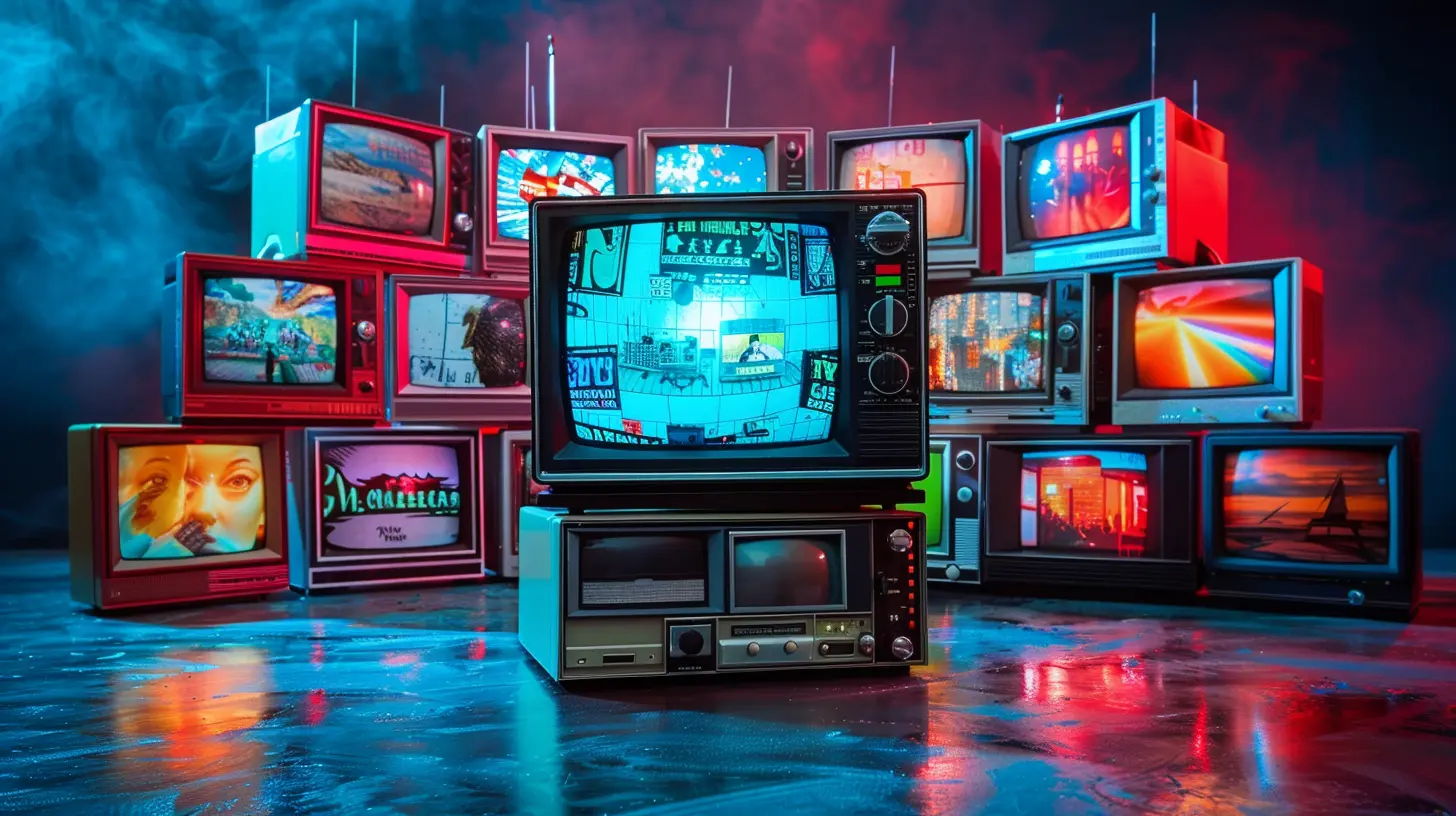
First off, let’s talk about why streaming local channels is a game-changer. Sure, you might already have a Netflix or Disney+ subscription to cover your binge-watching needs, but local channels are still super important. Think about it — local news keeps you updated on what's happening in your community, whether it's weather updates, city events, or even sports. Also, if you're a fan of network TV shows, local channels are often the place to catch brand-new episodes right as they air.So, if you're cutting the cord and switching to streaming, you don’t have to say goodbye to local channels! In fact, streaming them can be even easier and more affordable than traditional cable.
Different Ways to Stream Local Channels
Now, the big question is: how exactly do you stream local channels on your streaming device? There’s no one-size-fits-all answer, but the good news is there are multiple ways to do it. Let’s dive into the most popular options.1. Use Live TV Streaming Services
One of the easiest ways to access local channels on your streaming device is by subscribing to a live TV streaming service. Think of these services as the modern version of cable, but more flexible. They offer a variety of channels, including your local stations, and you can stream them live just like the good ol' days of flipping through cable channels. Here are some popular options:Hulu + Live TV
You might already be familiar with Hulu for its on-demand content, but did you know they offer live TV too? With Hulu + Live TV, you get access to local ABC, CBS, NBC, and FOX affiliates in many areas. Plus, you get all of Hulu’s on-demand content, which is a nice bonus.YouTube TV
YouTube TV is another strong contender when it comes to streaming local channels. It provides access to almost all major local networks, including ABC, CBS, NBC, and FOX. The best part? Unlimited DVR storage, so you can record your local news or favorite shows and watch them whenever you want.Sling TV
Sling TV is a bit different because it doesn’t offer as many local channels as Hulu + Live TV or YouTube TV. However, it does have options for FOX and NBC in select markets. The upside? Sling TV is more affordable than other live TV services, making it a good choice if you're on a budget.fuboTV
If you’re a sports fan, fuboTV is a great option. Not only does it offer local channels, but it also provides a ton of sports content. You’ll get access to local CBS, NBC, FOX, and ABC stations in most areas, along with regional sports networks.2. Use a Digital Antenna and Streaming Device Combo
Okay, so maybe you don’t want to subscribe to a live TV streaming service. That’s cool. There’s another way to stream local channels: using a digital antenna. But wait, how does an old-school antenna fit into the streaming game?Here’s how it works: You can buy a digital antenna (they’re pretty affordable) and hook it up to your TV. The antenna will pick up local over-the-air broadcasts, like news and sports, for free. Then, you can use a streaming device like a Roku or Amazon Fire TV to integrate your antenna channels with your streaming apps. Some streaming devices even have apps that let you manage antenna-based channels alongside your streaming services, so you can flip through everything easily.
Roku and Antennas
Roku has a feature called "Roku TV," which lets you connect an antenna and watch over-the-air channels directly through the Roku interface. That way, you can switch between your digital antenna channels and your favorite streaming apps with ease.Amazon Fire TV Recast
Amazon’s Fire TV Recast is a step up from the basic digital antenna setup. It lets you stream and record local over-the-air channels using a digital antenna, and then watch those recordings on any Fire TV device. In a sense, it acts as a DVR for your local channels, which is pretty sweet if you want to catch up on local broadcasts later.3. Use Network TV Apps
Many local TV stations have their own apps that you can download on your streaming device. These apps often feature live streams of local broadcasts, as well as on-demand content like recent news segments or full episodes of shows. While this option isn’t as comprehensive as a live TV streaming service, it’s a free alternative if you just want to catch specific local channels.Here are a few examples:
- NBC App: If you're a fan of NBC programming, you can download their app to stream live broadcasts from your local NBC station, provided you’re in a supported market.
- CBS App: Similar to NBC, the CBS app offers live streams of local CBS stations in many areas.
- ABC App: The ABC app offers live streams in select markets, along with on-demand episodes of popular shows like "The Bachelor" or "Grey’s Anatomy."
Just keep in mind that not all local channels have apps, and availability can vary by region. But hey, if it works in your area, it’s a great (and often free) solution!
4. Leverage Free Streaming Services
Free streaming services? Yes, please! There are actually a few free services that offer local channel streaming in certain areas. While you might not get everything that’s available through a paid service, these free options are worth checking out:Locast (Now Defunct, But Worth Mentioning)
Locast was a non-profit service that allowed users to stream local channels for free. Unfortunately, it’s no longer available due to legal issues, but it was a great example of how non-traditional platforms can provide free local content. Keep an eye out for similar services that might pop up in the future!NewsOn
NewsOn is a free app that provides live and on-demand local news broadcasts. It doesn’t cover entertainment or sports, but if you’re just looking to stay informed about local happenings, it’s a great option.5. Pay for Individual Network Subscriptions
If you’re only interested in one specific local network, you could subscribe to that network’s streaming service directly. For example:- CBS All Access (now called Paramount+): Offers live streams of CBS stations in many areas.
- Peacock: NBC’s streaming service, which includes some live programming from NBC affiliates.
This approach might not be as cost-effective as a live TV streaming service, but it works if you’re only interested in one or two networks.
What Streaming Device Should You Use?
At this point, you might be thinking, "Great, but what streaming device should I use?" The good news is, most popular streaming devices support all of the methods we just talked about. Here are a few top contenders:1. Roku
Roku is one of the most versatile and user-friendly streaming devices out there. It supports live TV streaming services, network apps, and even digital antenna integration (if you have a Roku TV). If you’re looking for a simple, affordable option, Roku is a solid choice.2. Amazon Fire TV
Amazon Fire TV devices are also highly compatible with many live TV streaming services and network apps. Plus, if you go with the Fire TV Recast setup, you can integrate over-the-air channels and record them for later.3. Apple TV
Apple TV is more on the premium side, but it supports all the major live TV services and apps we’ve mentioned. It’s an excellent option if you’re already invested in the Apple ecosystem.4. Google Chromecast
Google Chromecast is another affordable streaming device that works well with live TV streaming services and network apps. It’s a great option if you prefer controlling your streaming with your smartphone.
Conclusion
Streaming local channels using your streaming device is easier than ever, and there are multiple ways to do it depending on your preferences and budget. Whether you opt for a live TV streaming service, a digital antenna setup, or individual network apps, the key is to find what works best for you. So go ahead, fire up that streaming device, and start enjoying your local channels without the hassle of cable!all images in this post were generated using AI tools
Category:
Streaming DevicesAuthor:

Vincent Hubbard
Discussion
rate this article
2 comments
Ashley McManus
Streaming local channels: because who doesn’t want to watch reruns of ‘90s sitcoms while pretending to be productive?
April 17, 2026 at 3:53 AM
Vincent Hubbard
Hey, sometimes those '90s sitcoms are just what we need for a quick laugh. Streaming local channels makes it easy to mix work and play. Enjoy!
Oren Bailey
In the digital age's embrace, Local channels find their place. With a streaming dance, they align, Unlocking treasures, both yours and mine.
April 16, 2026 at 2:54 AM
Vincent Hubbard
Thank you for capturing the essence of local channels in the digital age! They truly enhance our streaming experience.