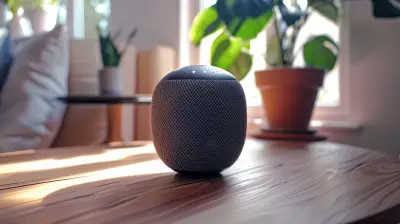
Securing Your Smart Home: Protecting IoT Devices from Hackers
28 March 2026
The dream of a smart home is no longer sci-fi—it’s real, it’s here, and it’s freaking amazing! Just think about it: You’ve got voice-controlled lighting, thermostats that learn your habits, refrigerators that tell you when you’re out of milk, and even doorbells that show you who’s knocking, whether you’re home or not.
But here’s something that’s not so dreamy: all of those connected devices turn your cozy, tech-filled nest into a playground for hackers… if you're not careful.
In this guide, we're going to dive deep into how to lock down your smart home like Fort Knox—minus the stress. We'll break down the risks, the steps to secure everything from your smart TV to your connected coffee maker, and sprinkle in some good ol’ human advice along the way.
Let’s get you protected.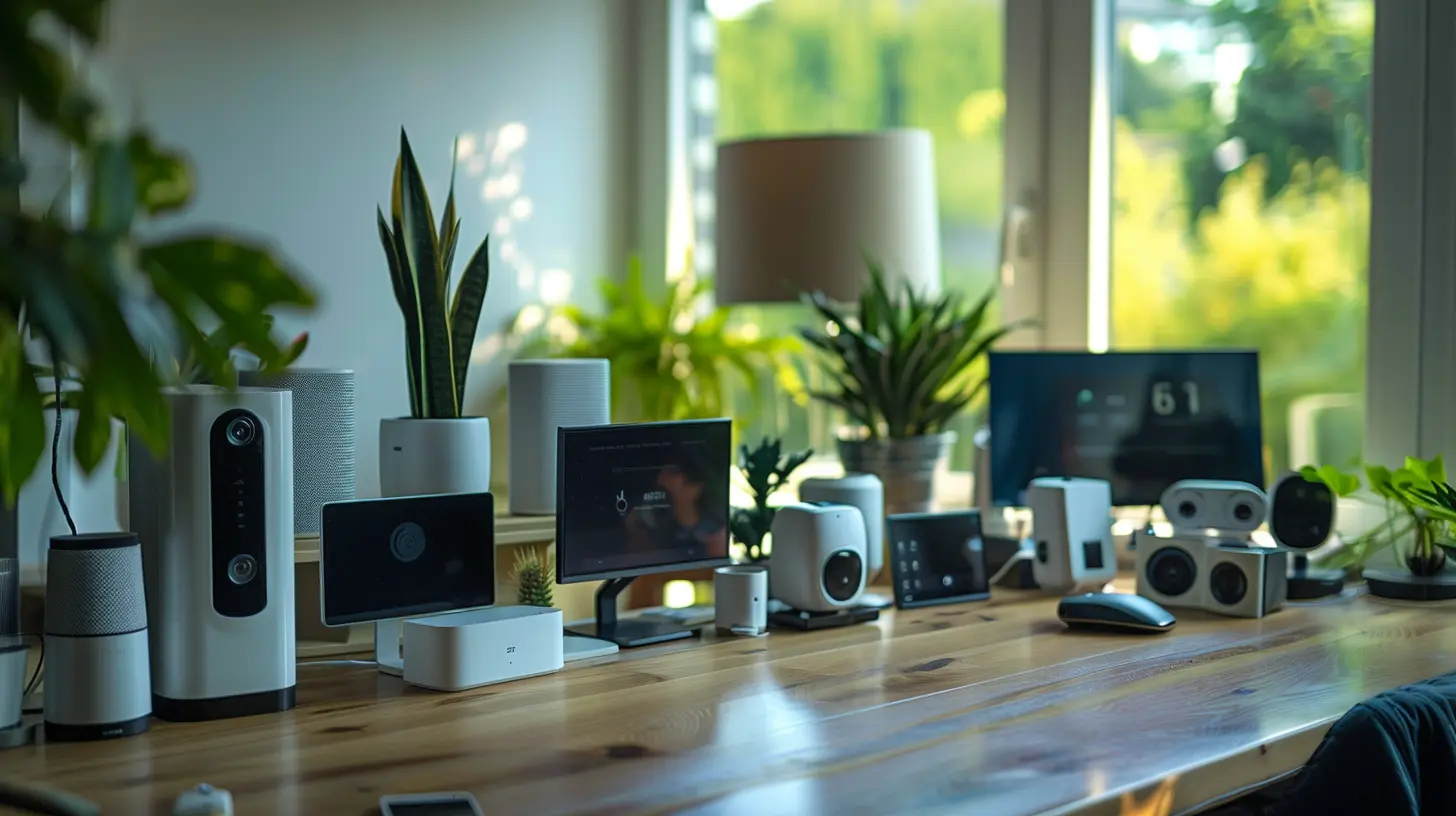
What Exactly Is a Smart Home?
Before we get ahead of ourselves, let’s quickly define what makes a home “smart.”A smart home is any living space equipped with Internet of Things (IoT) devices—gadgets that are connected to the internet and to each other. This includes smart speakers (think Alexa or Google Home), lights, locks, cameras, thermostats, kitchen appliances, and even pet feeders.
These devices make life ultra-convenient, but they also open doors—digitally speaking—for cybercriminals if you don’t take security seriously.
Why Hackers Target Smart Homes
You might wonder, “Why would anyone want to hack my fridge or light bulbs?”Well, it’s not about the fridge—it’s about the access it gives. Many IoT devices act like tiny gateways into your home network. Once inside, hackers can:
- Steal personal information
- Spy through cameras or microphones
- Control devices remotely
- Launch bigger attacks (like using your network as part of a botnet)
- Even unlock your front door—yikes!
And here’s the kicker: most smart devices aren’t built with top-tier security. Many still come with default passwords or outdated firmware, making them low-hanging fruit for cyber intruders.
Real-Life Scenarios That Hit Too Close to Home
Let’s make it real. Picture this:- A hacker gets into your Wi-Fi camera and watches your daily routine. Creepy, right?
- Your smart thermostat gets hijacked and maxes out the heat while you’re away—costing you a fortune.
- Someone uses your connected baby monitor to talk to your child. (Yes, this has happened. Multiple times.)
These aren’t horror stories meant to scare you, they’re warnings.
But the good news? These risks are manageable—with the right steps.
Step #1: Secure Your Wi-Fi Network
Think of your Wi-Fi network as the front gate to your digital castle. If that gate’s weak or wide open, it doesn’t matter how fancy the lock on your smart doorbell is.Here’s how to lock it down:
Change Default Router Settings
Routers come with default usernames and passwords. Change them immediately. Seriously—do not skip this step.Use Strong, Unique Passwords
Make your Wi-Fi password long and complex. Avoid your name, address, or “12345678”. Use a password manager if you can’t remember it.Enable WPA3 Encryption
If your router supports it, use WPA3—a newer, safer Wi-Fi encryption protocol. If not, at least make sure you're using WPA2.Hide Your Network SSID
While not bulletproof, hiding your Wi-Fi name keeps casual snoopers from seeing it. It’s an extra layer of obscurity.Step #2: Update Everything—Religiously
Software updates aren’t just about bug fixes or new features. They often patch critical security holes.Your smart devices may not always update automatically, so:
- Visit the device’s app or dashboard regularly.
- Check for pending firmware updates.
- Enable auto-updates if available.
Think of updates as vaccinations—they keep your devices immune to the latest cyber threats.
Step #3: Ditch Default Passwords. For Everything.
Here’s the deal: Hackers literally share lists of default passwords online. If you’re still using “admin” as your login, you’ve practically rolled out the red carpet for cybercriminals.For every device:
- Change the default login credentials as soon as you set it up.
- Use unique passwords across devices (yes, even your smart toaster).
- Consider enabling two-factor authentication (2FA) where available. It’s like adding a second deadbolt.
Step #4: Segment Your Network
Ever heard of network segmentation? It sounds fancy, but it's actually simple.Split your home Wi-Fi into two parts:
1. One network for your personal devices (phones, laptops).
2. Another for your IoT devices (like smart TVs, thermostats, etc).
That way, if an IoT device gets compromised, hackers can’t access your sensitive stuff—like bank info or personal photos. Some routers let you do this easily with a guest network feature.
Step #5: Use a Firewall and Antivirus Software
A firewall is like your home’s digital bouncer—it keeps the bad guys out and watches who comes and goes.Many routers have built-in firewalls—just make sure it’s turned on.
Also, run trusted antivirus software on your computers and smartphones. You’d be surprised how often your phone can act as a backdoor into your home network.
Step #6: Be Picky About Privacy
Smart devices collect a lot of data. Some share it with manufacturers—or worse, third parties.Here’s what you can do:
- Read the privacy settings and policies (yeah, we know—it’s boring, but worth it).
- Turn off features you don’t need, like voice recordings or location tracking.
- Disable remote access if you don't use it.
Just because your smart device can do something doesn’t mean it should.
Step #7: Choose Devices from Reputable Brands
Bargain-hunting for IoT gadgets on obscure sites can be tempting, especially with flashy promises and low prices.But here’s a rule of thumb: If it sounds too good to be true, it probably is.
Stick to brands with a reputation for security and regular software updates. Check reviews and support forums before buying.
Step #8: Keep Tabs on Device Activity
How do you know something fishy is going on?Many smart home apps show device logs or recent activity. Review them occasionally. Unexpected logins or strange behavior (like lights turning on by themselves) could be red flags.
You can also get a network monitoring tool or app to keep an eye on traffic. It’s like having a security camera for your data.
Step #9: Disable Unused Features and Devices
Have an old smart plug you haven’t used in months? Or a feature like “remote door unlocking” that you never use?Disable them.
Every additional device or feature is another potential entry point for hackers. If you're not using it, it's safer to turn it off or remove it entirely.
Step #10: Talk To Your Family
A secure smart home isn’t just about tech—it’s about people too.Make sure everyone in your house knows the basics:
- Don’t install shady apps.
- Don’t connect random devices to the network.
- Don’t share passwords.
Even kids should know not to accept random Bluetooth or Wi-Fi connections. Empower the people in your home, and you instantly double your security.
What About Voice Assistants?
Smart speakers like Alexa or Google Assistant are super convenient—but they’re always listening (to a degree).Keep them secure by:
- Turning off the mic when not in use.
- Reviewing voice command history and deleting it regularly.
- Limiting what accounts and services they have access to.
They’re helpful, but don’t let them become a liability.
The Bottom Line
Living in a smart home is awesome, no doubt about it. But with convenience comes responsibility. Think of cybersecurity as home maintenance—like locking your doors or checking your smoke alarms. It’s not flashy, but it keeps your castle safe.You don’t need to be a tech expert. Just take it one step at a time.
Because at the end of the day, your smart home should make your life easier—not open it up to unnecessary risk.
Stay safe. Stay smart.
all images in this post were generated using AI tools
Category:
Online SecurityAuthor:

Vincent Hubbard
Discussion
rate this article
2 comments
Karly Mendez
Convenience shouldn't compromise our safety.
April 2, 2026 at 3:22 AM
Vincent Hubbard
I completely agree; prioritizing safety is essential in smart home technology. Balancing convenience with robust security measures is crucial to protect our devices from hackers.
Jonah McKibben
This article highlights crucial strategies for safeguarding IoT devices in smart homes. Emphasizing strong passwords, regular updates, and network security is essential for protecting against cyber threats effectively.
March 29, 2026 at 12:57 PM
Vincent Hubbard
Thank you for your insightful comment! I'm glad you found the strategies highlighted in the article important for safeguarding IoT devices in smart homes. Cybersecurity is indeed essential in today’s connected world.