Streaming Devices for Kids: Parental Controls and Safety Tips
7 June 2026
In today's digital world, streaming devices have become the go-to entertainment hubs for kids. From Netflix to Disney+, YouTube to Hulu, kids are spending more time streaming content than ever before. But let’s face it – the internet is a vast landscape, and not everything out there is age-appropriate. As a parent, you want your child to enjoy the fun stuff while keeping them safe from the less desirable corners of the web.
So, how do you strike the balance? This is where parental controls and safety tips come into play. In this guide, we’ll dive into the world of streaming devices for kids, explore the various parental controls available, and offer some practical safety tips to ensure your little ones are having fun and staying protected.
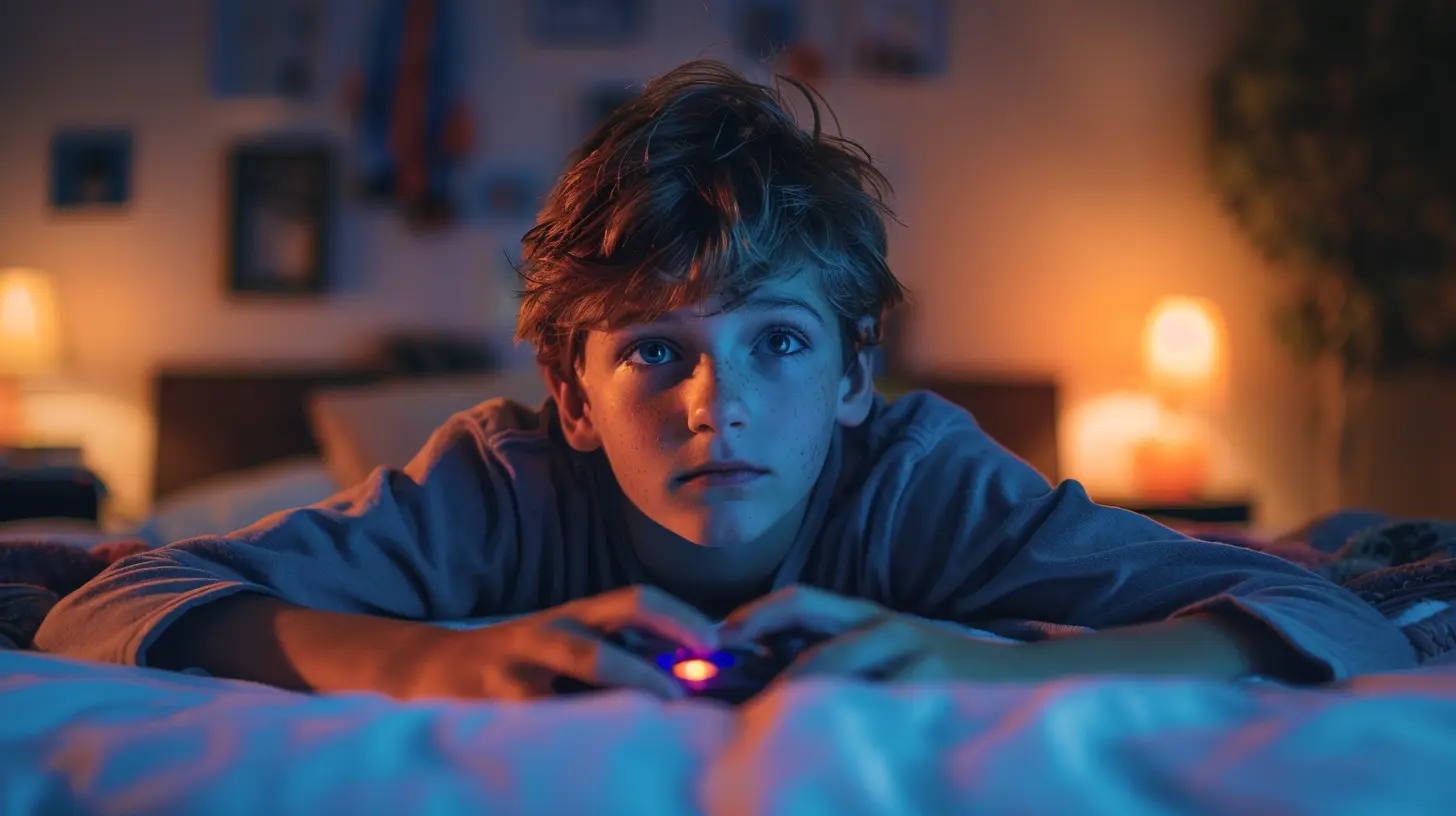
Why Streaming Devices Are Popular Among Kids
Let’s be real – kids love screens. Whether it’s cartoons, educational videos, or the latest superhero movie, streaming devices like Roku, Amazon Fire Stick, Apple TV, and Chromecast have made it easier than ever for them to access their favorite content. Why are these devices so appealing?1. Unlimited Content: Streaming devices give kids access to endless hours of content. Whether it’s movies, TV shows, or even educational programs, there’s something for every age group.
2. On-Demand Entertainment: Unlike traditional TV, which runs on a set schedule, streaming is all about watching what you want, when you want. For kids, this means they can watch the same episode of their favorite show over and over (and over!).
3. Ease of Use: These devices are designed with user-friendly interfaces. Even toddlers can master the basic navigation of a Roku or Fire Stick in no time.
But while the benefits of streaming are clear, there are also risks involved. Not all content is suitable for young viewers, and as technology-savvy as kids are, they aren’t always aware of the dangers lurking online. Which brings us to our next point – parental controls.
The Importance of Parental Controls
Parental controls are the digital equivalent of a fence around your backyard. You wouldn’t let your child roam freely into the street, right? The same logic applies to the internet. With the right parental controls, you can ensure that your child is only accessing age-appropriate content while avoiding inappropriate materials or harmful online behaviors.What Can Parental Controls Help With?
1. Filter Inappropriate Content: Parental controls can block access to content that is not suitable for kids based on age ratings. This includes adult content, violent shows, or anything else you don’t want your child exposed to.2. Time Limits: Worried your kid is spending too much time watching TV? You can set daily or weekly limits for how long they can stream content.
3. Monitor Viewing History: Some streaming devices allow you to check what your kids have been watching, so you can stay informed about their content choices.
4. Restrict Purchases: Many streaming services offer in-app purchases or rentals. Parental controls can prevent accidental or unauthorized purchases. (We've all heard the horror stories of kids racking up hundreds of dollars on their parents’ credit cards!)
Now that you understand why parental controls are crucial, let’s take a closer look at how to set them up on popular streaming devices.

How to Set Up Parental Controls on Popular Streaming Devices
1. Amazon Fire Stick
Amazon’s Fire Stick is a popular streaming device among families, and it offers robust parental control options.- Creating Profiles: You can create a kids' profile that filters out any inappropriate content. This profile will display only kid-friendly apps and shows.
- Setting Restrictions: Use PIN protection to restrict purchases, apps, and specific types of content.
- Enable Amazon Kids+: This is a subscription service that offers access to thousands of kid-friendly shows, movies, and books. It’s designed specifically for younger audiences, with no ads or in-app purchases.
2. Roku
Roku is another widely-used streaming device that offers a variety of parental control options.- PIN Protection: Roku allows you to set up a PIN to control the installation of certain channels or making purchases.
- Restricted Content: While Roku itself doesn’t have built-in content filters, many of the streaming channels it supports (like Netflix, Hulu, and Disney+) offer their own parental controls. Make sure to set these up individually on each app.
- Roku Channel: The Roku Channel comes with its own set of parental controls that let you filter content based on ratings like G, PG, and PG-13.
3. Apple TV
Apple TV is known for its sleek interface and integration with other Apple devices, but it also excels in parental controls.- Restrictions: You can go into the settings to restrict explicit content in movies, TV shows, and apps. You can also block specific apps from being downloaded.
- iCloud Family Sharing: Apple’s Family Sharing feature allows you to share subscriptions while keeping track of what everyone is watching. You can also restrict purchases for each family member.
- Ask to Buy: This feature ensures that your child has to get your permission before making any purchases. It’s a lifesaver for avoiding accidental charges!
4. Google Chromecast
Chromecast works differently compared to other streaming devices because it relies on casting content from a phone or tablet. However, parents can still implement some control.- Google Family Link: This app allows you to manage the apps your child can use, set screen time limits, and filter search results. While it’s not as seamless as the parental controls on other devices, it’s still a handy tool for managing the content your child accesses through Chromecast.
- YouTube Kids: If your child primarily watches YouTube, you can use the YouTube Kids app, which is designed specifically for children and has built-in parental controls.

General Safety Tips for Streaming with Kids
Even with parental controls in place, it’s important to actively engage in your child’s streaming habits. Here are some general safety tips to help you navigate this digital world:1. Watch Together
Whenever possible, co-view content with your kids. Not only does this allow you to monitor what they’re watching, but it also opens up opportunities for discussion. If something questionable comes on, you can talk about it in real-time and explain why it might not be appropriate.2. Set Clear Rules
Establish ground rules for screen time and content. Be clear about what’s off-limits and what’s okay. For example, you might allow educational shows during the week and more entertainment-focused content on the weekends.3. Use Kid-Friendly Platforms
While most streaming services offer parental controls, some platforms are specifically designed for children. Netflix Kids, YouTube Kids, and Amazon Kids+ are curated to offer content that is both entertaining and safe for young viewers.4. Encourage Offline Activities
It’s easy for kids to get absorbed in the endless stream of content available online. Encourage them to take breaks and engage in offline activities like reading, drawing, or playing outside. Balance is key!5. Keep Devices in Common Areas
Avoid letting your child stream content alone in their bedroom. Instead, keep the TV or streaming devices in common areas of the house, such as the living room. This helps promote a sense of shared family experience and gives you more visibility into what they’re watching.6. Talk About Online Safety
Have open conversations about online safety. Explain to your kids why certain content might be harmful and why it's important to follow the rules. Encourage them to come to you if they see something that makes them uncomfortable.Final Thoughts
Streaming devices have transformed the way our kids consume media. With endless content at their fingertips, it’s critical for parents to take an active role in ensuring that what they’re watching is age-appropriate and safe. By using parental controls and following the safety tips outlined in this guide, you can help your kids enjoy the best of the internet without exposing them to its darker side.Remember, streaming doesn’t have to be a passive activity. Engage with your kids, set boundaries, and make sure they understand the importance of online safety. After all, the internet is a tool that can be both educational and entertaining – as long as it’s used wisely!
all images in this post were generated using AI tools
Category:
Streaming DevicesAuthor:

Vincent Hubbard
Discussion
rate this article
1 comments
Elise McVaney
Great tips! Keeping kids safe while streaming is so important. Thanks for sharing!
June 8, 2026 at 12:46 PM
Vincent Hubbard
Thanks for your feedback! I'm glad you found the tips helpful. Keeping kids safe is definitely a priority.