Common Mistakes to Avoid When Using Wireless Chargers
1 June 2026
Wireless charging is one of the most convenient advancements in modern technology. No more fumbling with tangled cables or worrying about worn-out charging ports—just place your device on a charging pad and let the magic happen. However, while wireless charging simplifies our lives, many people unknowingly make mistakes that affect charging efficiency, battery health, and overall device performance.
If you want to get the most out of your wireless charger, avoid these common mistakes.
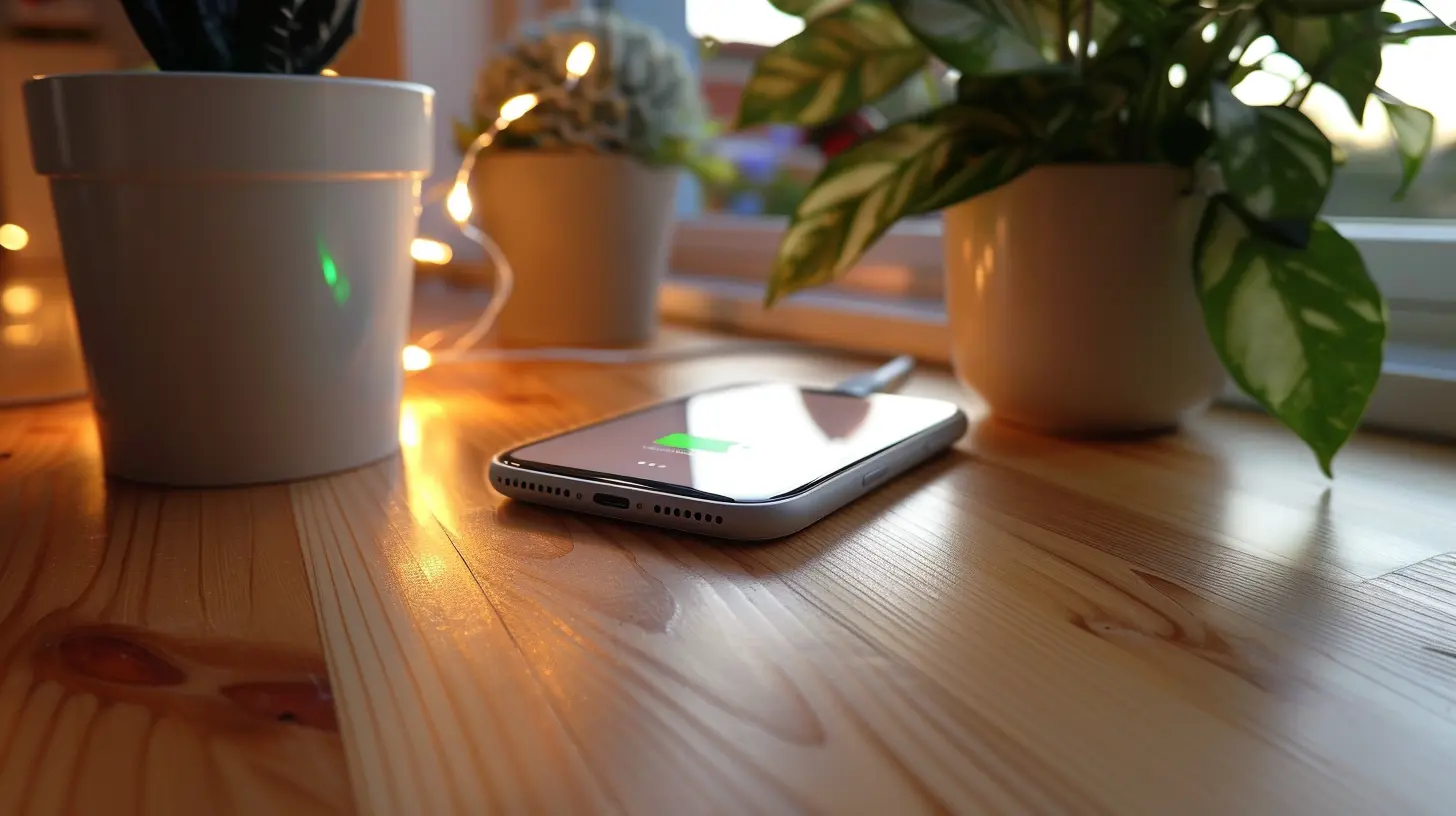
1. Using the Wrong Wireless Charger
Not all wireless chargers are created equal. Many people assume that any wireless charger will work perfectly with their devices, but that’s far from the truth.Why It’s a Mistake
Different devices require different power outputs. If you use a low-quality charger that doesn’t provide enough power, your device may charge slowly—or not at all. Similarly, some chargers aren’t certified by organizations like the Wireless Power Consortium (WPC), meaning they might not meet safety and efficiency standards.How to Avoid It
- Always check if the charger supports Qi Wireless Charging (the industry standard).- Use chargers from reputable brands or those recommended by your device manufacturer.
- Check the wattage—some devices support fast wireless charging, which requires a higher wattage charger.
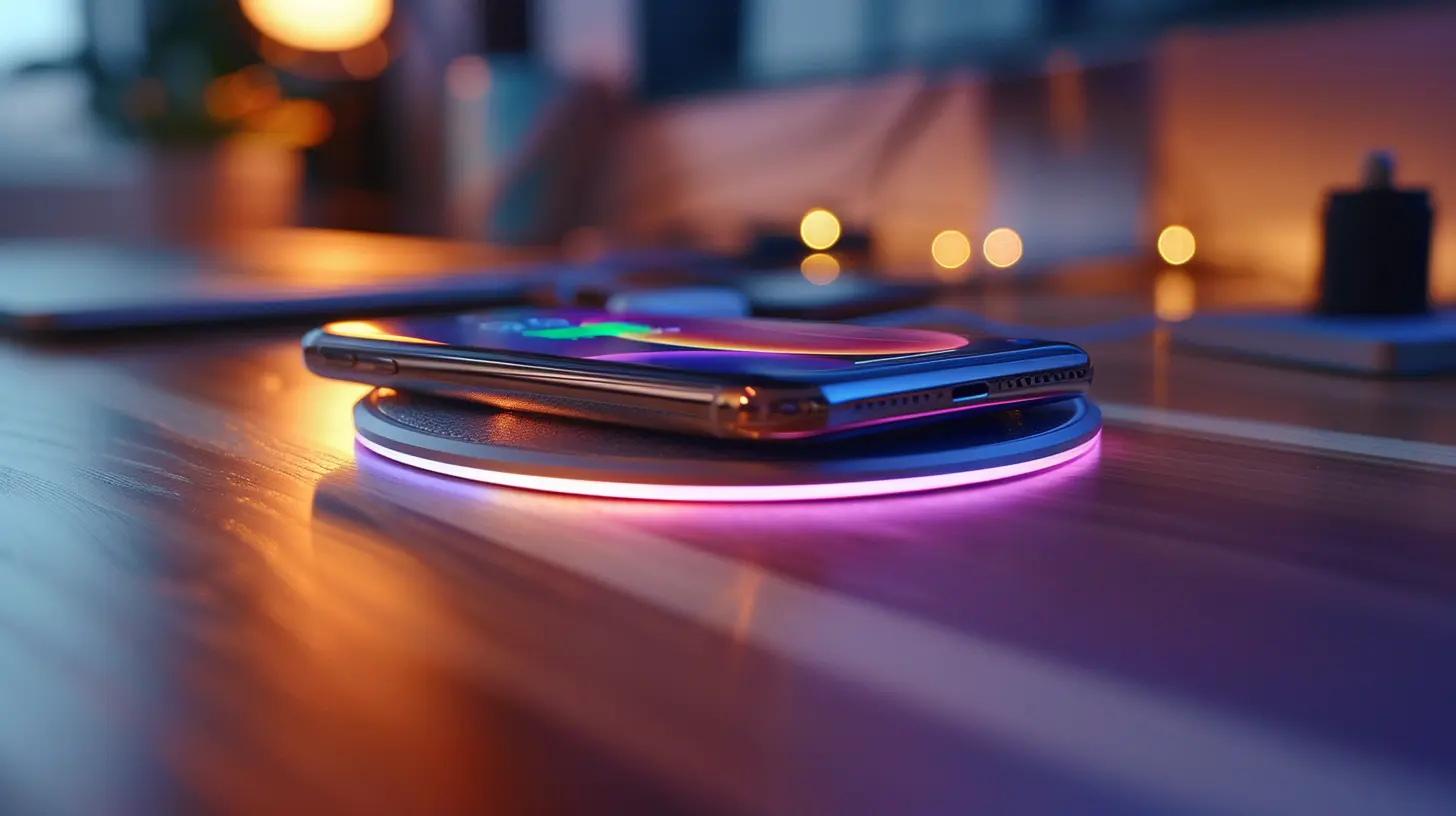
2. Placing the Device Incorrectly
Wireless charging works through electromagnetic induction, meaning the device must be aligned properly with the charging coil in the pad.Why It’s a Mistake
If your phone isn’t placed correctly, charging will be inefficient, slow, or may not work at all. Some devices have smaller charging coils that must be perfectly aligned with the charger to function properly.How to Avoid It
- Find the sweet spot where your device charges most efficiently.- If your phone has a large camera bump, ensure it lays flat on the charger for proper contact.
- Consider using wireless chargers with multiple coils to improve the charging area.
3. Using a Thick or Metallic Phone Case
Wireless charging can struggle with certain types of phone cases, especially thick or metal ones.Why It’s a Mistake
Wireless charging works through energy transfer between coils. A thick case or one with metal components can block or interfere with this energy transfer, leading to slow charging, overheating, or complete failure.How to Avoid It
- Use a thin case (preferably under 3mm thick).- Avoid magnetic cases, pop sockets, or metal attachments.
- If possible, remove your phone case before charging for better efficiency.
4. Charging in Extreme Temperatures
Wireless charging generates heat, and when combined with extreme room temperatures, it can degrade your battery over time.Why It’s a Mistake
Batteries are sensitive to high temperatures. Wireless charging already produces more heat than wired charging, and if you charge your phone in a hot or cold environment, it can lead to battery wear, reduced lifespan, or even safety risks.How to Avoid It
- Avoid charging your phone in direct sunlight or near heat sources.- Recognize signs of overheating—if your phone gets too hot, remove it from the charger and let it cool down.
- Use chargers with built-in cooling mechanisms to dissipate excess heat.
5. Ignoring Charger and Phone Cleanliness
Dirt, dust, and debris may seem harmless, but they can affect wireless charging efficiency.Why It’s a Mistake
A dirty charging pad can create a small gap between the coils, weakening the power transfer. Over time, dust and lint can build up and cause intermittent disconnects or slow charging.How to Avoid It
- Regularly clean your phone’s back and the charging pad with a soft microfiber cloth.- Avoid placing chargers in dusty areas, and store them properly when not in use.
6. Expecting the Same Speed as Wired Charging
Wireless charging is convenient, but it’s not always the fastest option. Many people get frustrated when their device doesn’t charge as quickly as a wired connection.Why It’s a Mistake
Wireless charging is generally slower than wired charging, especially for high-capacity batteries. It also has energy loss during transmission, making it less efficient compared to direct cable charging.How to Avoid It
- Use a high-wattage charger if your device supports fast wireless charging.- Whenever possible, charge overnight or when you don’t need your phone immediately.
- If speed is crucial, consider wired charging for quick top-ups.
7. Charging Your Device Overnight Every Night
Leaving your phone on a wireless charger overnight might seem convenient, but it can negatively impact long-term battery health.Why It’s a Mistake
Most modern phones have battery management systems, but constant overnight charging can cause heat buildup and slight trickle charging, potentially degrading the battery over time.How to Avoid It
- Charge your phone to 80-90% instead of keeping it at 100% overnight.- Use chargers with auto shut-off features to prevent unnecessary power flow.
- If you must charge overnight, place your charger on a cool and flat surface to avoid heat buildup.
8. Ignoring Software Updates
Did you know software updates can improve your device’s charging efficiency? Many people overlook this important factor.Why It’s a Mistake
Sometimes, charging issues are due to software bugs rather than hardware defects. Manufacturers release updates to optimize battery performance and fix wireless charging compatibility issues.How to Avoid It
- Always keep your device updated with the latest software version.- If your phone has trouble wirelessly charging after an update, restart it or check the manufacturer's notes for potential fixes.
9. Using a Weak Power Adapter
Your wireless charger is only as good as the power adapter it’s connected to. Using a low-wattage adapter can significantly impact charging speed.Why It’s a Mistake
Some users plug their wireless charger into low-power adapters (like 5W or 10W ones), not realizing that this limits charging efficiency.How to Avoid It
- Use a high-power adapter (typically 18W or higher for fast charging).- Ensure that your adapter and charging pad are compatible for optimal performance.
10. Not Considering Wireless Charging Stands for Convenience
Many people only use flat charging pads, which aren’t always the most practical option.Why It’s a Mistake
Flat charging pads are good, but they can make it harder to use your phone while charging. Additionally, some phones easily misalign on flat pads, leading to interrupted charging.How to Avoid It
- Consider wireless charging stands that let you see notifications or watch videos while keeping your phone upright.- Choose a design that fits your usage habits—whether a pad for bedside charging or a stand for desk use.
Final Thoughts
Wireless charging is a game-changer, but only when done correctly. Avoiding these common mistakes ensures that you get faster, safer, and more efficient charging while prolonging your battery life. Remember, not all chargers are equal, placement matters, and overheating is a real issue.By making small but meaningful changes, you can enjoy the true convenience of wireless charging without unnecessary frustration or battery wear.
all images in this post were generated using AI tools
Category:
Wireless ChargingAuthor:

Vincent Hubbard
Discussion
rate this article
2 comments
Amalia McIlroy
Many users overlook proper alignment when placing devices on wireless chargers, which can lead to inefficient charging or no connection at all. It's also crucial to ensure the charger is compatible with your device to avoid overheating or damage.
July 9, 2026 at 3:10 AM
Julian Adkins
Great tips! I always learn something new from your posts.
June 2, 2026 at 2:37 AM