Essential Tips to Extend the Battery Life of Your Devices
16 June 2026
Ah, battery life: the magical force that separates your phone from becoming just a glorified paperweight. Ever had your laptop die mid-Zoom meeting or your phone gasp its last 2% right when you're trying to show your friends that hilarious meme? You’re not alone.
And yes, even in 2024—with foldable phones, AI-powered dishwashers, and robots running marathons—we still haven't cracked the code for everlasting battery life. But don't worry, I'm here to throw you a digital life raft. Let’s dive deep into the essential tips to extend the battery life of your devices—laced with a little sarcasm, a dash of humor, and actual advice that works (promise).
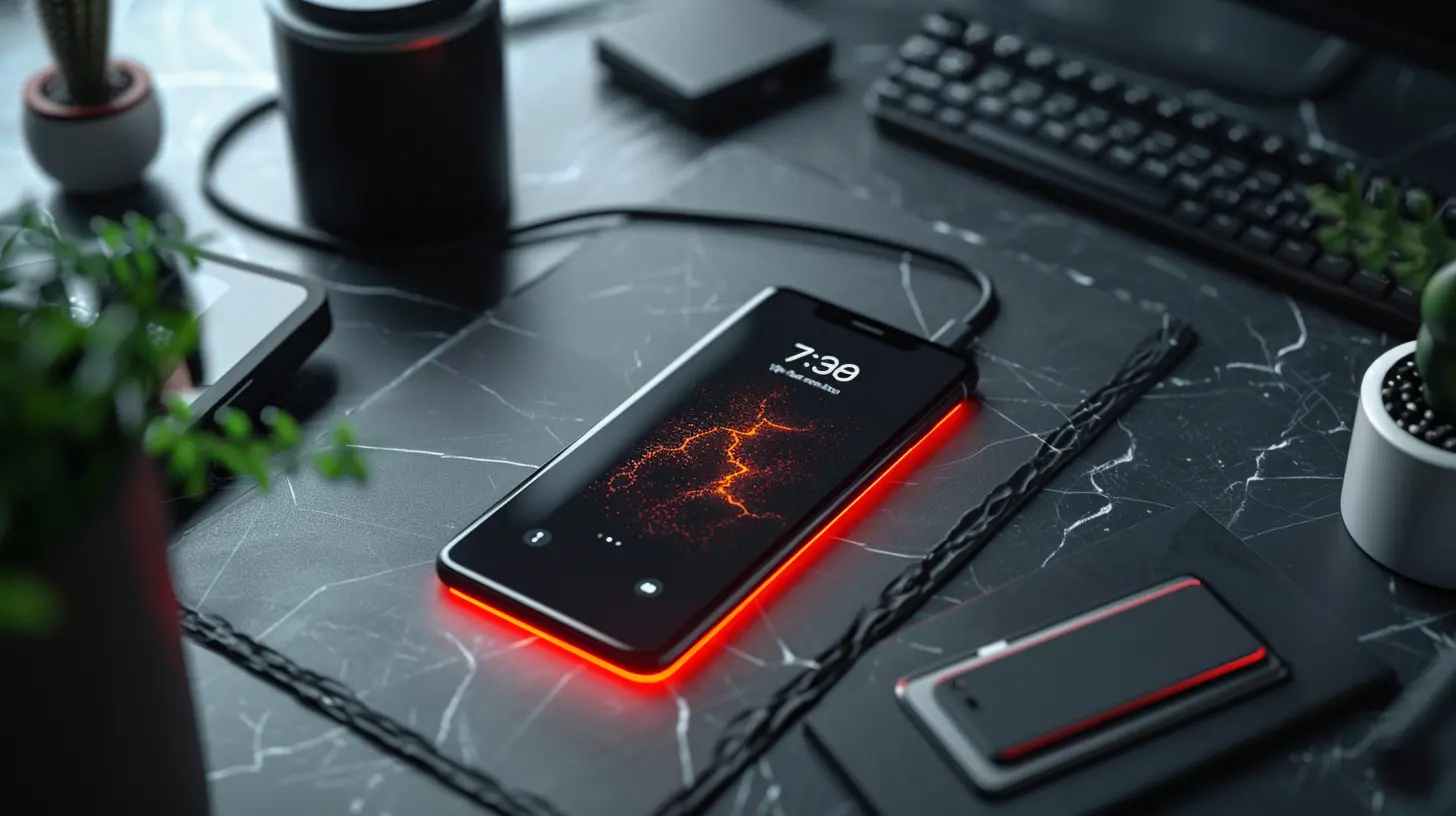
? Stop Treating 100% Like a Trophy
Ah yes, the full charge. That glorious 100% that makes us feel like we’ve achieved something extraordinary. But here’s the kicker: pushing your battery to freakin’ full capacity all the time is not doing it any favors. Most lithium-ion batteries (aka the ones in every modern device) aren’t big fans of being at either extreme—fully charged or totally dead.? The Sweet Spot: 20% to 80%
Keep your battery somewhere between 20% and 80%. Think of it as the battery's comfort zone—like sweatpants for electrons. If you’re always pushing for 100%, you’re actually aging the battery faster. And no, it won't suddenly grow up, get a job, and take care of itself. It’ll just die. Slowly. Tragically.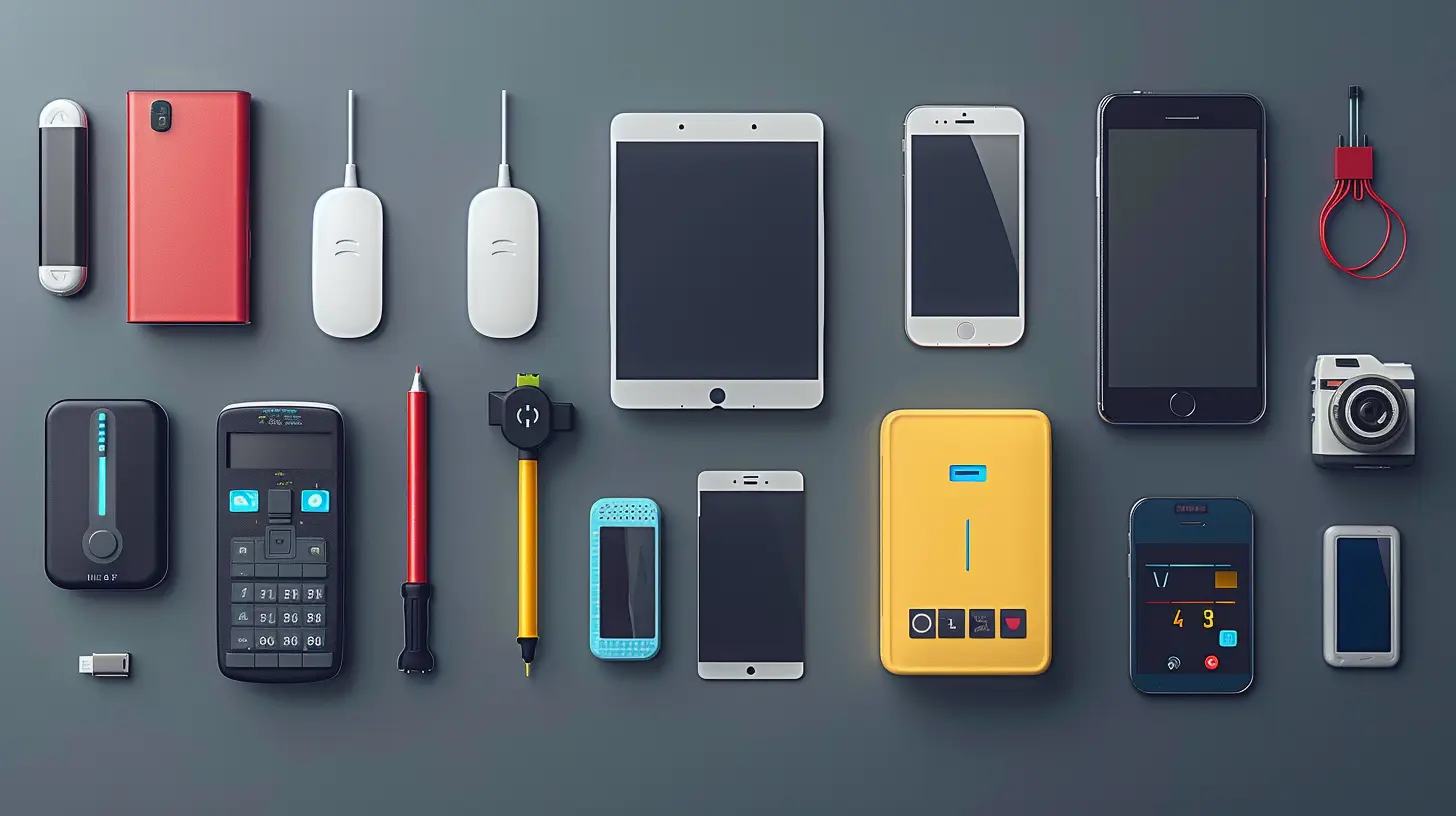
⚙️ Background Apps: The Sneaky Energy Vampires
Let’s talk about the energy leeches running wild in the background. You know, all those apps that think they need to be open 24/7 like they’re guarding Fort Knox.✂️ Close What You Don’t Use
Seriously, do you need that weather app refreshing every minute like you’re a meteorologist? Go into your settings, check out what's munching away at your battery, and shut it down. Give those freeloading apps the eviction notice they deserve.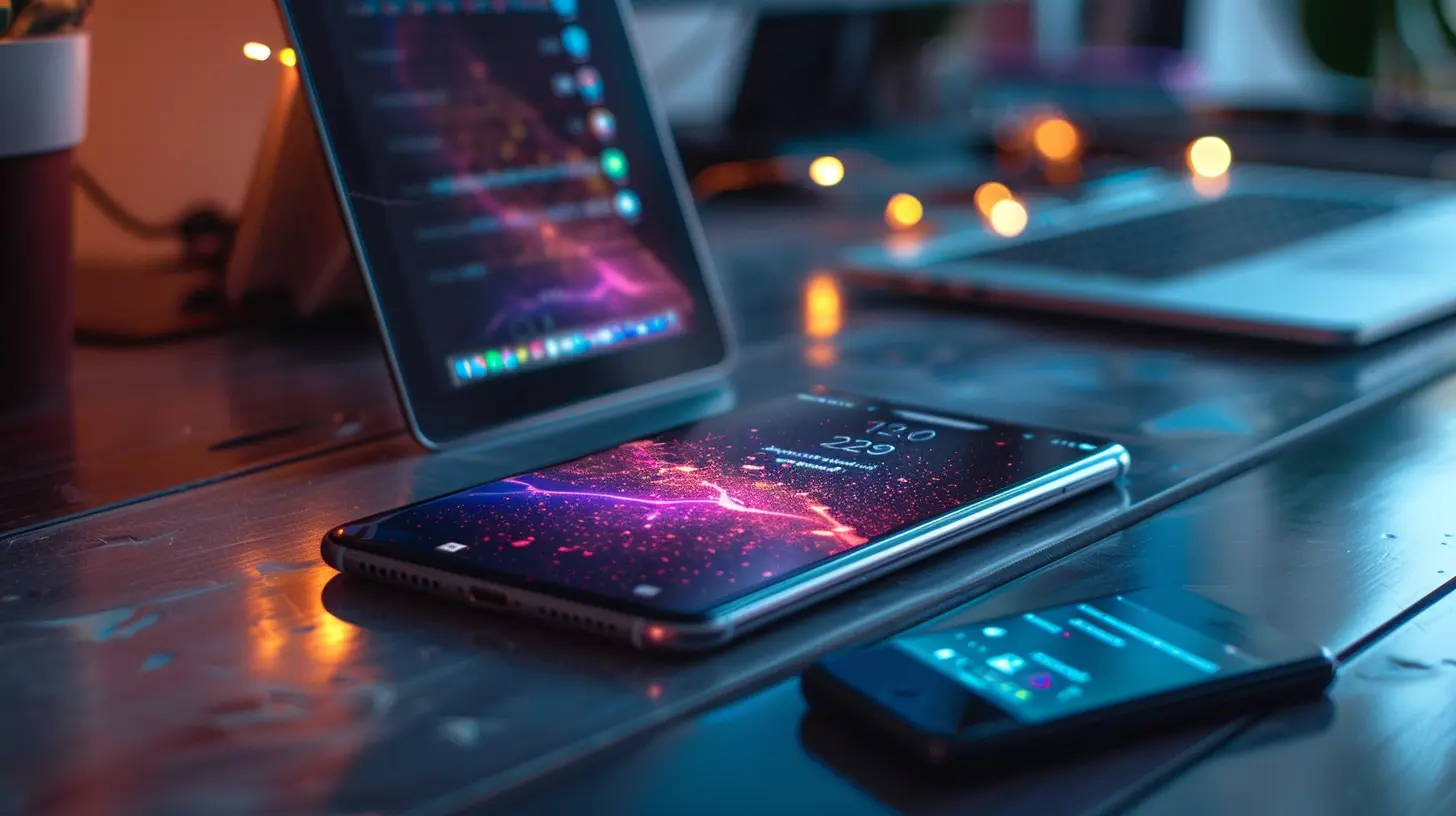
? Dark Mode Isn’t Just for the Aesthetics
Dark mode: it’s sleek, moody, and yes—it can save battery. Especially on OLED or AMOLED screens.? A Lil’ Darkness Never Hurt Nobody
Using dark mode reduces pixel usage on these display types. Translation? Less power draw and slightly more battery time. Sure, it won’t double your battery life, but it adds up. And let’s be honest—your phone just looks cooler in dark mode anyway.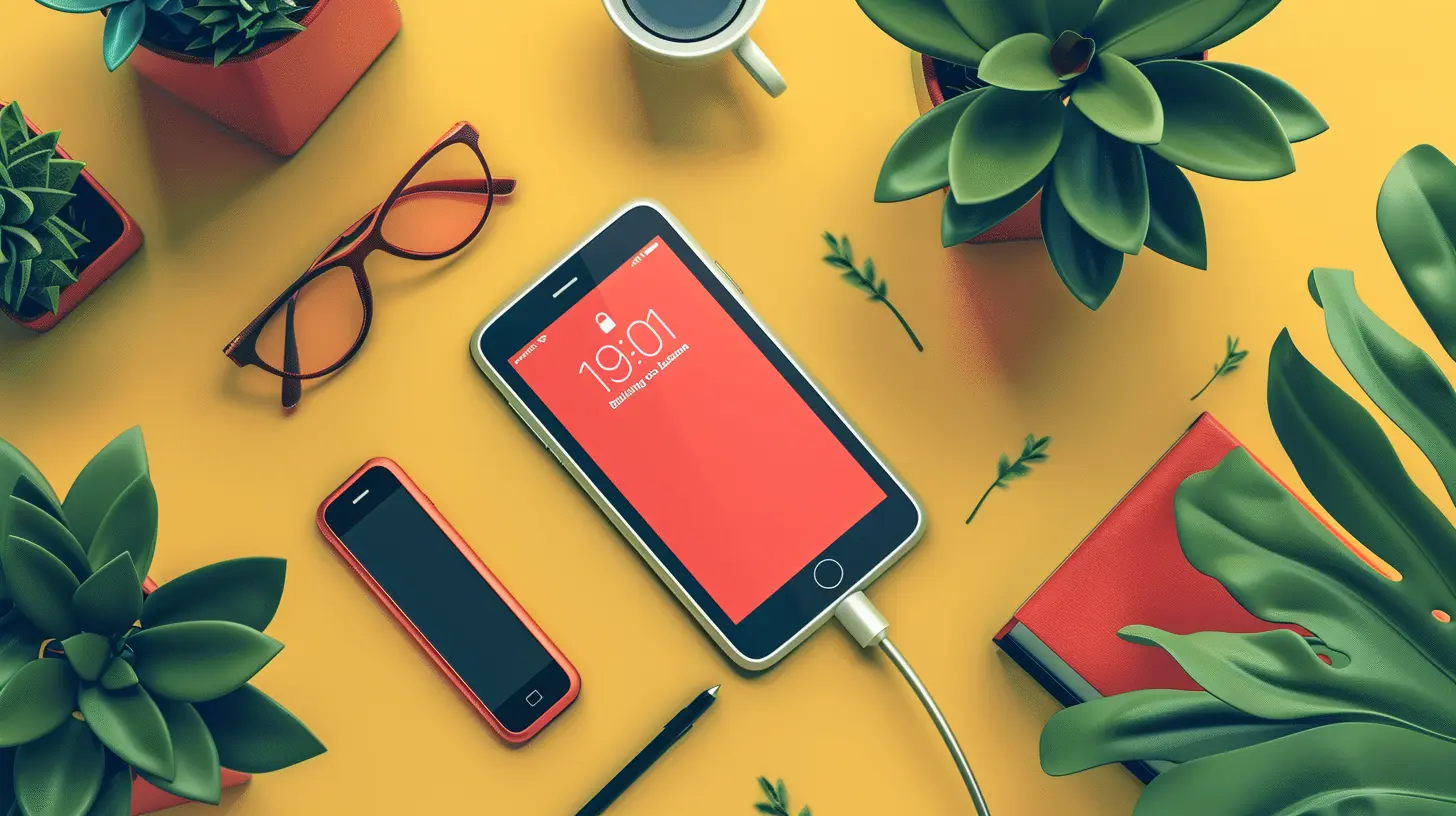
? Turn Off the Signal Hunters
You’re in the middle of nowhere, and your phone is desperately searching for a magical signal stronger than your willpower at 6 a.m. Yeah, that’s a massive battery drain. It’s like sending your device on a never-ending quest for Wi-Fi in the Sahara.☠️ Airplane Mode: Not Just for Airplanes
When you know you won’t have service—on a flight, at a concert, or in a deep, existential crisis—flip on airplane mode. Instant peace, power saved, and you get a break from the TikTok vortex. Win-win-win.? Fast Charging: The Frienemy of Battery Health
Yes, fast charging is convenient. But just like speed-eating 3 tacos in 30 seconds, it comes with consequences.? Slow Charge = Happy Battery
Fast charging heats up your device, and heat, dear reader, is the arch-nemesis of battery health. It’s fine occasionally (we're not monsters), but if you're always fast charging, you’re basically giving your battery a daily stress attack.Pro tip: Use slow charging overnight—your battery will thank you with slightly less dying.
?️ Keep Your Device Cool—No, Literally
Batteries are drama queens. Too hot? They freak out. Too cold? Also a meltdown. It’s all very high-maintenance.☀️ Avoid Sunbathing Your Devices
Leaving your phone on the dashboard of your car is like putting it in a low-key oven. If your device gets hot enough to fry an egg, you’ve gone too far. Keep it out of direct sunlight and away from toasty spots.And don’t even think about charging it under your pillow. You’re not roasting marshmallows; you’re smothering your battery in fluffy doom.
? Ditch the Widgets and Live Wallpapers
Those fancy widgets and live wallpapers? Yeah, they’re nice on the eyes—but they’re also greedy battery guzzlers.? Keep Your Home Screen Clean(ish)
By all means, keep your favorite doggo pic as your background. But the animated lava lamp theme with six widgets updating every second? Probably time to let that go. Your battery deserves better.
? Cut Down Those Notifications
Ping. Buzz. Ding. Surprise update. Is your phone trying to start a conga line or what?? Less Buzz = More Battery
Every vibration and screen wake-up eats a tiny chunk of your battery. Go through your notifications and trim the fat. Trust me: you don’t need a notification every time your cousin posts a blurry lunch selfie.⚙️ Update Your Software (Yes, Actually Do It)
I get it. You ignore those "Update available" pop-ups like they’re telemarketers. But here’s the thing—in many cases, software updates actually improve battery efficiency. Shocking, I know.? New Code, Better Juice Control
OS updates often include battery optimizations. So if you're still running software from two years ago, maybe it’s time to get with the program (literally).
? Battery Saving Mode Isn’t Just a Panic Button
Most devices have a built-in battery saver mode. For some reason, though, we only turn it on when the battery dips below 5% and we’re sweating in a Target parking lot.? Use It Strategically
Use battery saver earlier, not as a last resort. Turning it on when you hit 40% can help you squeeze out more time. It dims performance a bit, sure—but it also keeps your phone from dying mid-candy-crush-session.? Lay Off the Games (Sorry Gamers)
Mobile games are sneaky little energy hogs. One round of Asphalt 9 and suddenly you're down 20% battery—plus all hope of productivity for the next hour.⚔️ Gaming vs. Battery Life: Choose Your Fighter
If you're out and about and need your phone to last, save the gaming for when you’re near a charger. Or you know, invest in one of those ridiculous battery cases. Your call.
? Lower the Volume (No, Seriously)
Playing audio at full blast? Yeah, surprise—your speakers are drawing more battery. Doesn’t matter if it’s Beethoven or Beyoncé—volume drains power.? Turn It Down, DJ
Use headphones, keep the volume reasonable, and maybe skip the spontaneous dance party in public transit. It’ll save your battery and your dignity.? Declutter Your Digital Closet
Dead apps. Useless files. Cache from 2015. Your device is carrying digital baggage, and it’s tired.? Clean House = Clean Power Flow
Clear out apps you haven’t used in months. Get rid of junk files. Not only does this free up space, but it also keeps the background processes down, directly helping with battery life. It’s like sending your device to the spa.
☀️ Use Auto-Brightness (Or Just... Control Yourself)
Do you really need your screen brightness at full blast all the time? Is the sun inside your phone? Thought so.? Adjust That Glow, Friend
Auto-brightness adjusts the screen based on your surroundings. Or you can just manually lower it yourself. Your eyes and your battery will both be less stressed.? Don’t Ignore Your Laptop!
Phones hog all the attention, but let’s give laptops some love. They’ve got batteries too, and they want to live!? Use Battery Saver & Close Tabs
Enable battery saver mode and—listen closely—stop opening 47 browser tabs like you’re trying to break a world record. Browsers are energy monsters. Free up some RAM, and you’ll free your battery too.And please, for the love of circuits, don’t leave your laptop charging all the time. That’s how you end up with a dead battery and a heavy paperweight.
Final Thoughts: Respect the Battery Gods
Look, your devices aren’t asking for much. Just a little TLC, some temperature control, and maybe fewer Candy Crush binges. Treat them right, and they’ll serve you longer without begging for a charger after lunch.Now go! Be the battery whisperer you were born to be.
all images in this post were generated using AI tools
Category:
Tech TutorialsAuthor:

Vincent Hubbard
Discussion
rate this article
1 comments
Destiny McNab
Great article! It's so helpful to have these practical tips for getting the most out of our devices. Keeping our batteries healthy can really make a difference. I especially appreciated the advice on adjusting settings. Looking forward to trying these out on my gadgets!
June 20, 2026 at 4:50 AM
Vincent Hubbard
Thank you! I'm glad you found the tips helpful. Enjoy trying them out on your gadgets!