How to Maintain Your Drone for Longevity
18 May 2026
Drones are an absolute blast to fly, whether you’re capturing stunning aerial footage or just zipping around for fun. But let’s be real—drones aren’t exactly cheap. If you want to get the most out of your investment, proper maintenance is key. Think of it like taking care of a car: regular check-ups and a little TLC can keep it running smoothly for years.
So, if you’re wondering how to keep your drone in top shape, you’re in the right place! Let’s dive into the essential tips for maintaining your drone so it stays airborne for a long time.
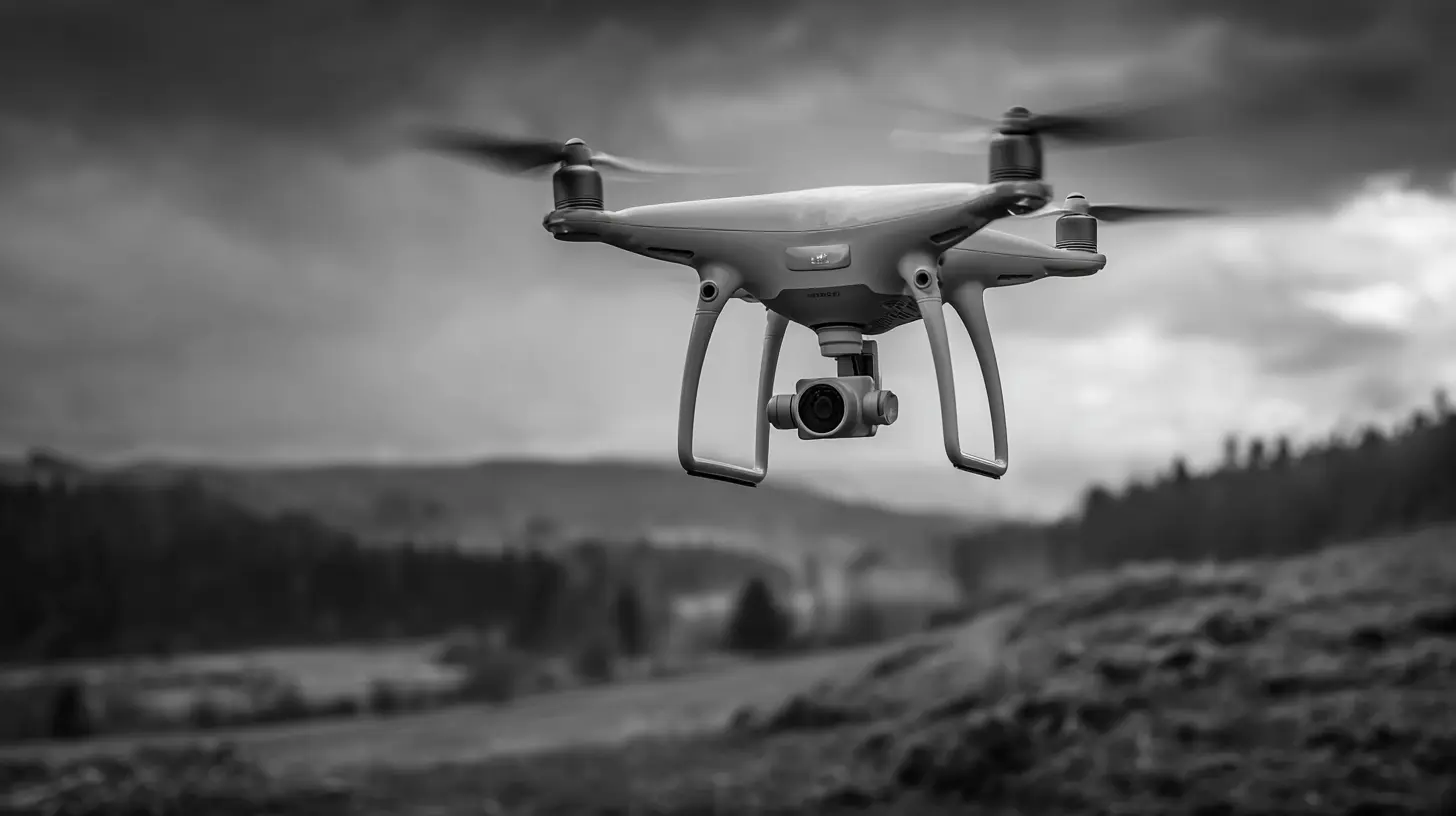
1. Keep Your Drone Clean
Drones are basically flying dust magnets. They pick up dirt, sand, and even tiny insects during flights. Over time, all that gunk can mess with the performance.How to Clean Your Drone Properly
- Use a microfiber cloth – A soft, dry cloth works great for wiping down the body and arms.- Compressed air – Blow away dirt and dust from hard-to-reach areas, especially around the motors.
- Isopropyl alcohol and cotton swabs – Perfect for cleaning propellers and removing stubborn stains.
- Check the camera lens – A smudge-free lens ensures you capture crystal-clear footage.
Make this a habit, especially after flying in sandy, muddy, or dusty environments.
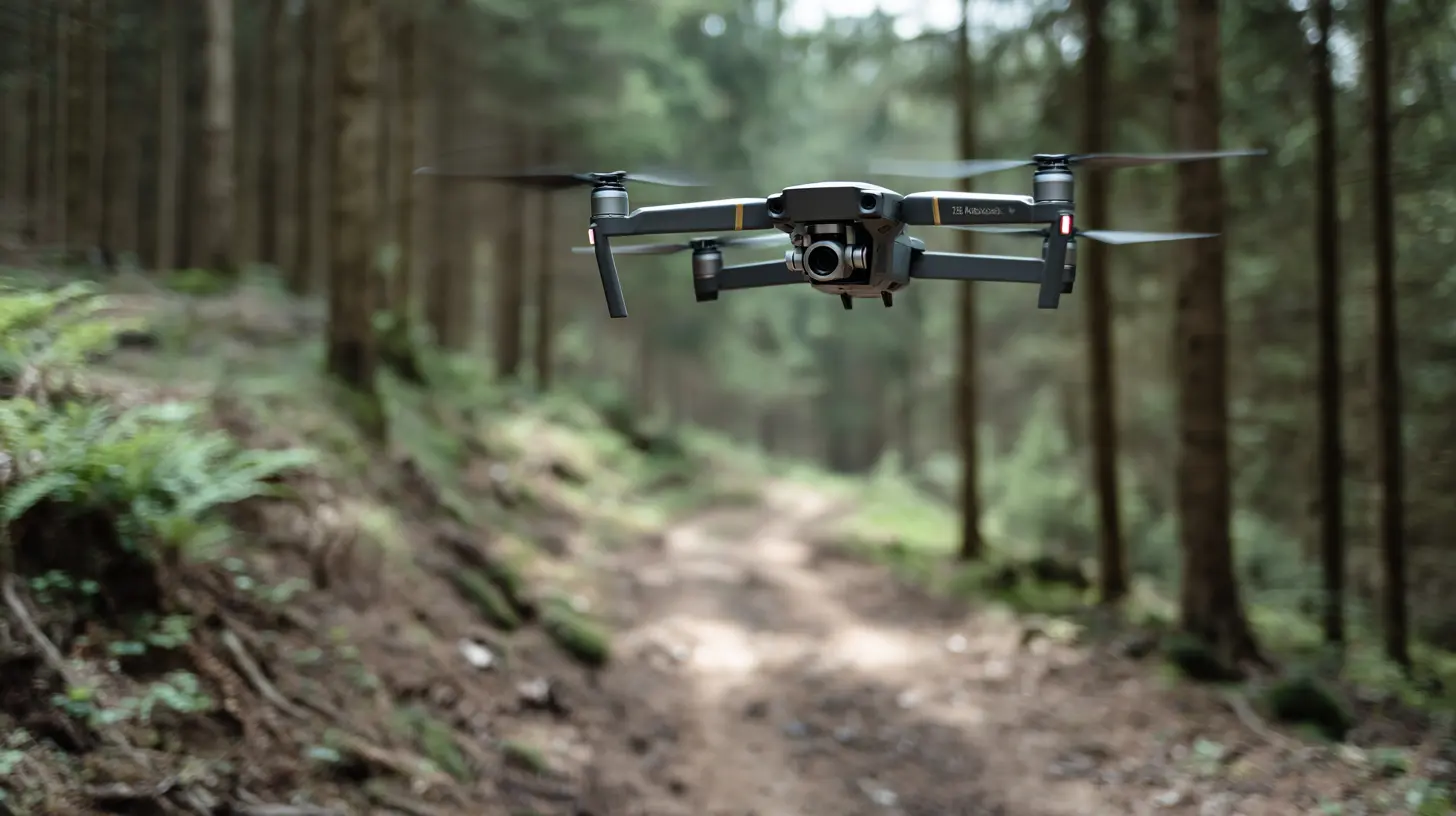
2. Check and Maintain the Propellers
Your drone’s propellers do all the heavy lifting—literally. If they’re chipped, cracked, or loose, your drone won’t fly properly. Worse, damaged propellers can cause crashes.What to Do:
- Inspect them before and after every flight.- If you spot cracks, warps, or wear and tear, replace them immediately.
- Ensure they are securely tightened but not overtightened.
Think of propellers like the tires of a car—if they’re in bad shape, your ride won’t be smooth!
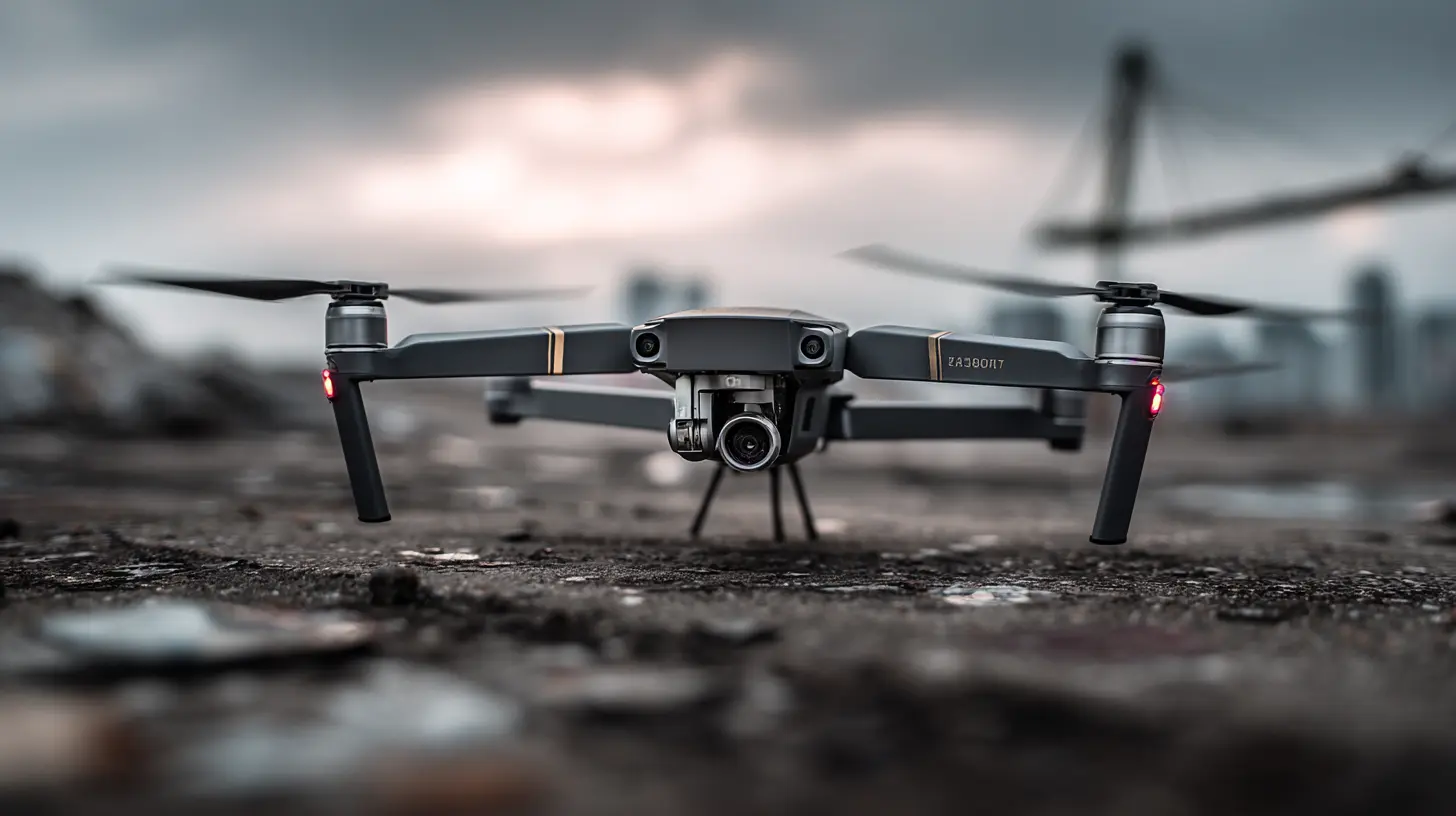
3. Take Care of the Batteries
Bad battery habits can seriously shorten your drone’s lifespan. A dead battery mid-flight? That’s every drone pilot’s nightmare.Battery Maintenance Tips:
- Avoid full discharges. Try to land when the battery hits 20-30% instead of draining it completely.- Store batteries properly. Keep them in a cool, dry place—never in extremely hot or cold conditions.
- Use the right charger. Always charge with the recommended charger to prevent overcharging or overheating.
- Check for swelling. If a battery looks bloated or damaged, stop using it immediately!
Batteries are the heart of your drone. Treat them well, and they’ll give you longer flight hours.
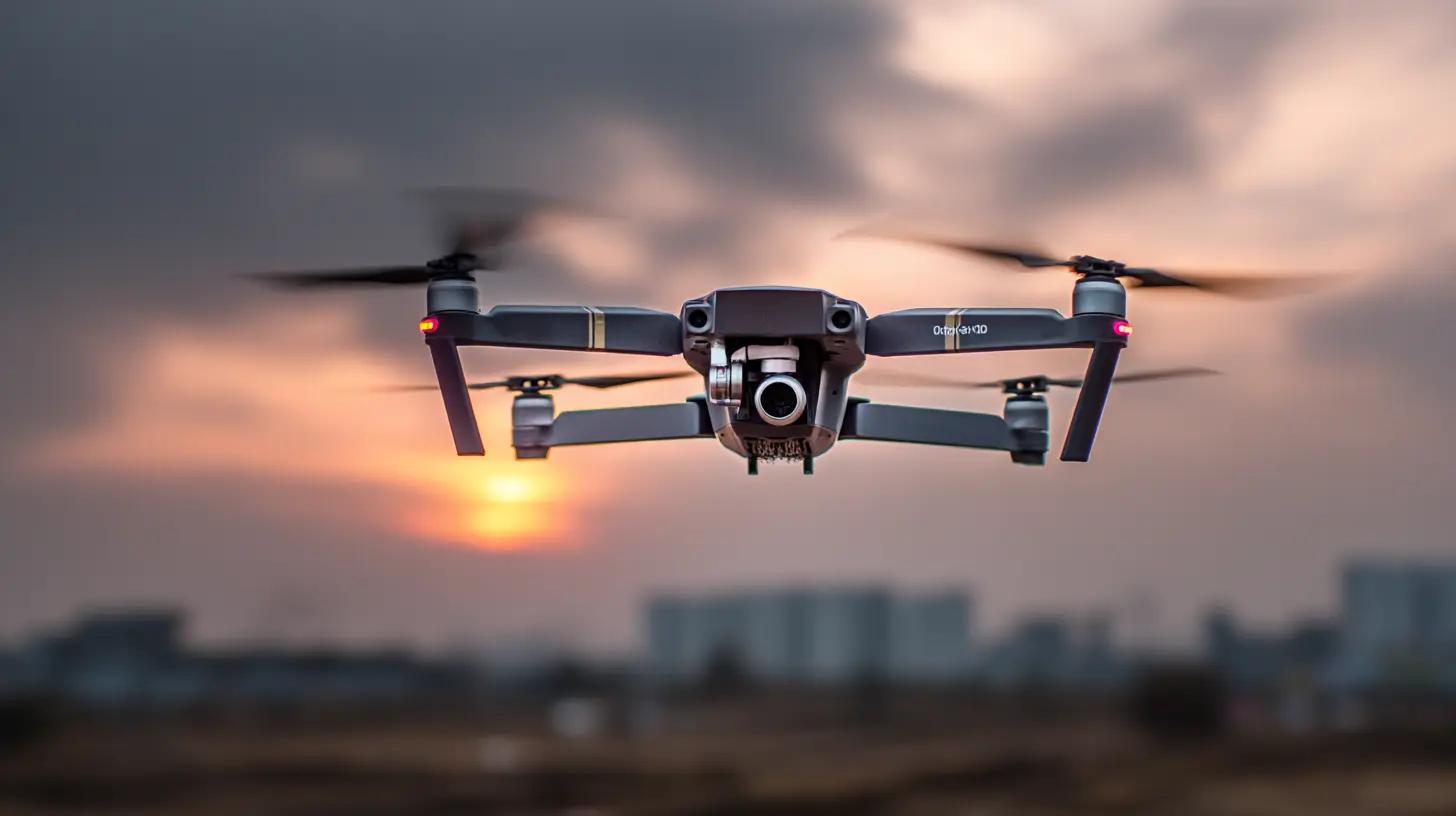
4. Keep Firmware and Software Updated
Drone manufacturers regularly release firmware updates to improve flight stability, battery performance, and even add new features. If you’re flying with old firmware, you might run into issues.How to Stay Updated:
- Regularly check your drone’s app for firmware updates.- Make sure the remote controller is updated too.
- Always update in a safe environment—preferably at home with a stable internet connection.
Neglecting updates is like skipping oil changes in a car—it might still work, but not as efficiently.
5. Store Your Drone the Right Way
Proper storage is just as important as maintenance. If you toss your drone in a backpack without protection, you’re asking for trouble.Best Storage Practices:
- Use a hard-shell carrying case to prevent physical damage.- Store in a dry place, away from direct sunlight and extreme temperatures.
- Remove the battery if you’re not using the drone for a long time.
Think of it like storing a fine camera—you wouldn’t just throw it in a drawer, right?
6. Fly in Safe and Suitable Conditions
Flying in rough weather is one of the quickest ways to damage your drone. High winds, rain, and extreme temperatures can all take a toll.Ideal Flying Conditions:
- Wind speed under 15 mph.- Dry weather—avoid rain and snow!
- Moderate temperatures—extreme cold can drain batteries faster.
If you wouldn’t ride a bike in certain weather, don’t fly your drone in it!
7. Inspect the Motors and Gimbal
Motors and the gimbal (the stabilization system for your camera) are crucial for smooth flights and sharp video footage.How to Maintain Them:
- Manually spin the motors to check for smooth rotation.- Look out for dirt or debris stuck inside the motor housing.
- Ensure the gimbal moves freely without obstructions.
A drone with faulty motors is like a bird with clipped wings—it won’t get far!
8. Calibrate Sensors and Compass Regularly
Drones rely on sensors and a compass to stay stable and navigate properly. If they’re not calibrated, you might experience erratic movements or even crashes.When to Calibrate:
- After a firmware update.- If you're flying in a new location (especially one with a different magnetic field).
- If your drone behaves unpredictably mid-flight.
It takes just a few minutes, but it makes a world of difference!
9. Avoid Overloading Your Drone
Throwing on extra accessories like heavy cameras or LED lights might seem cool, but it could strain the motors and shorten flight time.Keep in Mind:
- Stick to manufacturer-approved accessories.- If adding extras, ensure the drone can handle the weight without compromising flight stability.
Overloading your drone is like stuffing a backpack with bricks—it’ll struggle to move efficiently.
10. Practice Safe Landing Techniques
A rough landing can cause unnecessary wear and tear on your drone’s legs, gimbal, and frame.For Smooth Landings:
- Use the return-to-home feature when available.- Choose flat surfaces free of rocks or debris.
- If landing on grass, consider using a drone landing pad for stability.
A gentle landing keeps everything intact, prolonging your drone’s lifespan.
Final Thoughts
Maintaining your drone isn’t just about keeping it looking nice—it’s about ensuring it flies safely, smoothly, and lasts for years. With regular check-ups, proper storage, and careful flying habits, you can enjoy endless adventures without worrying about costly repairs or replacements.So, next time you take your drone out for a spin, give it a little post-flight care—it’ll thank you with longer, better flights!
all images in this post were generated using AI tools
Category:
DronesAuthor:

Vincent Hubbard
Discussion
rate this article
2 comments
Finnian McCarthy
Great tips, thanks a lot!
June 16, 2026 at 3:19 AM
Kira Frank
Great tips! Maintaining a drone is crucial for long-term fun and functionality. Regular inspections and keeping it clean can really make a difference. I've learned the hard way how important it is to check battery health... it pays off in the end!
May 19, 2026 at 11:50 AM
Vincent Hubbard
Thanks for sharing your experience! Regular maintenance really is key to getting the most out of your drone. Your insight on battery health is spot on.