How to Protect Your Business from Cyber Attacks
6 June 2026
Imagine waking up one morning, excited to smash another productive day… only to find that your business website has vanished into thin air. Or worse — customer data has been stolen, emails are flooding in from furious clients, and you're struggling to breathe. Sounds like a nightmare, right? Unfortunately, this kind of digital disaster is becoming all too real for many businesses.
So, how do you shield your precious business from cyber attacks? Don't worry — we’ve got your back. Grab a coffee (or tea if that’s your jam), and let’s chat about practical, action-packed strategies to keep those nasty cyber criminals as far away from your data as possible.

☁️ Why Cybersecurity Should Be Your Business BFF
Before we dive into the how-tos, let’s talk about the why.Cyber attacks are no longer just headline stories. They’re hitting small businesses, medium-sized companies, even your favorite local coffee shop. In fact, small businesses are prime targets — they often lack strong defenses, making them easier prey.
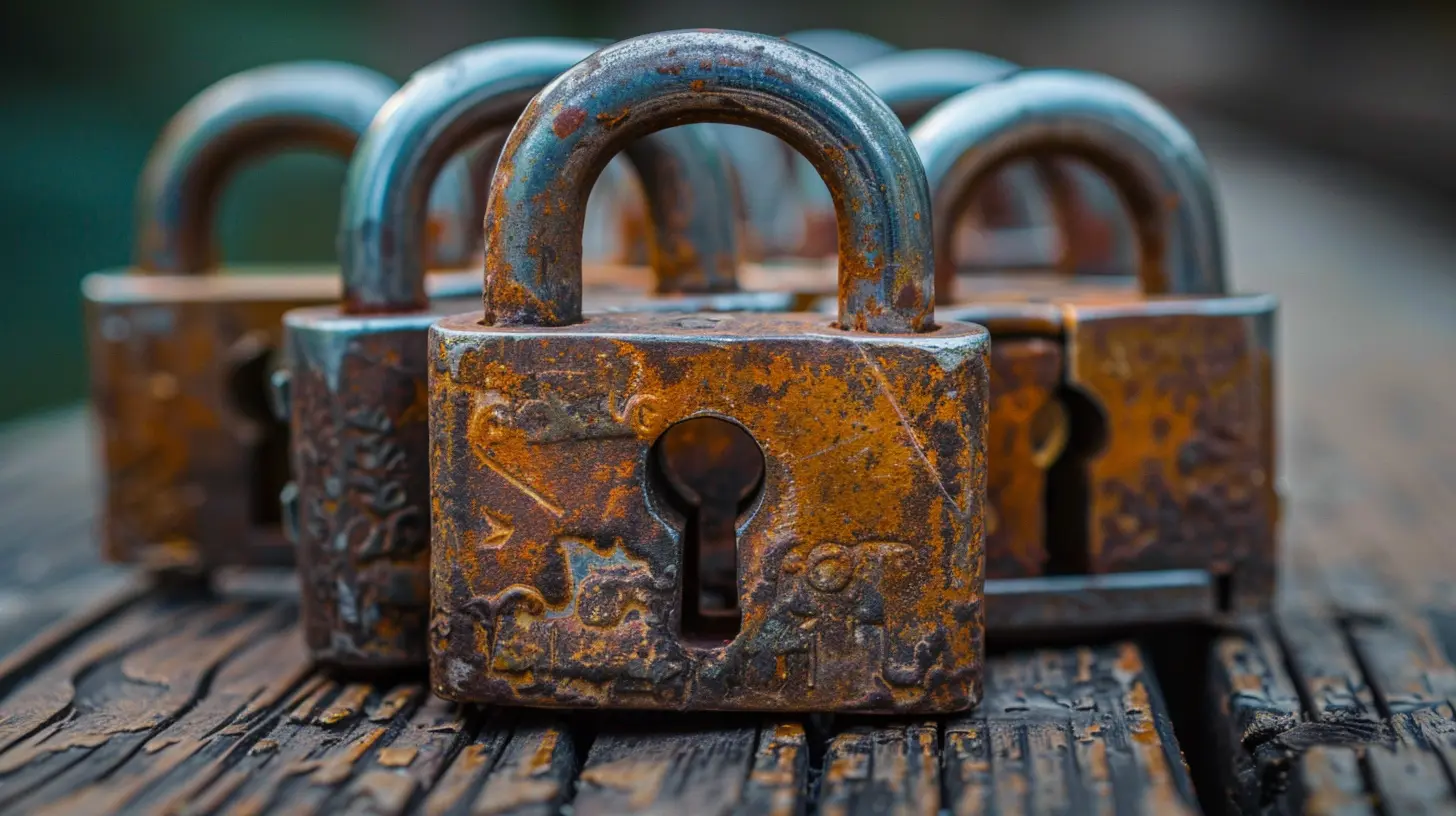
Think of cybersecurity as the digital locks, alarms, and booby traps guarding your online castle. Without them, you're basically leaving your front door wide open in a sketchy neighborhood.
? Common Types of Cyber Attacks (Know Your Enemy)
You can’t win a fight you don’t understand. Let's take a quick tour through the most common cyber shenanigans hackers love to pull.1. Phishing Attacks
Ever get an email that looks like it’s from your bank but smells fishy? Yeah, that’s phishing. A hacker pretends to be someone you trust to trick you into giving up sensitive info.2. Malware
Malware is like digital termites. It sneaks into your systems and starts causing damage from the inside. Some of it spies on you, some holds your files hostage (hello, ransomware), and some just wrecks your system for fun.3. Denial-of-Service (DoS) Attacks
These attacks flood your website with so much traffic it crashes. Imagine everyone in the city trying to squeeze through a single door — not happening, right?4. Man-in-the-Middle (MitM) Attacks
This is basically eavesdropping, hacker-style. They sneak between your communications and intercept data without you knowing.5. SQL Injections
These are like silent assassins — hackers insert malicious code into your website's database to steal or alter data.Scary stuff, but don't worry. With the right tools and habits, you can build a digital fortress faster than you can say “password123” (which, by the way, you should totally never use).
?️ 15 Actionable Ways to Protect Your Business from Cyber Attacks
Let’s break this down into bite-sized, doable steps. Here we go!1. Train Your Team Like Cyber Ninjas ?
People are your biggest strength… and weakness. A single click on a sketchy email can open the floodgates.- Run regular cybersecurity training.
- Teach them how to spot phishing emails.
- Simulate fake attacks to test their responses.
Think of it like fire drills — but for your inbox.
2. Use Strong, Unique Passwords (And a Password Manager)
No more “admin2022” or “letmein.”Try using passphrases — think “PurpleBanana!RidesRocket95”. And for the love of tech, don’t use the same password for everything.
A password manager is your vault here — it remembers every single combo so you don’t have to.
3. Enable Two-Factor Authentication (2FA)
2FA is like having a digital bouncer at your club. Even if someone knows your password, they’ll need a second code sent to your phone or app. It adds another wall for hackers to climb (and they hate climbing).4. Keep Software and Systems Updated ?
Software updates are like vaccines — they patch up security holes before hackers slip through.Set updates to automatic where possible. No excuses like “I’ll do it later” — later might be too late.
5. Secure Your Wi-Fi Network
Your Wi-Fi is your secret passageway. If it’s not locked down, anyone nearby can hop in.- Use WPA3 encryption.
- Change the default router name and password.
- Hide your network name, if possible.
6. Segment Your Network
Don't put all your data eggs in one basket. Divide your network into pieces, so if attackers get into one part, they can’t access everything.Think of it like a submarine with sealed compartments — one leak won’t sink the whole ship.
7. Install a Firewall (No, Not the Fireplace Kind)
A firewall monitors incoming and outgoing traffic and blocks anything fishy. It’s your first line of defense — don’t skip it.Consider both hardware and software firewalls for extra layers.
8. Backup Your Data Like a Pro
If ransomware hits, you might lose everything — unless you’ve backed up. Regularly.Use the 3-2-1 Rule: 3 copies of data, 2 different storage types, 1 offsite backup.
Cloud backups are great, but combine them with physical ones for extra peace of mind.
9. Limit Access to Sensitive Data
Not everyone on your team needs access to everything.Apply the principle of least privilege — give users just enough access to do their job, and nothing more.
It’s like a VIP pass — not everyone gets all-access.
10. Use Encryption Everywhere
Encryption turns your data into gibberish for unauthorized users. Whether it’s stored or in transit, encrypt it.End-to-end encryption is great for messaging apps and emails. Make sure it’s turned on.
11. Perform Regular Security Audits
Would you drive a car that hasn’t had a check-up in two years? Probably not.Audit your systems regularly to find and fix weak points. Better you find it before the hackers do.
12. Get Cyber Insurance
Yep, it’s a thing. And it's worth exploring.Cyber insurance helps cover losses from attacks, including legal fees, recovery costs, and customer notification expenses.
It’s your Plan B when Plan A fails.
13. Secure Mobile Devices
Phones and tablets are mini-computers — treat them that way.- Enable device lock and encryption.
- Use remote wipe features.
- Avoid public charging stations (they can be hacked too—yes, even chargers!).
14. Keep an Eye on Vendors
Your partners and vendors could be your weakest link. Ask tough questions:- How do they store and secure your data?
- Have they faced breaches before?
- Do they follow compliance regulations?
Trust, but verify.
15. Create an Incident Response Plan
What happens if (gulp) you do get attacked?Create a clear action plan:
- Who’s responsible for what?
- How do you notify customers?
- What’s your recovery process?
Think of it as a fire extinguisher — you hope you never need it, but you're glad it’s there.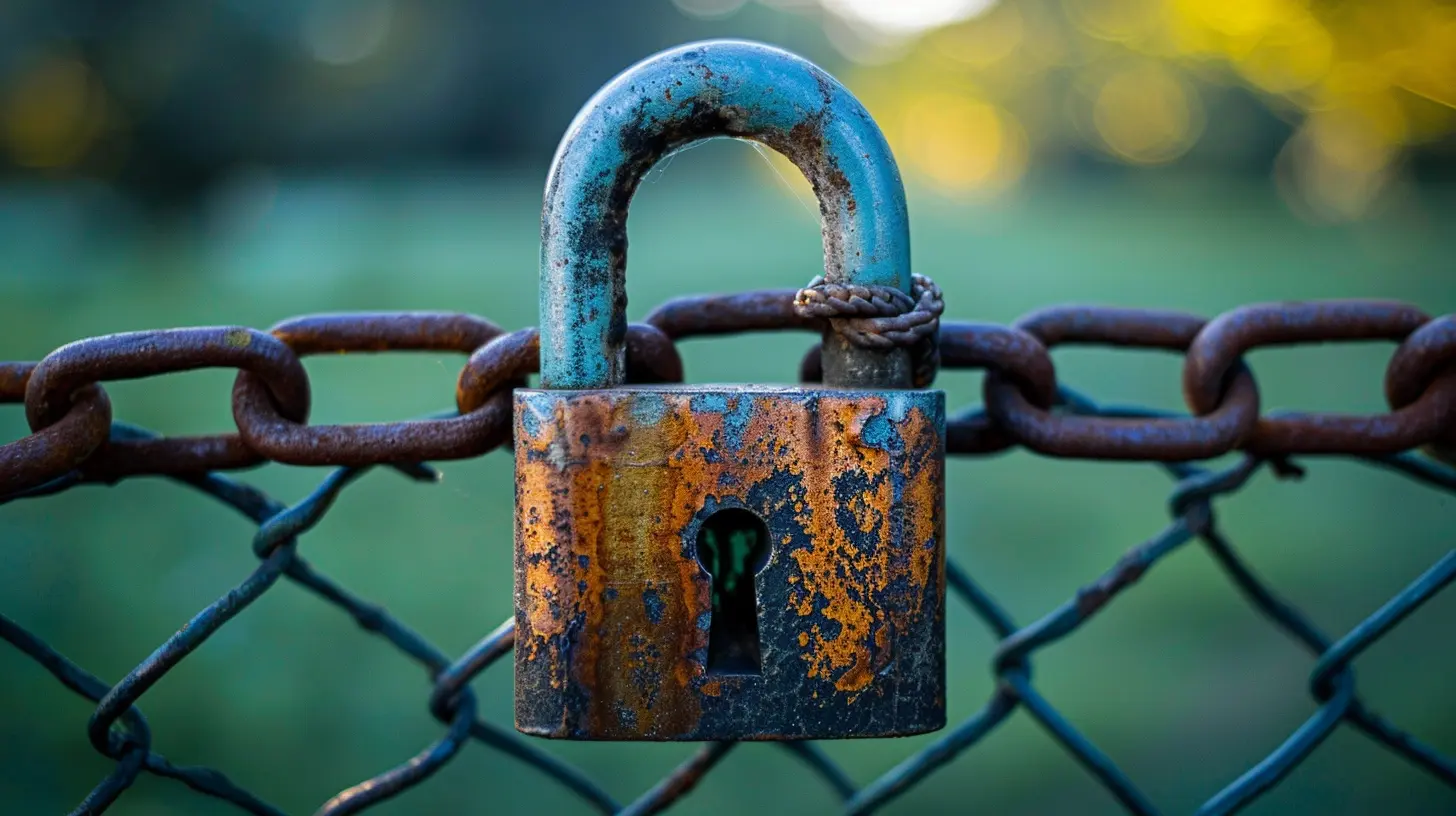
? Bonus Tips for Staying Ahead of the Cyber Game
? Stay Informed
Subscribe to cybersecurity news. Threats evolve, so should your knowledge.? Follow Compliance Laws
Depending on your industry and location, you may need to comply with regulations like GDPR, HIPAA, or PCI-DSS. Don’t ignore these — fines can be brutal.? Foster a Security-First Culture
Cybersecurity isn’t just IT’s job. Make it a team sport. Celebrate when employees report suspicious activity. Reward good habits.☀️ Final Thoughts: Better Safe Than Hacked
Let’s face it — cyber attacks aren’t going anywhere anytime soon. But with the right mix of awareness, habits, and tech tools, your business can be the one hackers don’t mess with.It's kinda like locking your doors at night. You don’t expect someone to break in — but why make it easy for them?
So, take the time now to protect what you’ve worked so hard to build. Trust me, your future self (and your happy customers) will thank you.
Stay safe, stay savvy, and go be the cybersecurity rockstar your business deserves.
all images in this post were generated using AI tools
Category:
Online SecurityAuthor:

Vincent Hubbard
Discussion
rate this article
2 comments
Blair Flores
This article offers essential tips for safeguarding your business against cyber attacks. Prioritize employee training, utilize strong passwords, and regularly update software. Taking these proactive steps can significantly reduce your vulnerability to potential threats.
July 21, 2026 at 3:54 AM
Wesley McPherson
Staying proactive is key. By implementing strong security measures and fostering a culture of awareness, businesses can safeguard their assets and thrive in today's digital landscape. Keep pushing forward!
June 9, 2026 at 12:52 PM
Vincent Hubbard
Absolutely agree! A proactive approach is essential for protecting assets and ensuring long-term success. Let's keep the conversation going on enhancing security measures!