How to Stream on a Budget: Affordable Streaming Devices and Services
12 January 2026
Streaming has revolutionized the way we consume entertainment. Whether you're binge-watching the latest Netflix series, catching live sports, or enjoying a movie night with friends, streaming is now the most popular way to access content. But let's be real—streaming can get expensive. Between the cost of devices, subscription fees, and extra add-ons, your wallet could start feeling pretty light.
But what if I told you that you don’t need to break the bank to get the most out of your streaming experience? Yep, you heard that right! There are plenty of affordable streaming devices and services out there that offer a bang for your buck. So, if you're someone who wants to enjoy top-notch entertainment without spending a fortune, you're in the right place. Let's dive into how you can stream on a budget and still enjoy all your favorite shows, movies, and more.
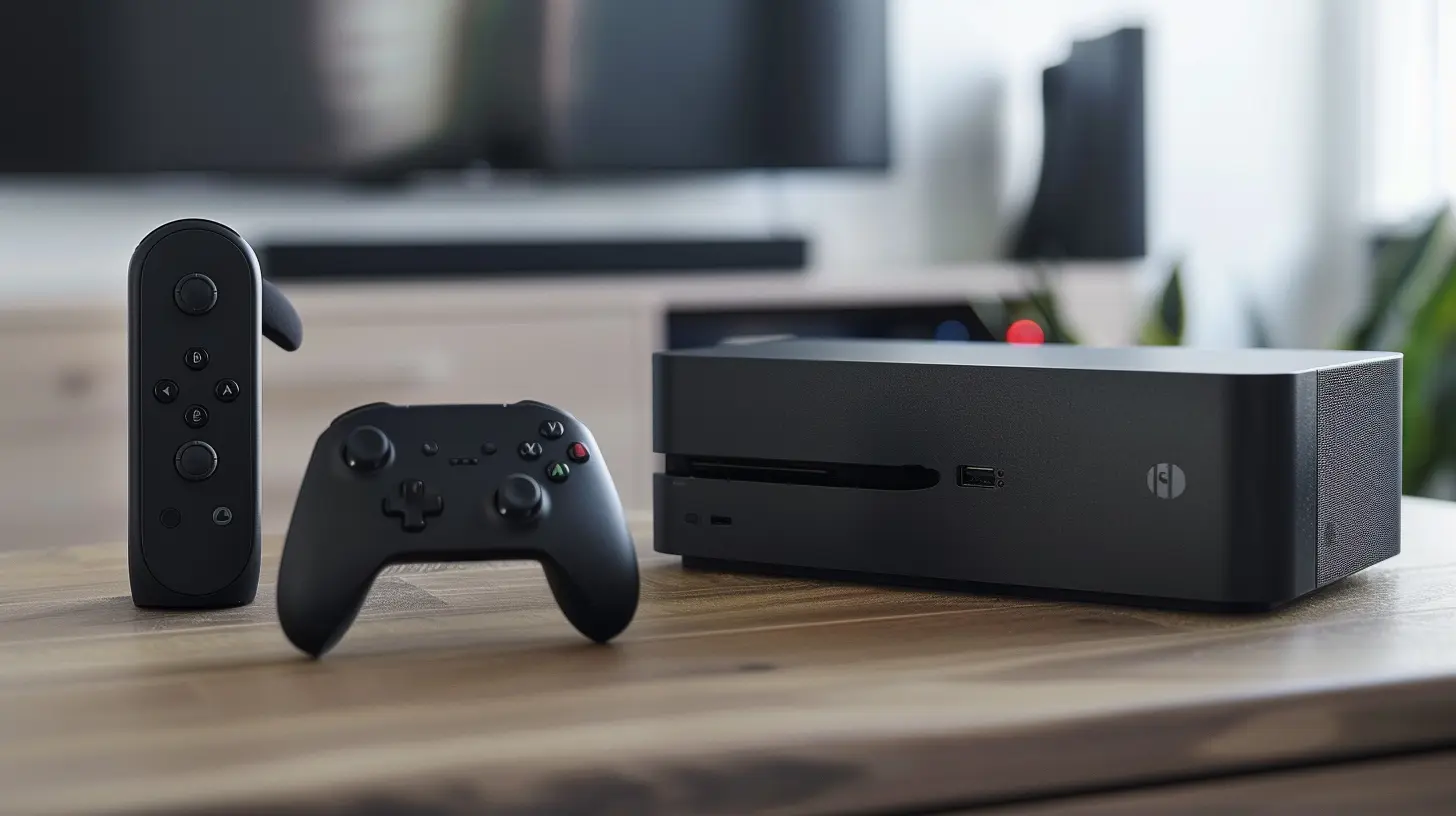
Why Streaming on a Budget Matters
Before we get into the nitty-gritty details of devices and services, let's talk about why you should care about streaming on a budget.Look, the cost of living isn’t getting any cheaper. With increasing prices for rent, groceries, and utilities, entertainment might be one of the first things you think about cutting back on. But that doesn't mean you have to sacrifice your quality of life. Streaming on a budget allows you to enjoy your favorite content without adding any extra stress to your finances. Plus, with so many options available, you can tailor your streaming setup to fit your needs without overspending.
Now that we’ve established why it's important, let's dive into the affordable options available for both streaming devices and services.

Affordable Streaming Devices
Choosing a solid, affordable streaming device is like picking the right tool for the job. You want something reliable, easy to use, and of course, budget-friendly. Below are some of the best options out there that won’t cost you an arm and a leg.1. Roku Express (Starting at $29.99)
The Roku Express is hands down one of the most affordable and user-friendly streaming devices available. At just under $30, it's perfect for anyone who wants to stream without breaking the bank. You can access all your favorite platforms like Netflix, Hulu, Disney+, and more. Setup is a breeze—just plug it into your TV's HDMI port, connect to Wi-Fi, and you're good to go.Roku’s interface is super intuitive, so even if you're not tech-savvy, you’ll have no trouble navigating it. Plus, Roku offers a huge library of free content through its own Roku Channel. You won’t find massive blockbusters here, but for the price, it’s hard to complain.
2. Amazon Fire TV Stick Lite (Starting at $29.99)
Next up is the Amazon Fire TV Stick Lite, which is another budget-friendly option at just $29.99. This device provides access to all the major streaming platforms and even throws in some Alexa voice control functionality. You can easily search for shows, adjust volume, or even ask Alexa to give you weather updates—all without lifting a finger!While it doesn’t support 4K (you’ll need the pricier Fire TV Stick 4K for that), it does offer smooth HD streaming and is very easy to set up. If you’re already in the Amazon ecosystem with a Prime account or Alexa-enabled devices, this is a no-brainer.
3. Google Chromecast with Google TV (Starting at $49.99)
Though a bit pricier at $49.99, the Google Chromecast with Google TV is worth every penny if you’re looking for something more feature-packed. Unlike older Chromecast models, this version comes with its own remote and an interface powered by Google TV, making it much easier to navigate. You no longer need to use your phone as the controller!Google Chromecast with Google TV also supports 4K HDR streaming, giving you a high-quality viewing experience usually reserved for more expensive devices. Plus, if you're deep into the Google ecosystem (think Google Home, Nest Devices), this integrates seamlessly.
4. TiVo Stream 4K (Starting at $39.99)
TiVo might be a name that makes you think of old-school DVRs, but the TiVo Stream 4K is a modern, affordable streaming device that does much more than just record TV. It’s priced at $39.99 and supports 4K UHD and HDR for high-quality streaming.What sets the TiVo Stream 4K apart from others in this price range is its integration with live TV services like Sling TV. If you’re someone who likes to flip through channels the old-fashioned way but also wants access to streaming platforms, this could be the device for you. Plus, TiVo’s interface is great at organizing content from different apps into one easy-to-navigate menu.

Budget-Friendly Streaming Services
Now that you’ve got your device sorted, let’s talk about streaming services. Subscribing to multiple platforms can quickly add up, but there are plenty of affordable (and even free!) options available.1. Peacock (Free and $4.99/month)
Peacock, NBC’s streaming service, offers a free tier that gives you access to a wide variety of shows, movies, and even some live sports. Sure, the free version comes with ads and lacks some premium content, but it’s hard to beat "free," right?If you want to unlock more content and get rid of ads, you can upgrade to Peacock Premium for just $4.99 a month. This gives you access to full seasons of popular shows and exclusive content without breaking the bank.
2. Hulu (Starting at $7.99/month)
Hulu is one of the most popular streaming services and, lucky for us, also one of the more affordable options. For $7.99 a month, you get access to tons of TV shows, movies, and Hulu Originals. If you can put up with a few ads, this is one of the best-value subscriptions out there.If you’re a student, Hulu offers a discounted plan at $1.99 per month! You’ll need to verify your student status, but it’s a steal if you qualify.
3. Sling TV (Starting at $40/month)
If you’re really into live TV but don’t want to pay for cable, Sling TV is a fantastic budget option. Starting at $40 per month, Sling gives you access to a variety of live channels, including ESPN, CNN, and HGTV, among others. While it's more expensive than other streaming services, it's much cheaper than a traditional cable package—and you can customize your plan based on the channels you actually watch.4. Pluto TV (Free)
Yes, you read that right—Pluto TV is completely free! It offers hundreds of live TV channels and an on-demand library of movies and shows. You won’t find the latest blockbusters here, but it’s a great option if you're looking for free entertainment. The variety of channels is impressive, ranging from news to sports to old sitcoms. Sure, there are ads, but for a free service, Pluto TV is hard to beat.5. Disney+ (Starting at $7.99/month)
If you're a fan of Disney, Marvel, Star Wars, or Pixar, Disney+ is a no-brainer. At just $7.99 per month, you get access to all the classics as well as new, exclusive content like "The Mandalorian" and "Loki." The library is massive, and unlike some other budget services, you won’t feel like you’re missing out on premium content.6. Philo (Starting at $25/month)
Another great live TV option is Philo, which costs just $25 a month. It doesn’t have sports channels, but you’ll still get plenty of entertainment, including channels like AMC, Comedy Central, and the Hallmark Channel. Philo also offers a cloud DVR, allowing you to record your favorite shows and watch them later.
Tips for Streaming on a Budget
Now that you know about the affordable devices and services available, here are a few tips to maximize your streaming experience without overspending:1. Share Accounts
Many streaming services allow for multiple profiles and simultaneous streams. Consider sharing accounts with family or friends. For example, Netflix and Disney+ allow several users to stream at the same time, so you can split the cost with others.2. Keep an Eye on Free Trials
Take advantage of free trials to test out different services before committing. Many platforms offer a 7-day or even a 30-day free trial, which gives you time to decide if it’s worth the monthly fee.3. Rotate Your Subscriptions
Instead of subscribing to multiple services at once, consider rotating them. Maybe binge-watch everything on Hulu one month, then cancel it and switch to Disney+ the next. This way, you’re only paying for one service at a time.4. Look for Deals and Bundles
Some services offer bundles that can save you money. For example, Disney+, Hulu, and ESPN+ offer a bundle deal for $12.99/month, which is much cheaper than subscribing to each separately.Conclusion
Streaming on a budget doesn’t mean you have to sacrifice quality or variety. There are plenty of affordable devices and services that offer a fantastic selection of content for a fraction of the price of cable or premium streaming setups. Whether you go for a budget-friendly Roku Express or the free Pluto TV service, there are tons of ways to enjoy your favorite shows and movies without overspending.So, what are you waiting for? Pick your device, choose your service, and get streaming—without breaking the bank.
all images in this post were generated using AI tools
Category:
Streaming DevicesAuthor:

Vincent Hubbard
Discussion
rate this article
2 comments
Ulrich Weber
Because who needs food when you have streaming?
February 1, 2026 at 11:56 AM
Vincent Hubbard
Streaming can be fulfilling, but don't forget to balance it with good nutrition!
Tatianna McMillan
Embracing budget-friendly streaming options empowers viewers to explore diverse content without overspending. Prioritizing affordability while ensuring quality can enhance your viewing experience, making entertainment accessible to everyone. Happy streaming!
January 12, 2026 at 5:31 PM
Vincent Hubbard
Thank you for your insightful comment! We're glad you appreciate the focus on budget-friendly options that enhance the streaming experience for everyone. Happy streaming!